How to Use Story Points Without Confusing Them With Hours
Introduction
Story points are a way to compare work by size, risk, and effort without pretending every task can be timed exactly. Teams often use them during sprint planning, which means choosing what work to try in a short work cycle.
The confusion starts when people treat story points like secret hours. That sounds simple, but it breaks the real purpose of estimation. A small login fix and a tricky checkout bug may take similar time on one day, but they may still deserve different story points because the risk and unknowns are different.
This guide explains what story points are, how to use them, and why turning them into hours usually leads to bad planning. The goal is to make estimation easier for product, engineering, and QA teams to trust.
Keep this guide nearby during sprint planning
Save or bookmark this article so story points stay useful instead of turning into fake hours.
How to use story points without confusing them with hours
The right way to use story points is to treat them as a relative size system. Relative size means comparing one piece of work to another instead of asking for a perfect time guess. A team looks at a task and asks whether it is smaller, similar, or bigger than work already known.
This helps because software work is full of unknowns. A password reset page may look small, but if it touches login rules, email delivery, and audit logs, it may be harder than expected. Story points give teams a way to capture that complexity without pretending they can forecast every hour in advance.
A useful estimate usually blends four things: amount of work, difficulty, risk, and uncertainty. If a task is easy but risky, the point value may still rise. If it is long but very predictable, the estimate may stay lower than expected.
The easiest next step is to pick one small finished task as a baseline. Then compare new tasks against it. That keeps story points tied to real team experience instead of guesswork from a spreadsheet.
When used this way, story points help teams plan a sprint with more honesty. They stop being a fake time tool and become a better way to compare work.
What are story points, and why do teams use them?
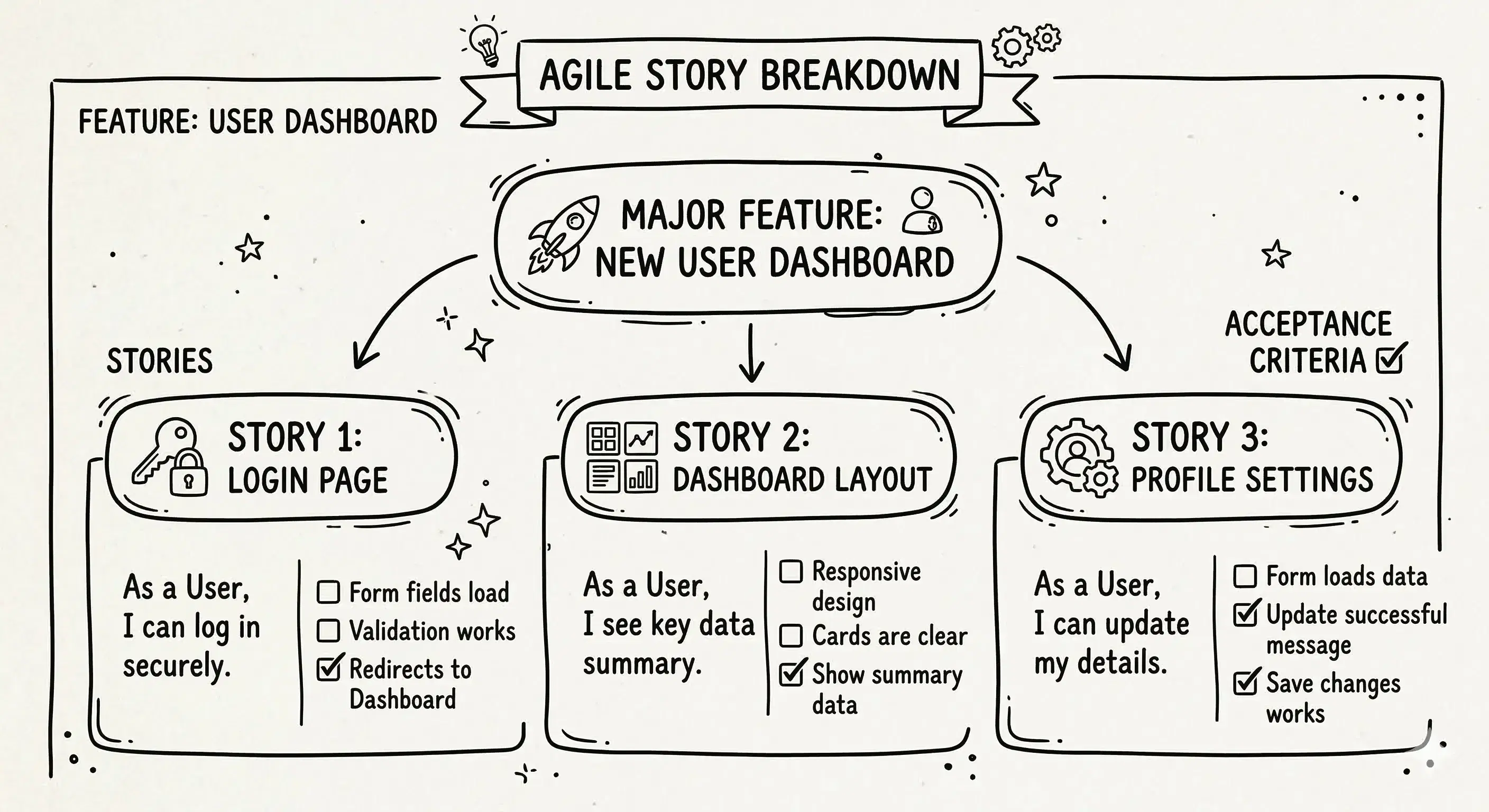
Story points are a simple way to measure the size of a user story. A user story is just a small piece of planned work, like adding export, fixing checkout, or improving notifications. The point number does not mean time by itself. It shows how big or hard the work feels compared with other work.
Teams use story points because exact time guesses are often wrong early on. Before work starts, it is hard to know every hidden detail. Story points are better for early planning because they leave room for uncertainty.
For example, two tasks may both take one day in the end. But one may be easy and familiar, while the other depends on a new service and unclear data. Story points help show that these are not the same kind of work.
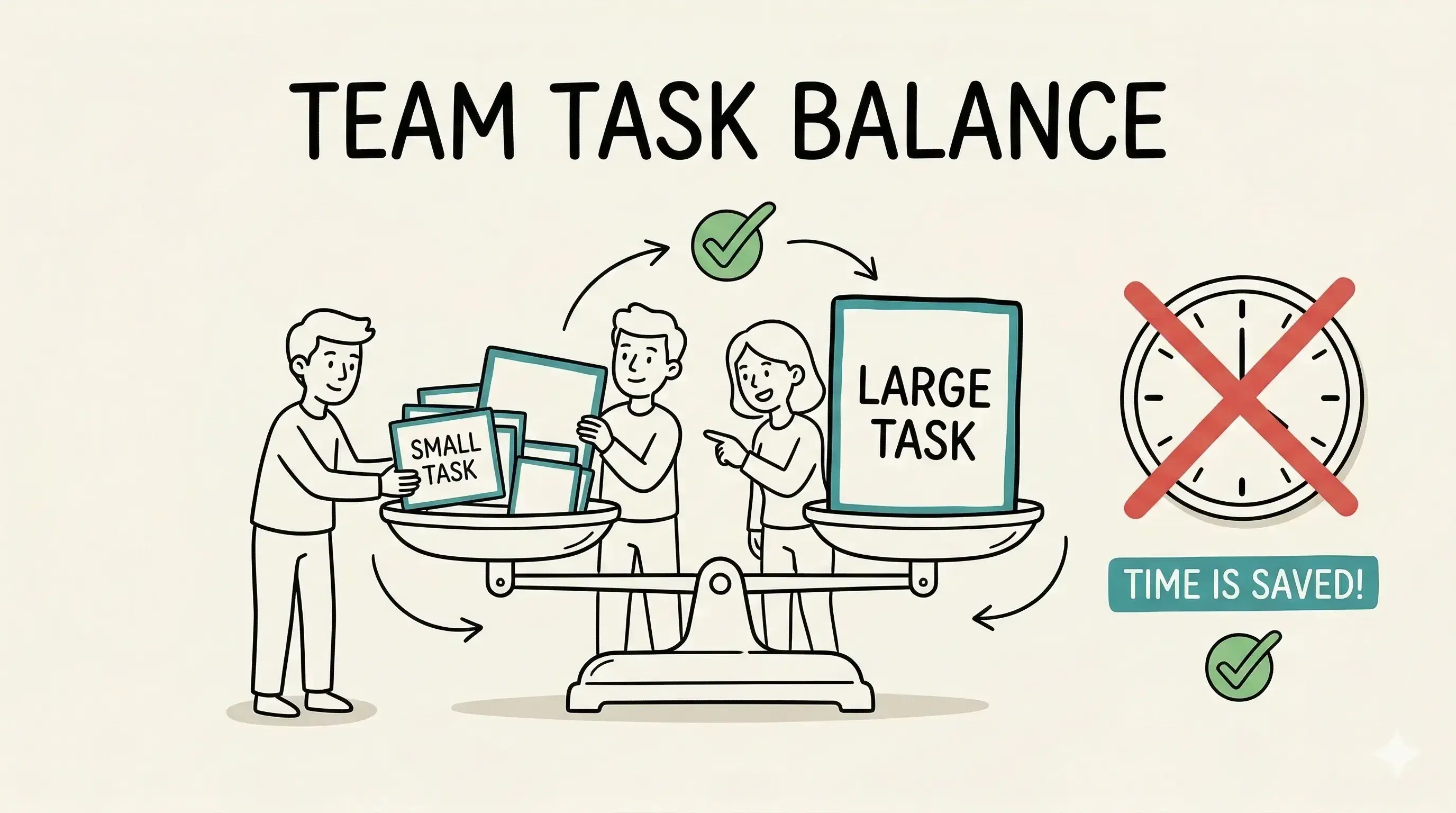
This matters because better estimates lead to better sprint plans. Teams can choose a reasonable amount of work instead of overloading the sprint based on false confidence.
| Amount of work | How much needs to be done | Add one simple settings field |
| Difficulty | How hard the work is | Change login logic |
| Risk | What may go wrong | Payment flow touches many systems |
| Uncertainty | How much is still unknown | New API with unclear behavior |
What is the difference between story points and hours?
Hours are a time unit. Story points are a size unit. That is the biggest difference. Hours try to answer how long something will take. Story points try to answer how big the work feels compared with other work.
That difference matters because teams do not know everything at the start of a sprint. If they force every estimate into hours too early, they often hide uncertainty instead of naming it. The plan may look neat, but it becomes fragile.
Think about a login change and a search filter change. Both might sound like half-day tasks. But the login change may carry more risk because it touches security rules, user sessions, and email recovery. Story points help the team show that difference before work starts.
Hours still matter for calendars, meetings, and capacity. But story points help with comparing task size. Teams can use both, as long as they do not pretend they mean the same thing.
How to give story points to a user story
Start with one reference task the team already understands. This could be a 2-point login text change or a 3-point export fix. New work gets compared against that known example.
Then check four things: amount of work, technical difficulty, risk, and uncertainty. A small task with many unknowns may deserve more points than a bigger task with very clear steps. This is why estimation is comparison, not math alone.
A simple example helps. Suppose one user story says add a forgot password link. Another says rebuild password reset with email rate limits and audit logs. The second one is larger because it touches more systems and has more ways to break. It should score higher even if both sound like login work.
Teams often use quick voting to estimate. One common method is Planning Poker, which is just a team voting game for estimates. Each person picks a number, then the team talks about why estimates differ. That discussion is often more useful than the number itself.
The goal is not perfect precision. The goal is shared understanding. When QA, engineering, and product all see the work the same way, the estimate becomes much more useful.
| Change button text on login | 1 | Small change, low risk |
| Add forgot password flow | 3 | More steps, more testing |
| Rebuild checkout coupon logic | 8 | Many cases, more uncertainty |
| Migrate payment provider | 13 | High risk, many moving parts |
Why do teams use 1, 2, 3, 5, 8, and 13 for story points?
Teams often use 1, 2, 3, 5, 8, and 13 because the gaps get wider as work gets bigger. That is helpful because large tasks are harder to predict. The bigger the task, the less useful fake precision becomes.
A team usually can tell the difference between 2 and 3 points. It is much harder to tell the difference between 11 and 12. The wider steps push people to think in rough size groups instead of arguing over tiny differences.
For example, a simple notification change may clearly be a 2. A larger checkout update may feel like a 5. A risky export rebuild with messy data may feel like an 8. The scale helps teams say that one task is clearly bigger without pretending to know exact time.
This matters because wide gaps keep estimation conversations short and practical. If a task feels bigger than 8 and still unclear, that is often a sign the work should be split into smaller parts before the sprint starts.
Why is turning 1 story point into hours a trap?
Turning 1 story point into a fixed number of hours sounds useful, but it creates a false rule. One team may finish a 3-point task in a few hours because the work is familiar. Another team may need much longer because the same task has more unknowns. The point value does not break. The fixed hour rule does.
This trap also changes team behavior. Once people hear that 1 point equals a set number of hours, they stop estimating relative size and start reverse-engineering time. The meeting becomes about defending hours instead of comparing real complexity.
A common failure looks like this: a team says 1 point equals 4 hours. Then a 2-point story takes 3 days because of hidden edge cases in checkout or notifications. The team now looks wrong even though the original problem was the hour rule, not the estimate idea.
Story points work best when teams compare work and learn from completed sprints over time. If leadership needs a calendar forecast, that should come from real team history, not a made-up point-to-hour formula.
Frequently Asked Questions
Should different teams use the same story point scale?
Usually, no. Story points work best inside one team because they depend on that team's shared experience. A 5 for one team may not mean the same thing for another team.
Trying to force every team into one scale often creates arguments instead of better planning. Cross-team planning is usually better when it compares outcomes, not identical point numbers.
What is Planning Poker, and does it still help with story points?
Planning Poker is a team voting game for estimates. People pick a point value in private, then reveal at the same time and discuss differences.
It still helps when the team needs shared understanding, not just a number. It is most useful when estimates are far apart and people need to explain hidden risks or missing details.
How do story points help a team see how much work it can finish?
Over time, a team learns how many story points it usually finishes in one sprint. That pattern is often called velocity, which means how much work the team usually gets done.
This helps with planning future sprints, but only when the team keeps the scale stable. It is a learning tool, not a target to chase.
What makes teams give bad story point estimates?
Bad estimates often come from unclear stories, hidden technical work, forced hour thinking, or pressure to make numbers look small. Teams also struggle when they estimate huge stories that should be split first.
A better estimate starts with a clear user story, a known baseline, and honest discussion about risk and uncertainty.
When should a team stop using story points?
A team may stop using story points if the system creates more argument than clarity. Some teams do better with very small uniform tasks or another planning method that fits their work style.
The test is simple: does the method help the team plan and learn? If not, it may be time to simplify or change the approach.
Quick recap and next step
Story points are for comparing work size, not for hiding hours inside a different label. They help teams talk honestly about effort, risk, and uncertainty before a sprint begins.
The strongest estimates come from shared team examples, simple scales like 1, 2, 3, 5, 8, and 13, and clear user stories that QA and engineering can both understand. When teams force point-to-hour rules, story points lose their real value.
The next time sprint planning starts, use one finished task as a baseline and compare new work against it. That keeps story points grounded in real team history instead of guesswork.
Used the right way, story points can make sprint planning calmer, clearer, and easier to trust.
Save this guide before the next estimation meeting
Use this article as a simple reference when story points start getting treated like hours.