Where do I find the Bookmark Manager menu?
You can find the Bookmark Manager menu in Chrome by opening the browser menu, selecting Bookmarks and lists, then choosing Bookmark Manager. This guide also covers shortcuts and what to do if you cannot find bookmark manager in Chrome.

How do I find a Manifest V3 compliant bookmark manager?
To find a Manifest V3 compliant bookmark manager, choose a Chrome extension that is updated for current Chrome policies, uses the latest extension architecture, and still delivers strong bookmark organization. This guide explains what to check and how to compare options.

How do I install a bookmark manager plugin in Chrome?
To install a bookmark manager plugin in Chrome, open the Chrome Web Store, add the extension, approve permissions, and pin it to your toolbar for fast access. This guide shows how to set up a Chrome bookmark manager extension and start organizing bookmarks quickly.

Where did the bookmark manager go in the new Chrome update?
Chrome did not remove bookmark management entirely, but newer updates changed where the old visual Bookmark Manager appears and replaced it with simpler built-in tools. Here is where it went, what changed, and how a Chrome bookmark manager extension can restore better organisation.

How do I find the bookmark manager on Chrome for Android?
Learn exactly where to find and manage bookmarks in Chrome for Android, plus how to improve organization using a Chrome bookmark manager extension.

What is the keyboard shortcut for the bookmark manager in Chrome?
Use the Chrome bookmark manager shortcut to open and organize bookmarks faster, plus learn how a Chrome bookmark manager extension improves workflow.

What is a better alternative to the default Chrome bookmark manager?
A better alternative to the default Chrome bookmark manager is a dedicated extension that improves search, organisation, and retrieval speed. This guide compares options and explains why Sortsites is a strong choice for busy Chrome users.

What is the best Chrome bookmark manager extension?
The best Chrome bookmark manager extension for most users who need cleaner workflows and faster retrieval is one that combines folders, search, tagging, and quick access inside Chrome. This guide compares options and explains why Sortsites is a strong fit.

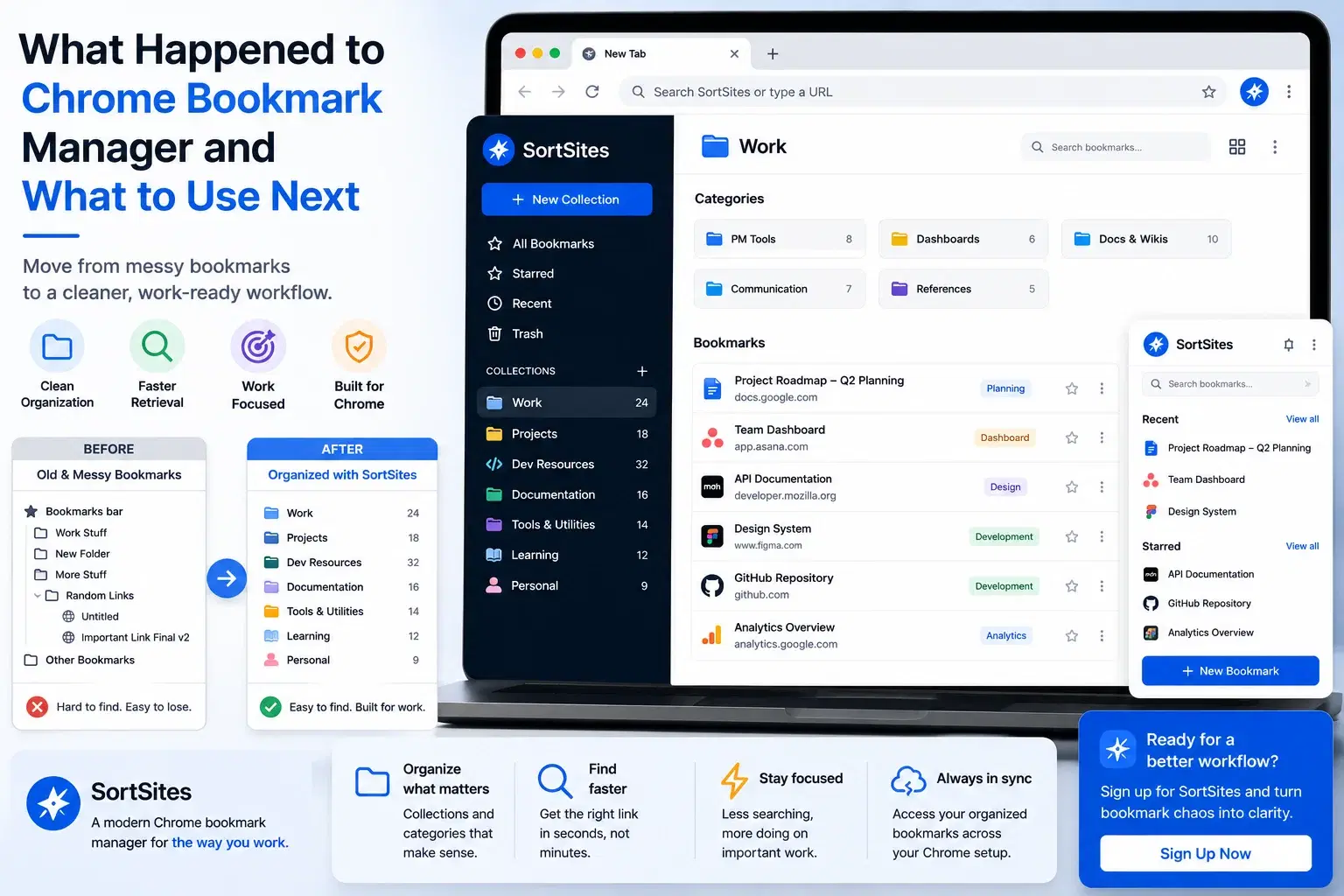
What Happened to Chrome Bookmark Manager? A Better Way to Organize Now
Understand old Chrome bookmark manager searches, why restoring older workflows is not the best long-term answer, and how SortSites gives Chrome users a cleaner bookmark organization path.

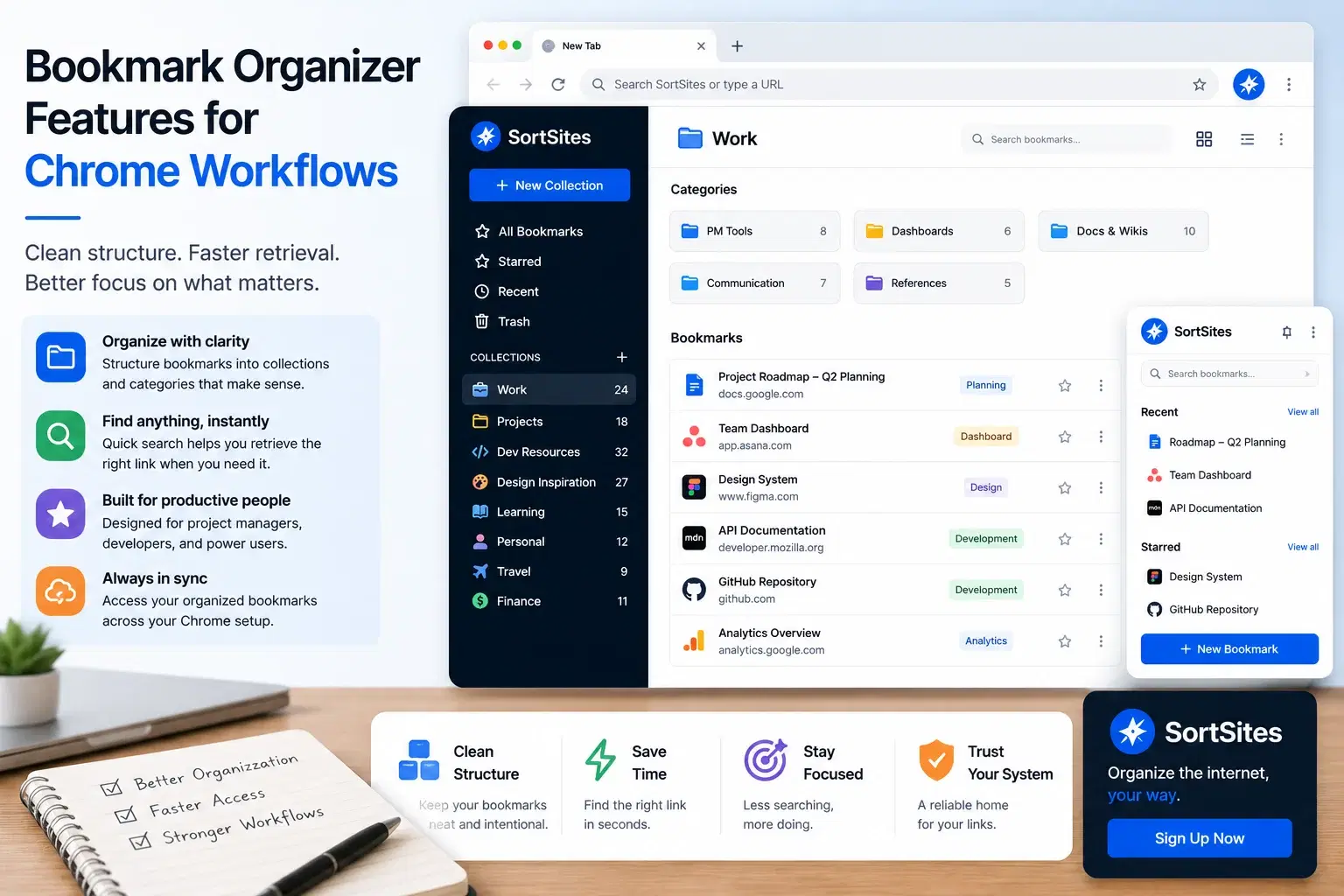
Bookmark Organizer Features for Chrome Workflows
See how SortSites works as a Chrome bookmark organizer with Collections, Categories, and Bookmarks for cleaner access and faster retrieval.

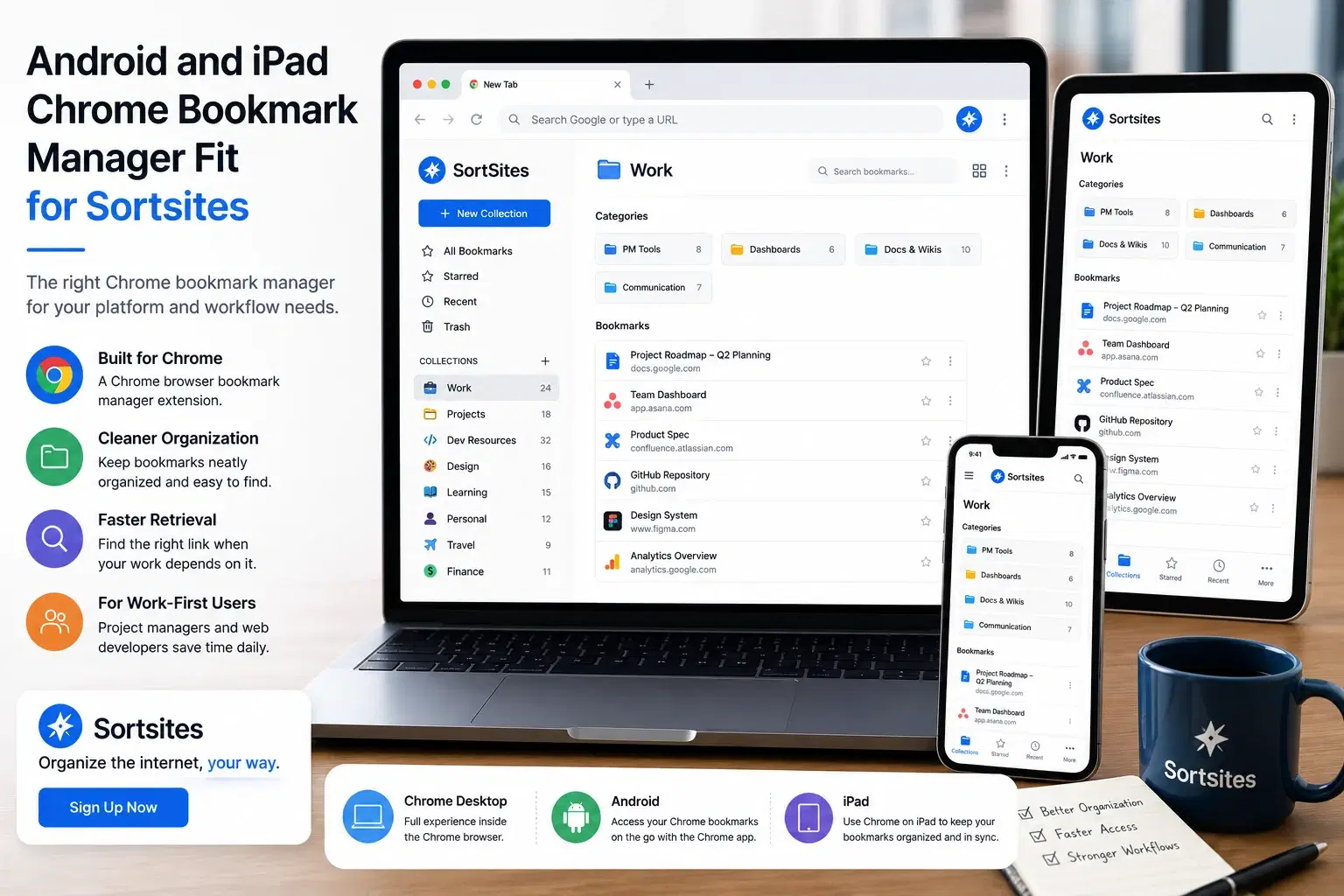
Chrome Bookmark Manager for Android and iPad: What SortSites Supports
Understand how SortSites fits Chrome bookmark manager needs across desktop Chrome, Android Chrome searches, and iPad Chrome searches without confusing extension access with mobile browser behavior.

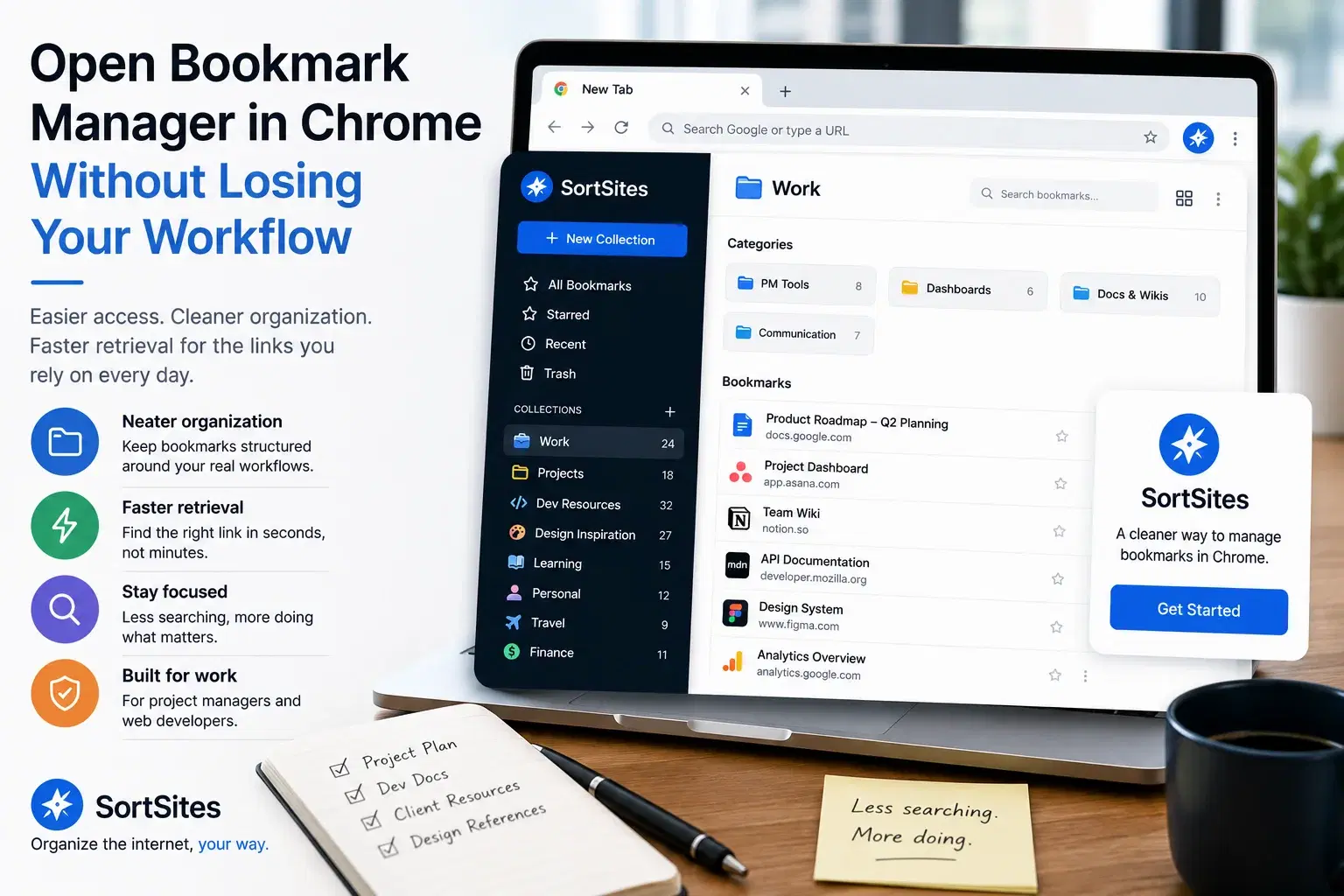
Cannot Find Bookmark Manager in Chrome? Use SortSites for Easier Access
Use SortSites when you want easier Chrome bookmark access through a cleaner New Tab dashboard and a simple Collections, Categories, and Bookmarks structure.

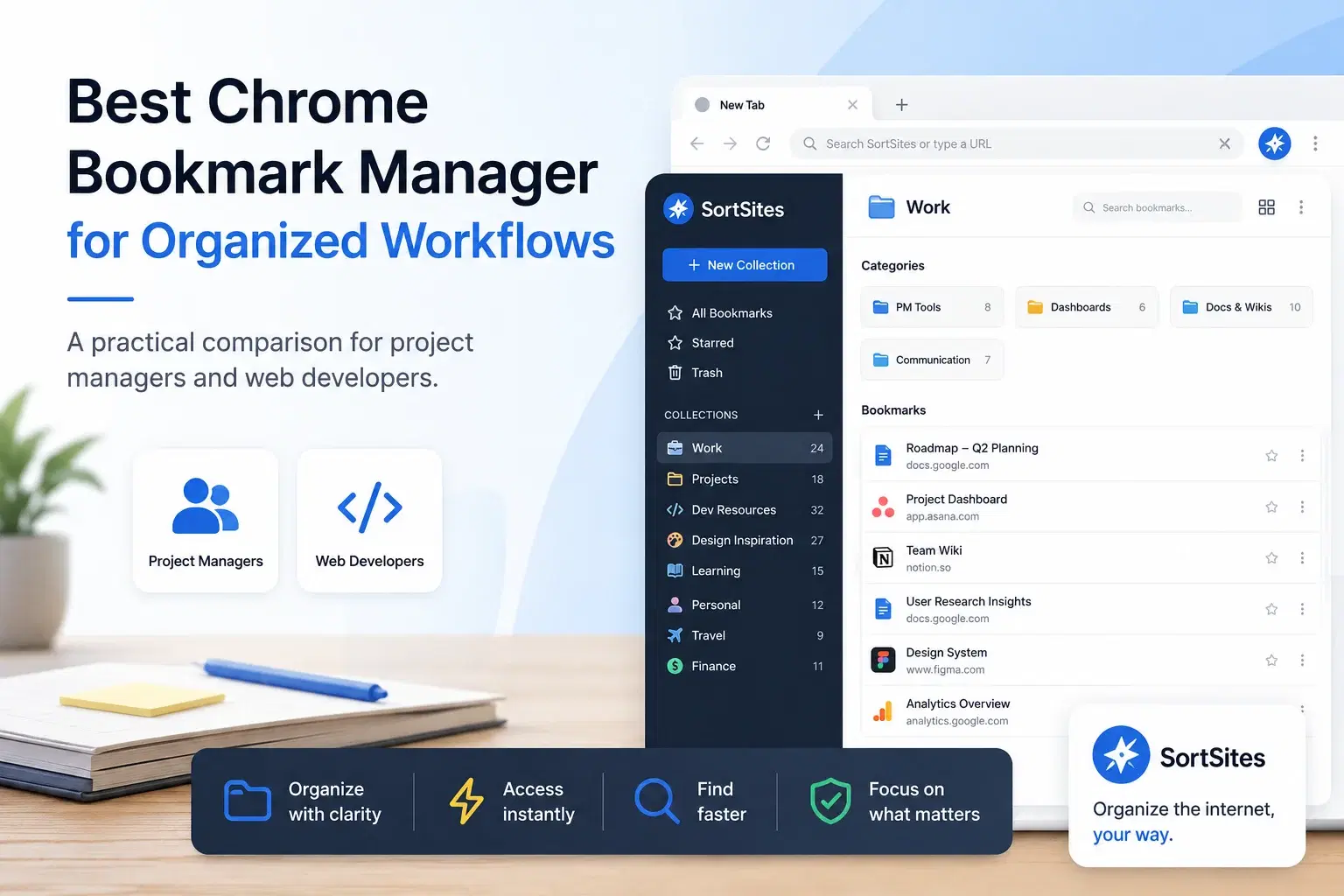
Best Chrome Bookmark Manager for Comparing Your Options
Compare what makes a better bookmark manager for Chrome and see where SortSites fits when you want cleaner organization, faster retrieval, and a New Tab dashboard.

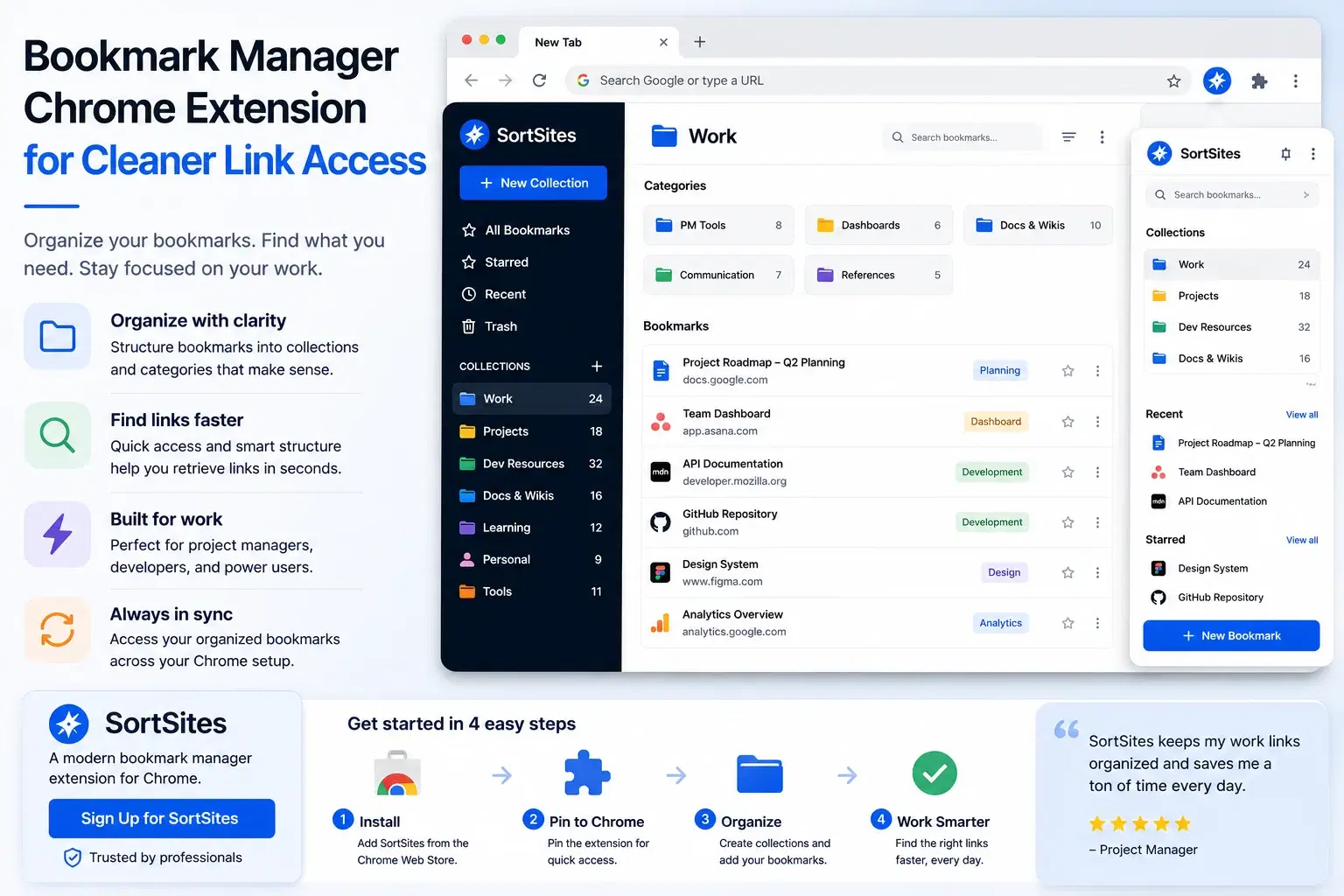
Bookmark Manager Chrome Extension for Fast Installation and Access
Install SortSites as a Chrome bookmark manager extension and turn your New Tab into a cleaner way to access collections, categories, and bookmarks.