Cannot Find Bookmark Manager in Chrome? Use SortSites for Easier Access
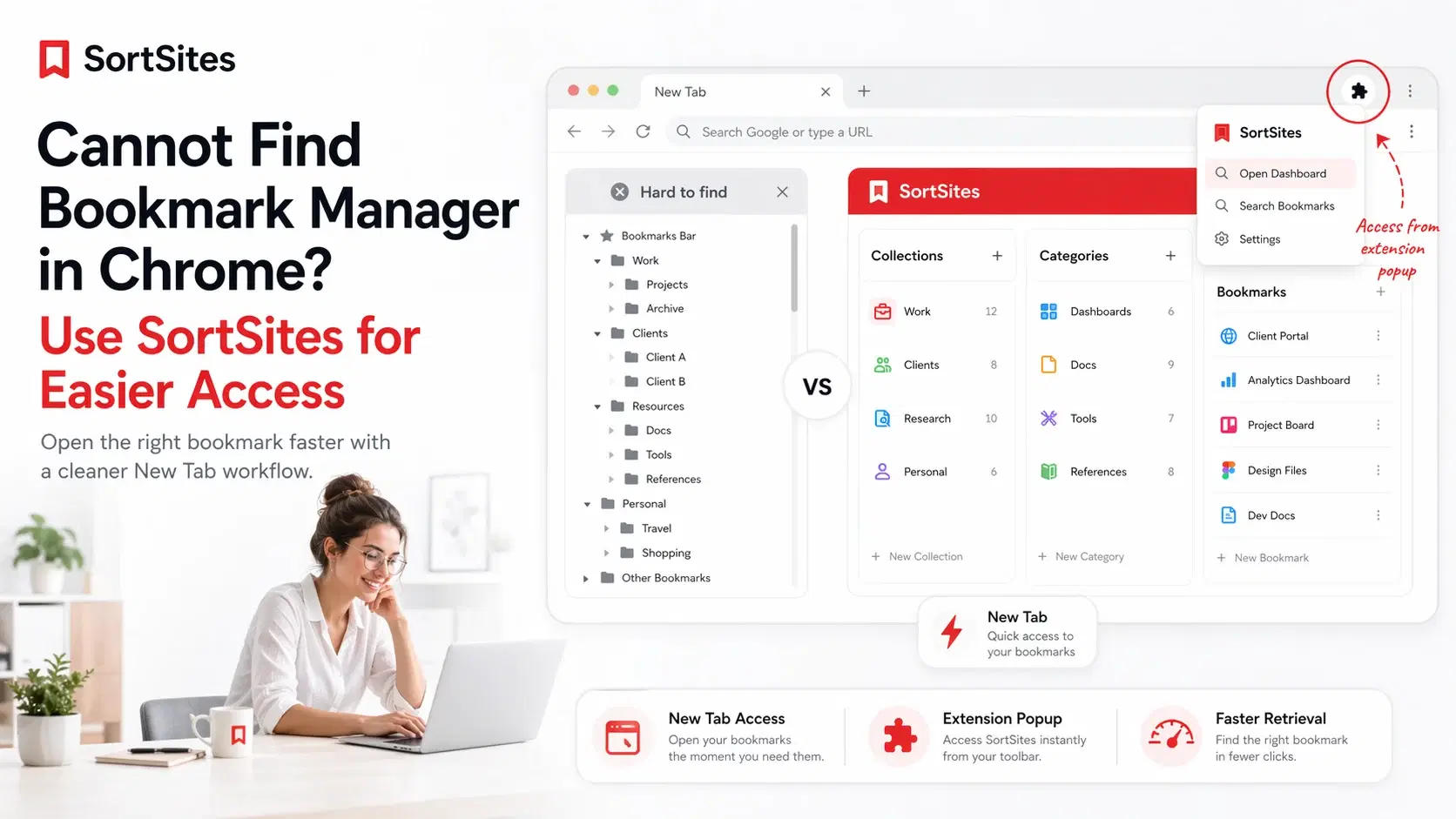
SortSites is a Chrome bookmark manager extension that makes bookmark access easier when you cannot find bookmark manager in Chrome fast enough during work.
This page is for you if your real problem is not saving links. Your real problem is opening the right bookmark manager, finding the right saved page, and getting back to work without digging through messy folders.
For the broader product overview, use the main Chrome bookmark manager page to see how SortSites organizes your internet around Collections, Categories, and Bookmarks.
Open bookmark manager access without slowing down
When people search open bookmark manager Chrome, they are usually trying to solve an access problem. They know the link was saved somewhere, but the path back to it feels slower than it should.
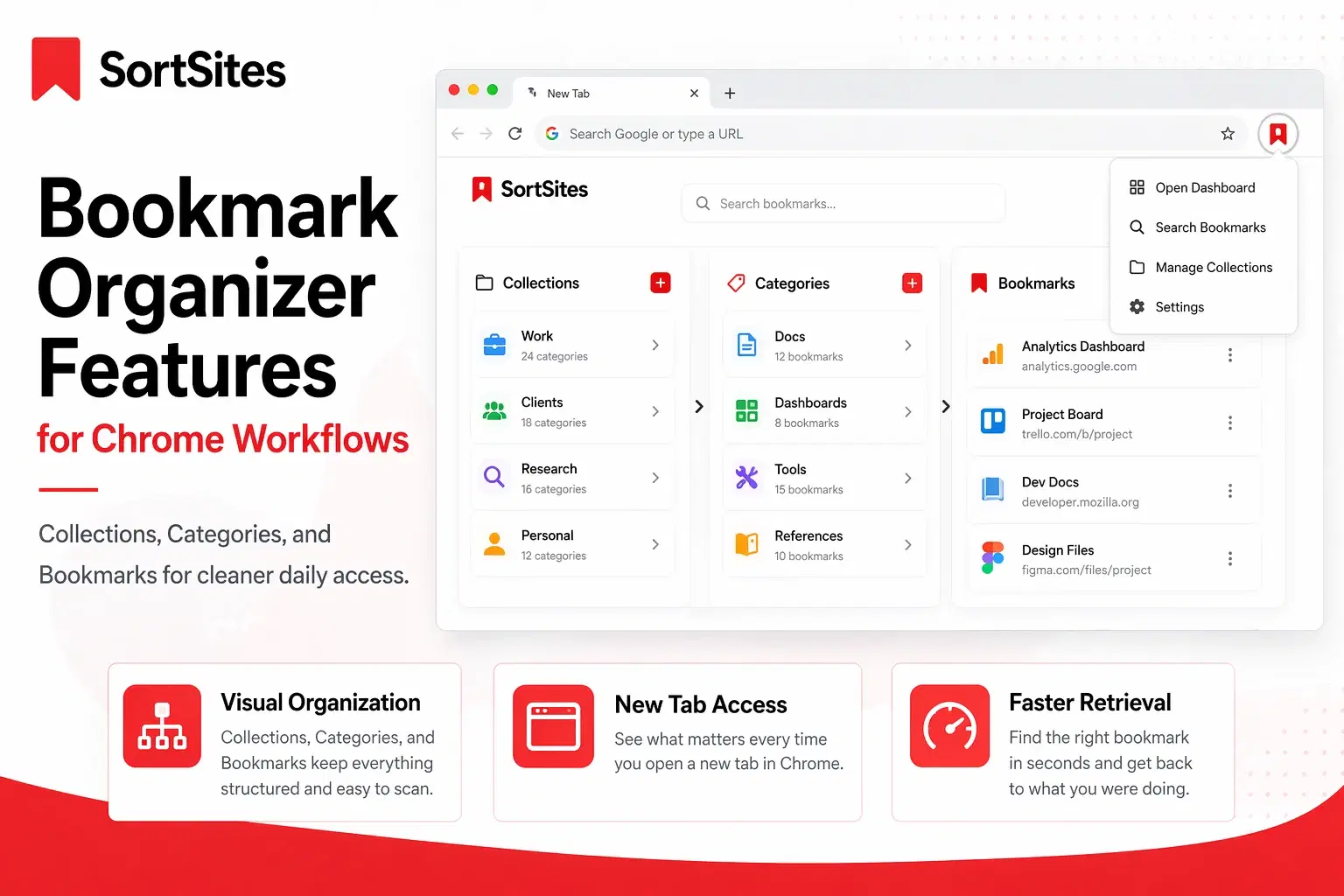
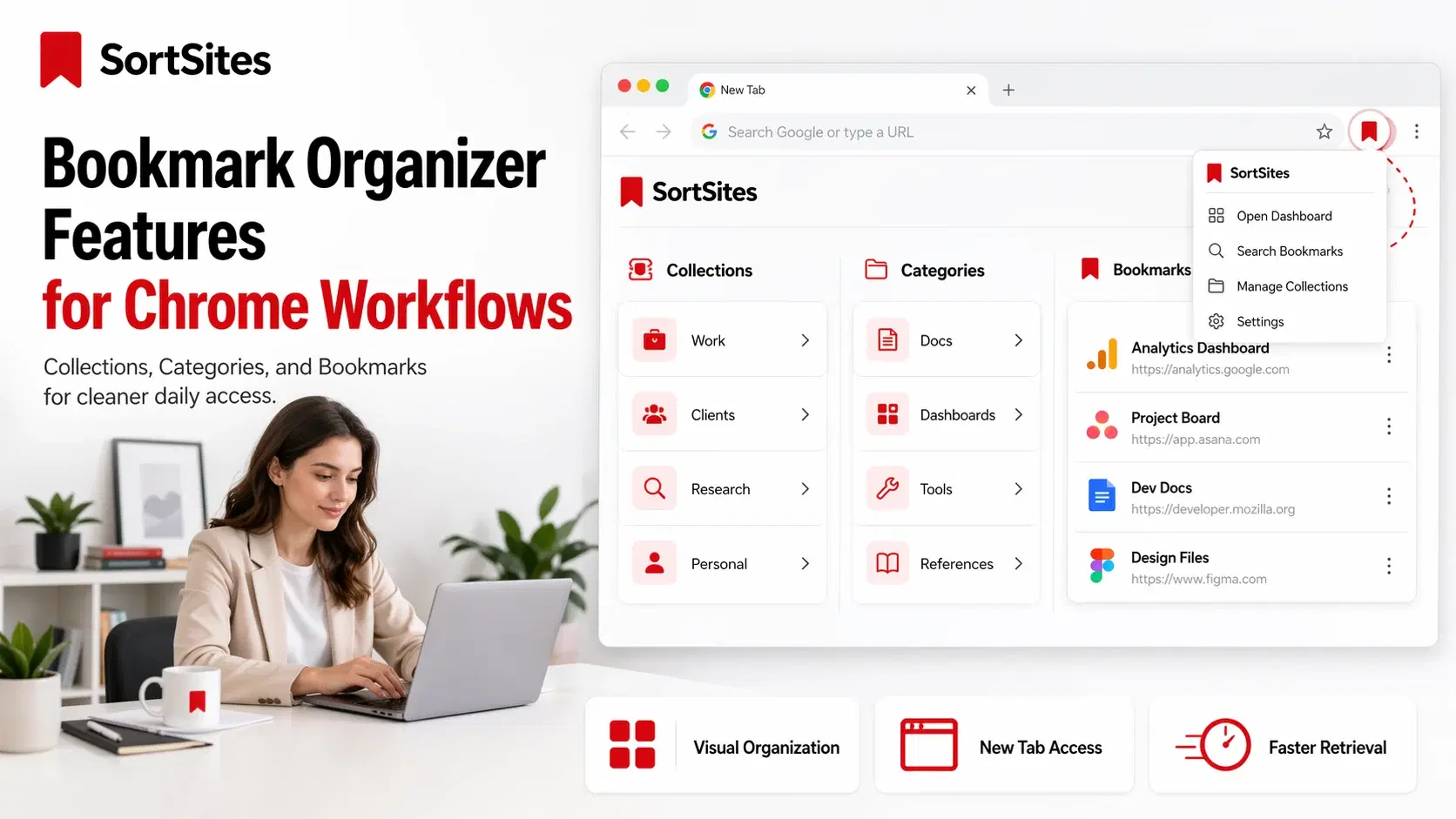
SortSites solves that problem by giving your saved links a clearer structure inside the Chrome browsing flow. Collections separate major areas of work, Categories group related links, and Bookmarks keep the exact pages where they belong.

- Use Collections for big areas like client work, development, research, tools, or personal planning.
- Use Categories to keep each collection easy to scan.
- Use Bookmarks for the exact pages you need to return to.
- Use the New Tab dashboard when you want your saved links visible as soon as you open a new tab.
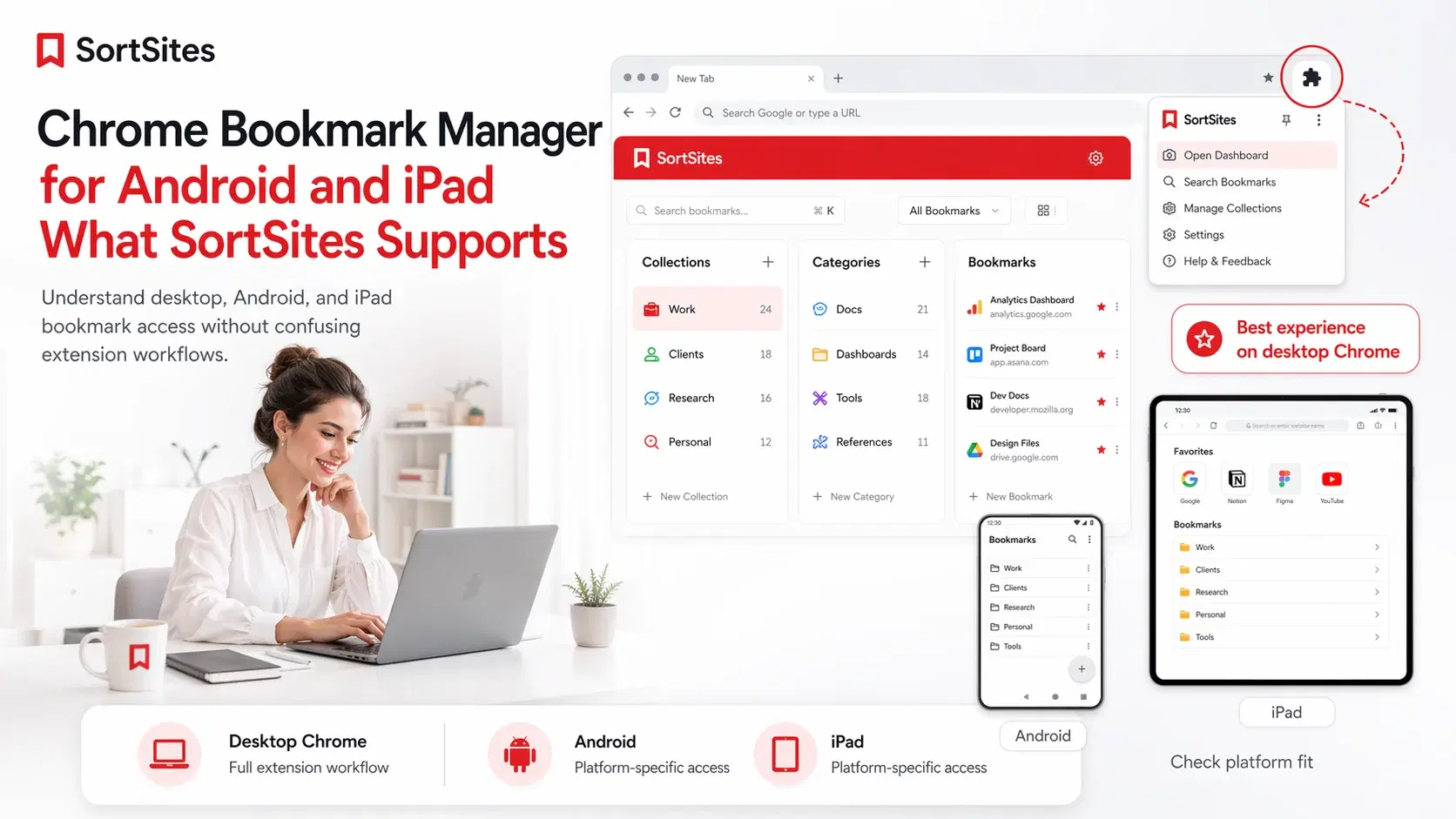
- Use the extension popup when you need access while staying on your current page.
Google Chrome keyboard shortcut documentation lists Ctrl + Shift + O as the shortcut to open the Bookmark Manager, which confirms that Chrome has a built-in access path even if it is not always obvious to users.
Why built-in bookmark access can feel hidden
Chrome’s built-in bookmark manager works for basic saving, but it is not always the fastest place to work from. If your bookmarks sit inside old folders, mixed topics, and half-remembered names, opening the manager is only the first step. You still have to find the right page.
That is where SortSites is different. It is built around retrieval, not just storage. You open Chrome, see your organized structure, and move to the page you need with less searching.
Use SortSites when bookmarks are part of your workflow
SortSites is a strong fit if you manage links for projects, websites, dashboards, docs, design references, development tools, research, or recurring tasks. These are not random saved pages. They are working links you need again and again.
A project manager can keep each client or initiative in its own Collection. A web developer can keep docs, repos, staging links, analytics, and tools in separate Categories. The goal is simple: open the browser and reach the right work faster.
Chrome Web Store help explains that installed extensions can be used from the icon to the right of the address bar, so extension access can give users another path beyond Chrome’s built-in bookmark screens.
Start free and upgrade only when you need more room
You can start with the Free plan and organize up to 5 Collections, 5 Categories per Collection, and 50 Bookmarks total. Pro is $3 per month and gives you unlimited collections, categories, and bookmarks.
Upgrade prompts only appear when you try to create the 6th Collection, create the 6th Category inside a Collection, or add the 51st Bookmark. If you downgrade later, SortSites does not delete your content. Anything beyond the Free limits becomes locked view-only until you upgrade again or reduce usage under the Free limits.
Commonly asked questions
Why cannot I find bookmark manager in Chrome quickly?
Chrome has built-in bookmark access, but it can feel hidden if you do not use the shortcut, menu path, or bookmarks bar often. SortSites gives you a clearer Chrome-based bookmark dashboard for daily retrieval.
How do I open bookmark manager Chrome access with SortSites?
Use SortSites as your Chrome bookmark manager extension. It gives you New Tab dashboard access and extension popup access so your organized bookmarks are easier to reach during work.
Is SortSites replacing Chrome bookmarks?
SortSites is designed to improve bookmark organization and access through its own Collections, Categories, and Bookmarks structure. It is for users who want a cleaner workflow than basic folder browsing.
Who is this access page for?
It is for Chrome users, project managers, web developers, and workflow-heavy users who save important links but waste time finding them again.
Use SortSites when Chrome bookmark access feels messy
Sign up to organize your saved links into Collections, Categories, and Bookmarks so your important pages are easier to open when you need them.