What Happened to Chrome Bookmark Manager? A Better Way to Organize Now
SortSites is a Chrome bookmark manager extension for users asking what happened to Chrome bookmark manager and wanting a cleaner way to organize bookmarks now.
This page is for you if you searched for a new Chrome bookmark manager because the built-in bookmark experience no longer feels clear enough for your work.
For the broader product overview, use the main Chrome bookmark manager page to see how SortSites organizes your internet around Collections, Categories, and Bookmarks.
Do not build your workflow around old Chrome behavior
If you are trying to restore an old Chrome bookmark manager layout, the bigger issue is usually not nostalgia. It is that your current bookmark workflow feels harder to use than it should.
Older Chrome bookmark manager searches are useful because they show a real pain point: people do not just want to save links. They want a familiar, fast, predictable place to find them again.
Google’s current Chrome help shows the supported path for creating, finding, editing, moving, sorting, importing, and exporting bookmarks through Chrome’s present bookmark tools, which is the safer baseline than relying on old interface workarounds.
Use SortSites when the new bookmark manager still feels messy
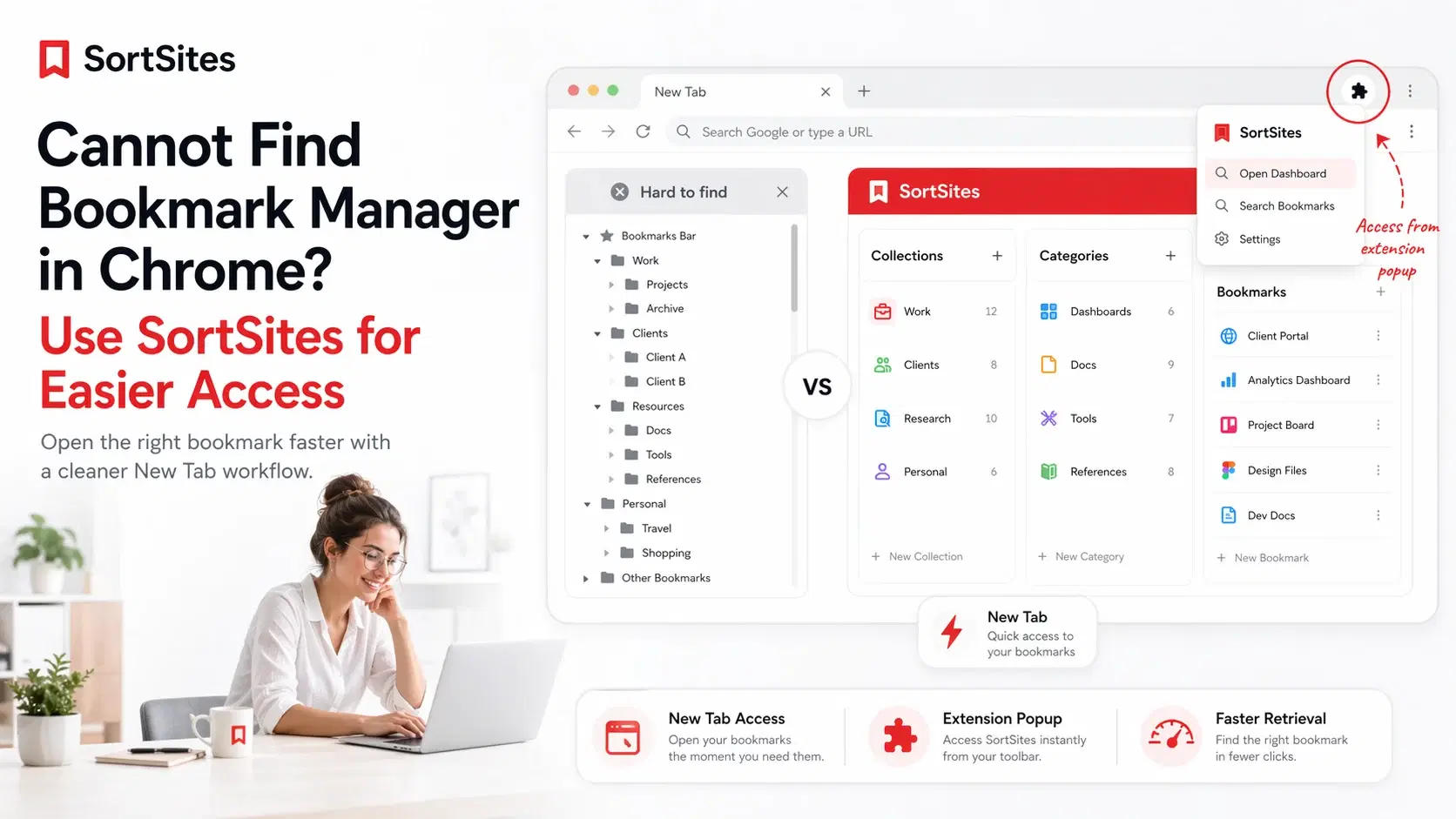
The built-in Chrome bookmark manager can still work for basic folders. But if you manage projects, clients, research, tools, dashboards, docs, and repeat workflows, folders alone can become slow to scan.
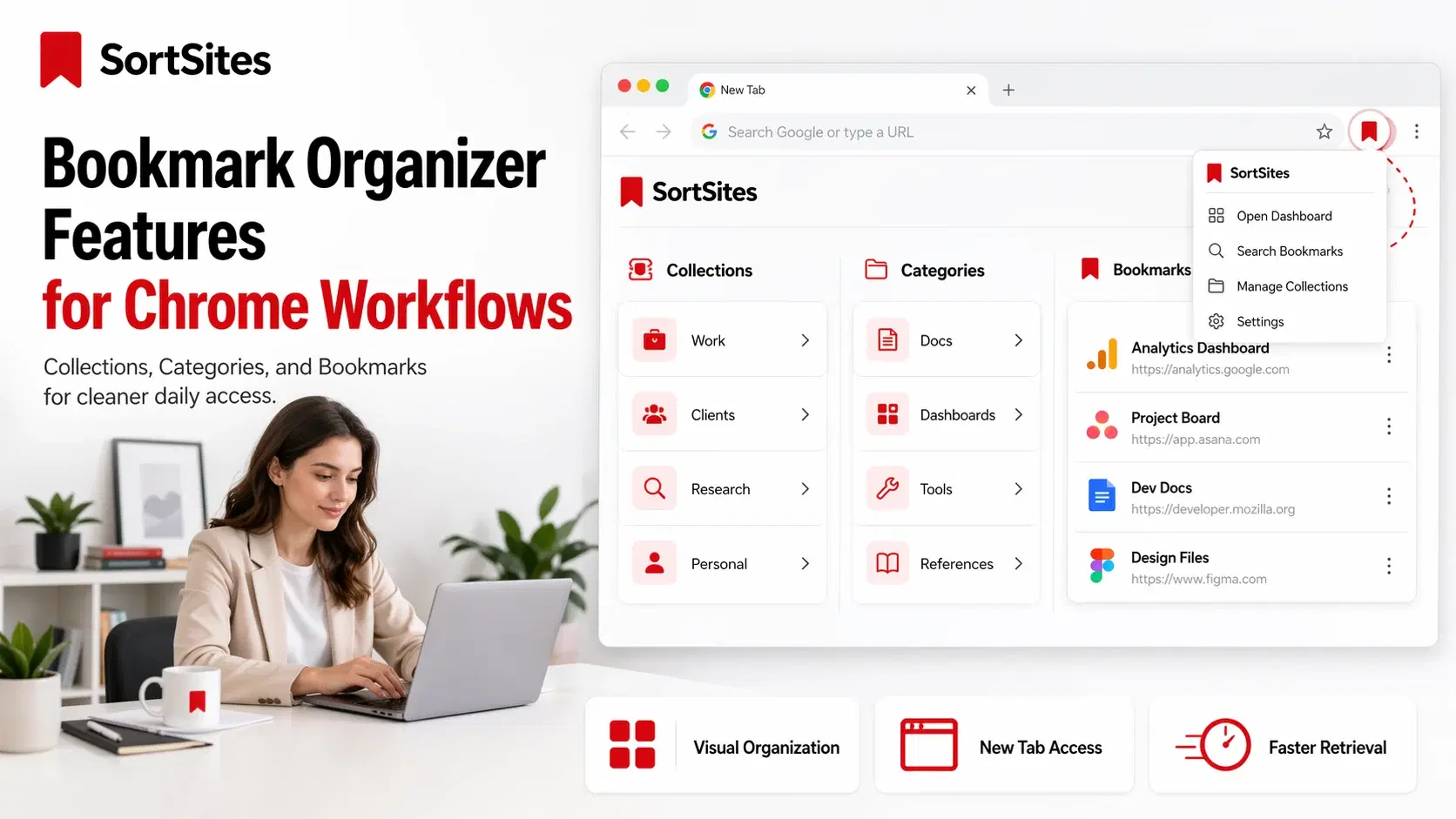
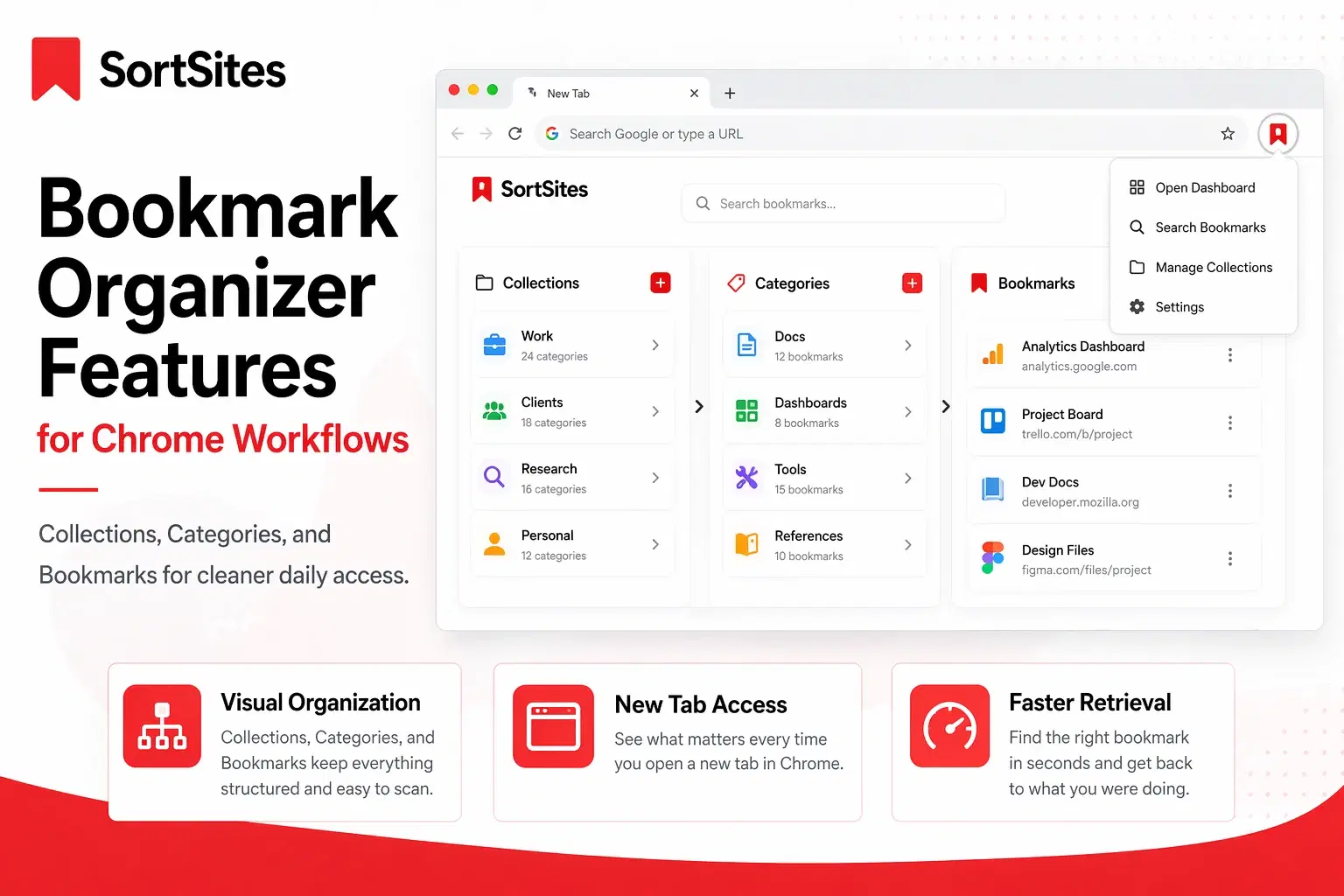
SortSites gives you a clearer structure. Collections separate major areas of work. Categories group related links inside each collection. Bookmarks hold the exact pages you need to return to.

- Use Collections for clients, projects, tools, research areas, or personal workflows.
- Use Categories to keep each collection organized and easier to scan.
- Use Bookmarks for the exact pages you need again.
- Use the New Tab dashboard when you want your bookmark system visible as soon as browsing starts.
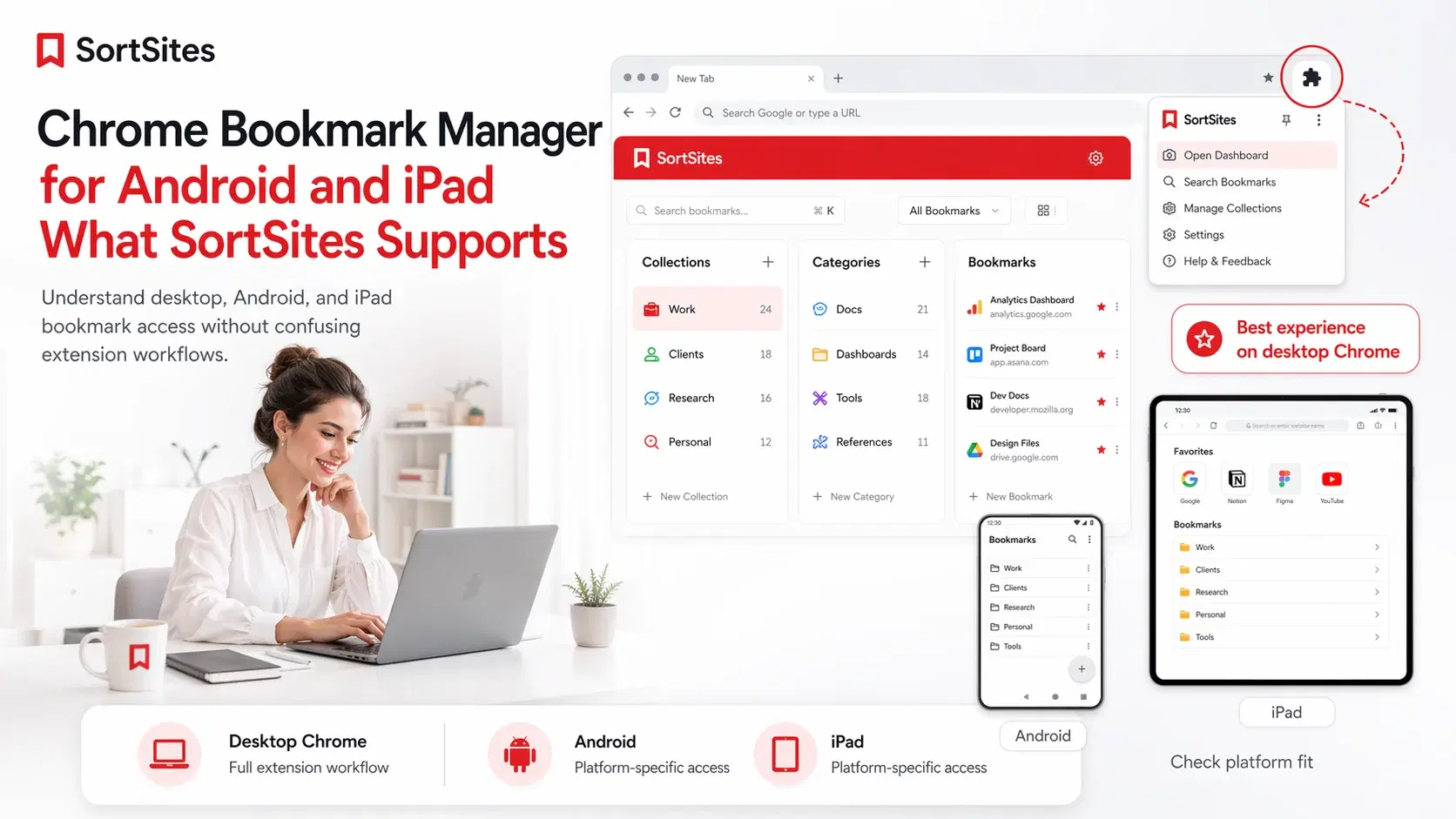
- Use the extension popup when you need access while staying on your current page.
Chrome’s extension documentation says extensions can use the bookmarks API to create, organize, and otherwise manipulate bookmarks, and it also points to override pages for creating a custom Bookmark Manager page.
Move forward instead of restoring the old bookmark manager
Searches like old bookmark manager Chrome 2017 and old bookmark manager Chrome 2018 usually come from users who want the old feeling of control back. SortSites answers that need by giving your bookmarks a clearer operating system instead of asking you to chase an old interface.
For a project manager, that can mean one Collection for each client or initiative. For a web developer, that can mean separate Categories for docs, repos, staging links, analytics, hosting, and testing tools.
Start free and upgrade only when your bookmark system grows
You can start with the Free plan and organize up to 5 Collections, 5 Categories per Collection, and 50 Bookmarks total. Pro is $3 per month and gives you unlimited collections, categories, and bookmarks.
Upgrade prompts only appear when you try to create the 6th Collection, create the 6th Category inside a Collection, or add the 51st Bookmark. SortSites also includes a 7-day money-back guarantee for Pro.
If you downgrade later, SortSites does not delete your content. Anything beyond the Free limits becomes locked view-only until you upgrade again or reduce usage under the Free limits.
What happened to Chrome bookmark manager?
Chrome still has built-in bookmark tools, but users often search this because the current experience does not feel as easy or familiar as they want. SortSites gives you a separate Chrome extension workflow for cleaner organization.
Commonly asked questions
Can I restore old bookmark manager Chrome behavior?
You should not build your main workflow around trying to restore old Chrome interface behavior. A better long-term path is to use a current bookmark organization system that fits how you work today.
Is SortSites a new Chrome bookmark manager?
Yes. SortSites is a Chrome bookmark manager extension built around Collections, Categories, and Bookmarks for users who want cleaner bookmark access and retrieval.
Who is this legacy page for?
It is for Chrome users who searched for old Chrome bookmark manager versions, old layouts, or restore options because their current bookmark workflow feels slow or messy.
Use SortSites instead of chasing old bookmark manager layouts
Sign up to organize your Chrome bookmarks into Collections, Categories, and Bookmarks so your saved links are easier to find today.