Bookmark Manager Chrome Extension for Fast Installation and Access
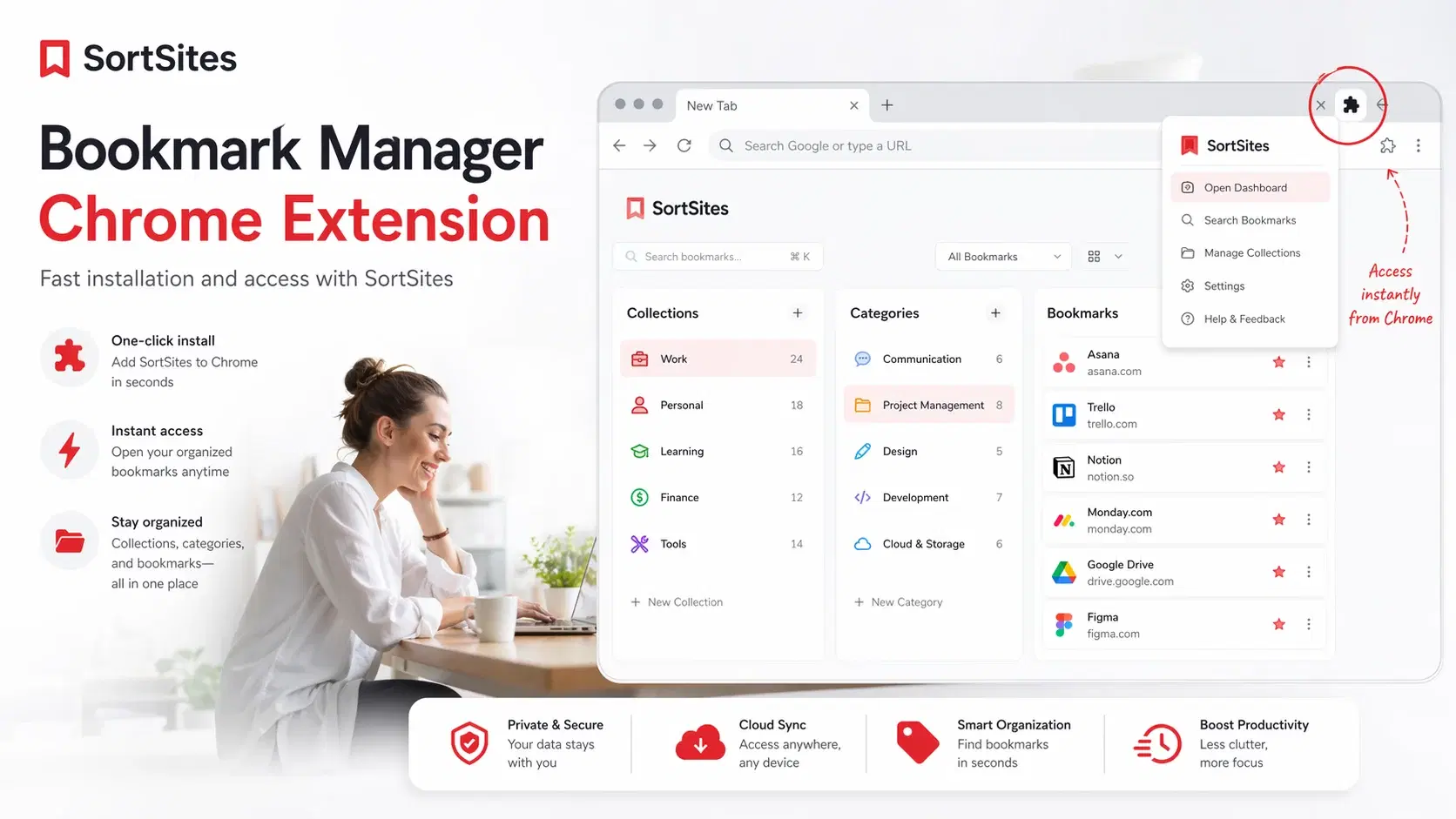
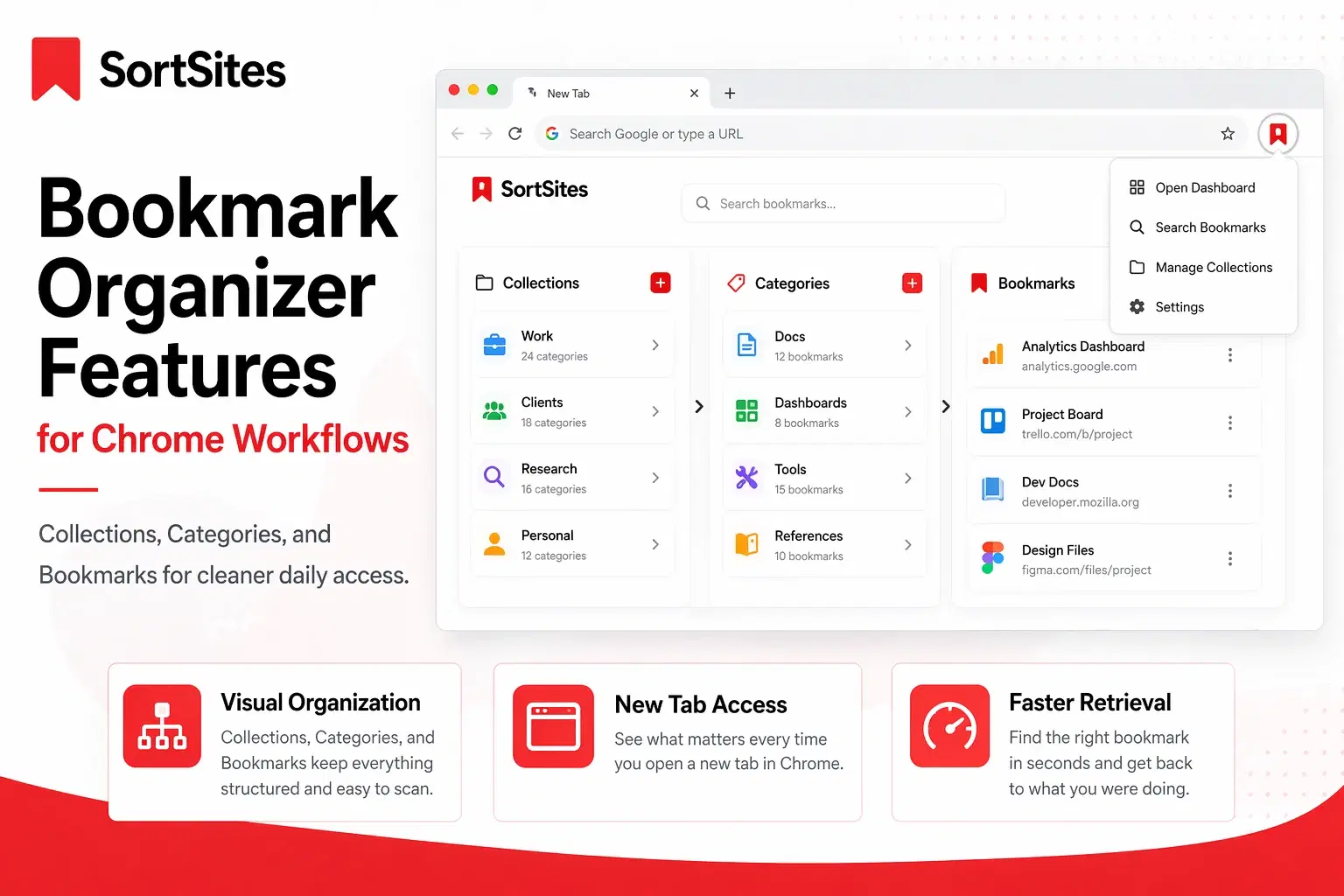
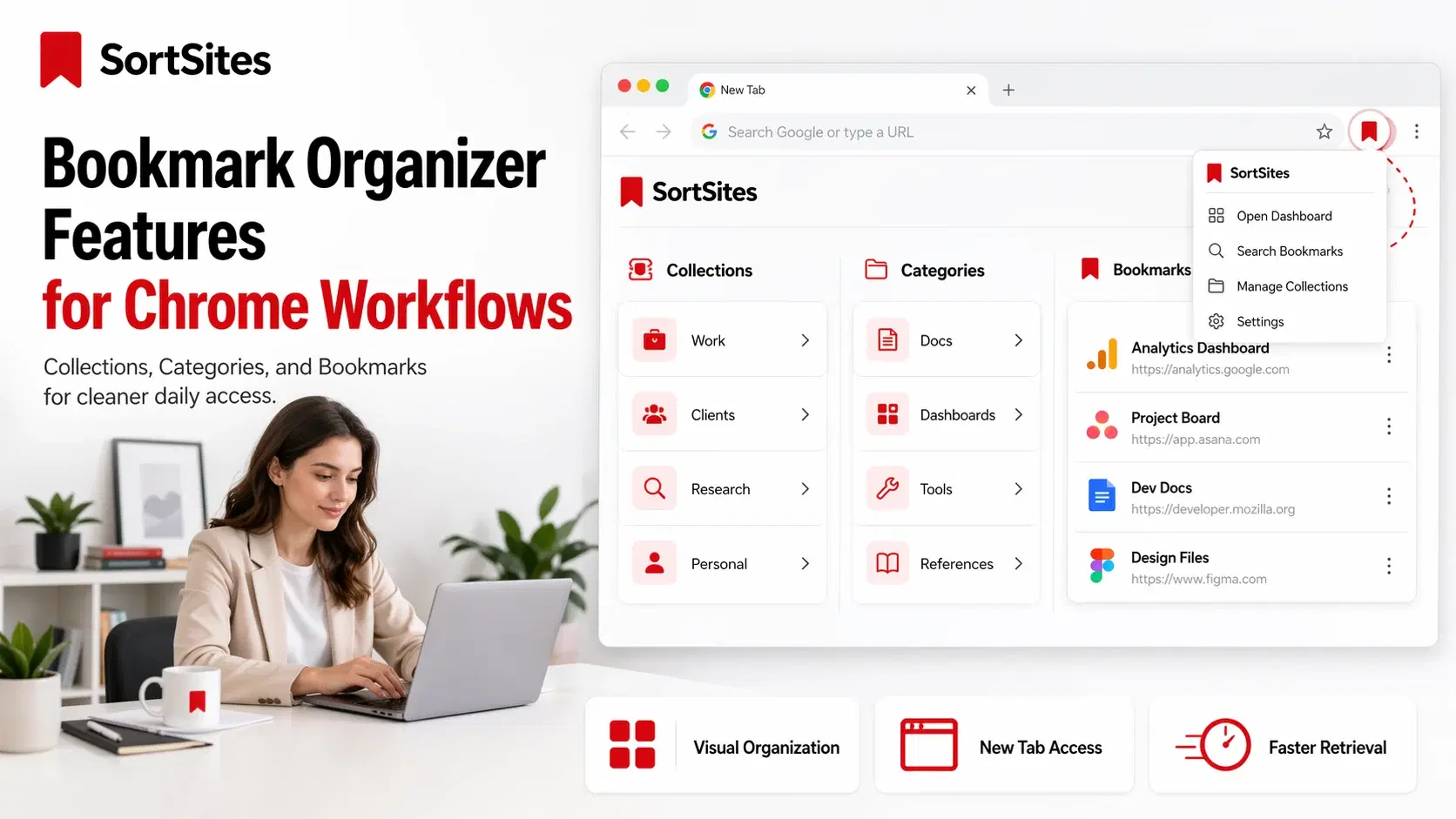
SortSites is a bookmark manager Chrome extension that gives you a cleaner New Tab dashboard for organizing bookmarks into collections and categories.
This page is for you if you are looking for a bookmark manager extension Chrome users can install quickly, access inside the browser, and use as part of a daily workflow without opening a separate tool every time.
For the broader product overview, use the main Chrome bookmark manager page to understand how SortSites organizes your internet around Collections, Categories, and Bookmarks.
Install the bookmark manager extension in Chrome
If you are searching for a Chrome bookmark manager download, the decision is simple: you want a Google Chrome extension bookmark manager that can live where your browsing already happens.
SortSites is built around Chrome access. After installation, your bookmark app for Chrome becomes part of the browser experience instead of another tab, spreadsheet, or notes file you have to remember to open.
Chrome extensions are installed and managed through Chrome and the Chrome Web Store, including extension details, permissions, removal, and management controls.
Access your bookmarks from the New Tab dashboard
SortSites is not just a basic bookmarks app. It gives you a dashboard structure for quick retrieval, so your saved links are easier to find when you are switching between projects, research, client work, or development tasks.
- Collections keep big areas of work separate.
- Categories keep each collection clean and scannable.
- Bookmarks sit inside the right category so you can return to them faster.
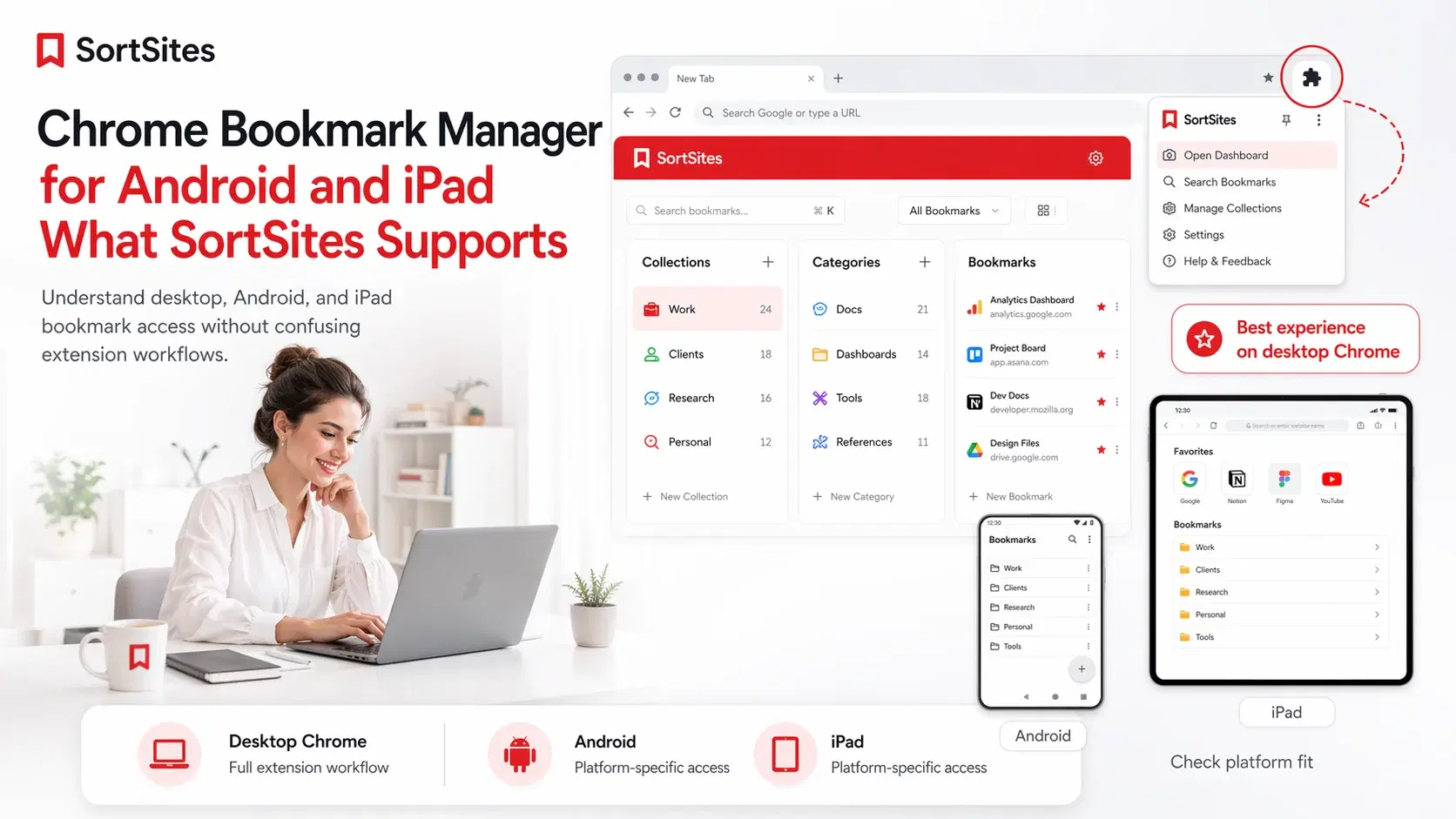
- The extension popup gives you another access point when you need the tool without changing your current page.

Chrome extension documentation confirms that extensions can replace certain Chrome pages, including the New Tab page, which is why a New Tab bookmark manager can become part of the browsing flow.
Choose SortSites when you want organization, not just saving
A normal bookmark manager app can help you save links. SortSites is for the next step: turning saved links into a system you can actually use every day.
That matters if you manage tasks across projects, tools, documents, dashboards, references, and client or team workflows. You do not need more saved links. You need cleaner access to the right link at the right time.
Start free and upgrade only when your system grows
You can start with the Free plan and organize up to 5 Collections, 5 Categories per Collection, and 50 Bookmarks total. Pro is $3 per month and gives you unlimited collections, categories, and bookmarks.
Upgrade prompts only matter when you try to create the 6th Collection, create the 6th Category inside a Collection, or add the 51st Bookmark. If you downgrade later, SortSites does not delete your content. Anything beyond the Free limits becomes locked view-only until you upgrade again or reduce usage under the Free limits.
Commonly asked questions
Is SortSites a Google Chrome bookmark manager extension?
Yes. SortSites is a Google Chrome bookmark manager extension built to organize bookmarks through a Chrome-based New Tab dashboard and extension access.
Where do I download bookmark manager Chrome access from?
Use the SortSites signup or parent Chrome bookmark manager page to begin. From there, follow the install path for the Chrome extension.
Is this only for project managers and web developers?
No. SortSites is especially useful for project managers and web developers, but any Chrome user who wants cleaner bookmark organization can use it.
Is SortSites just another bookmark app?
No. It is a bookmark manager extension designed around Collections, Categories, and Bookmarks so your saved links are easier to retrieve and manage.
Can I download Chrome bookmark manager access and use it instantly?
Yes. SortSites is designed for fast signup and browser-based access, so you can start organizing your bookmarks without a long setup process.
Install SortSites and organize your Chrome bookmarks
Sign up to use a bookmark manager extension built for clean access, faster retrieval, and a better New Tab workflow.