Best Chrome Bookmark Manager for Comparing Your Options
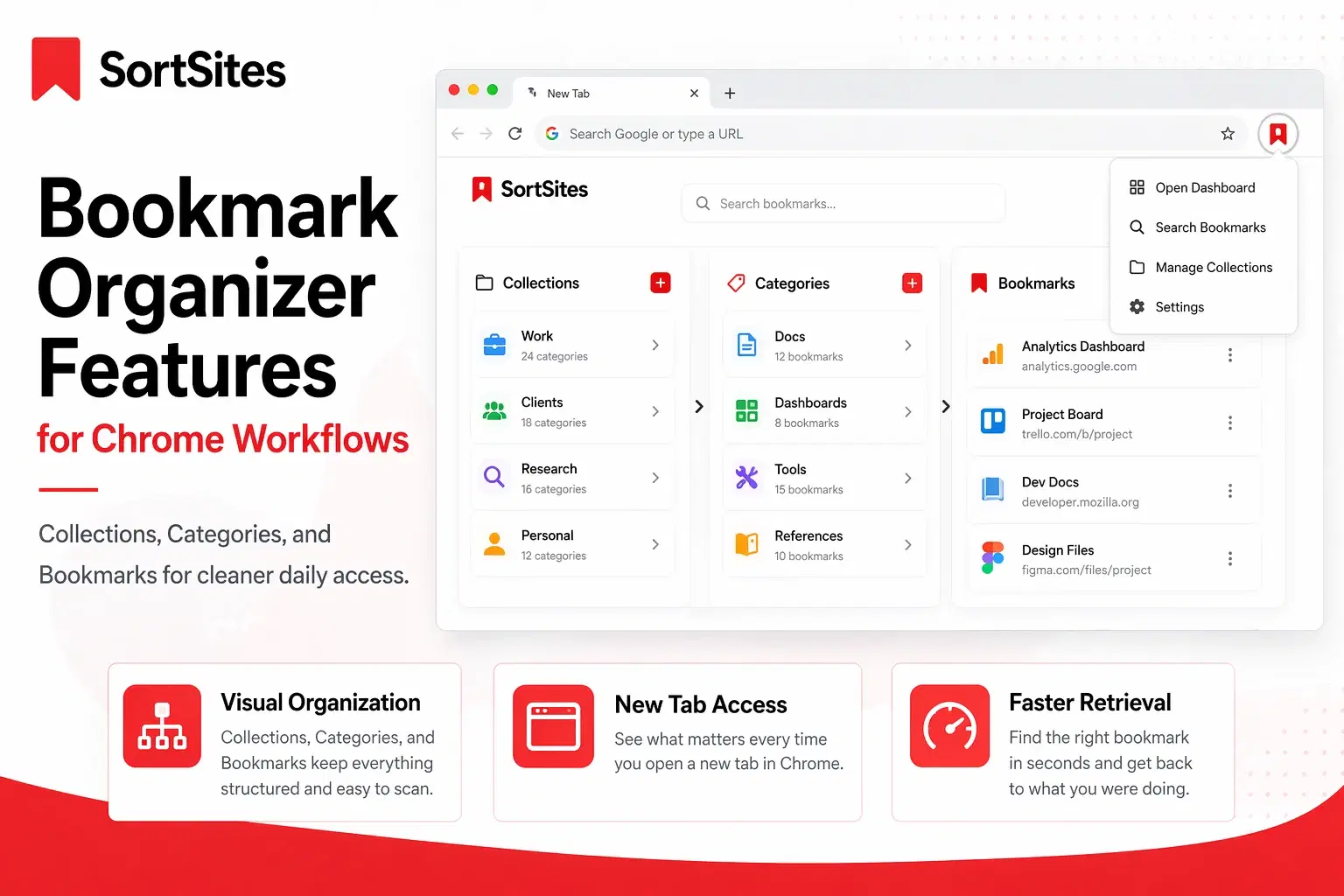
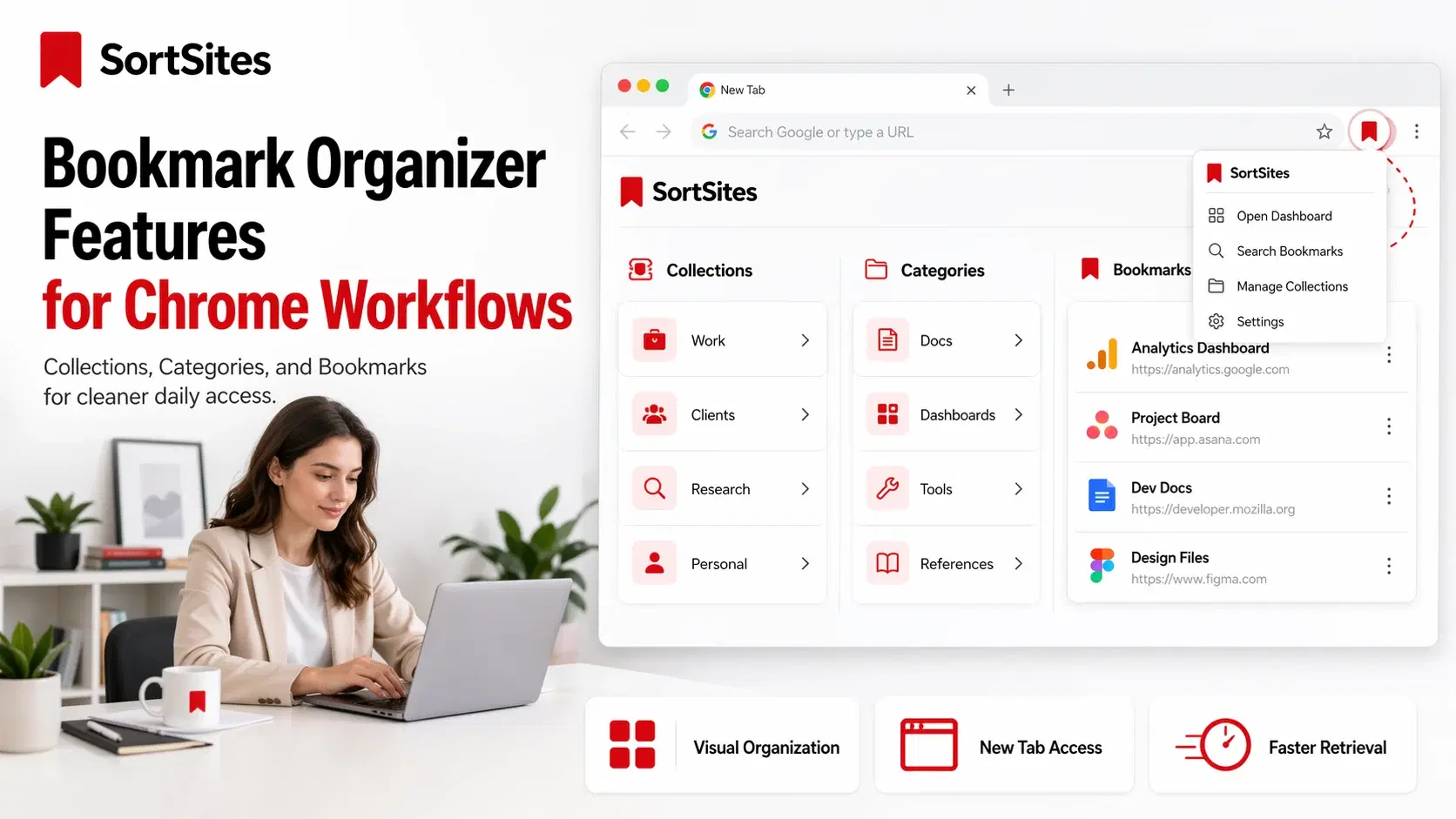
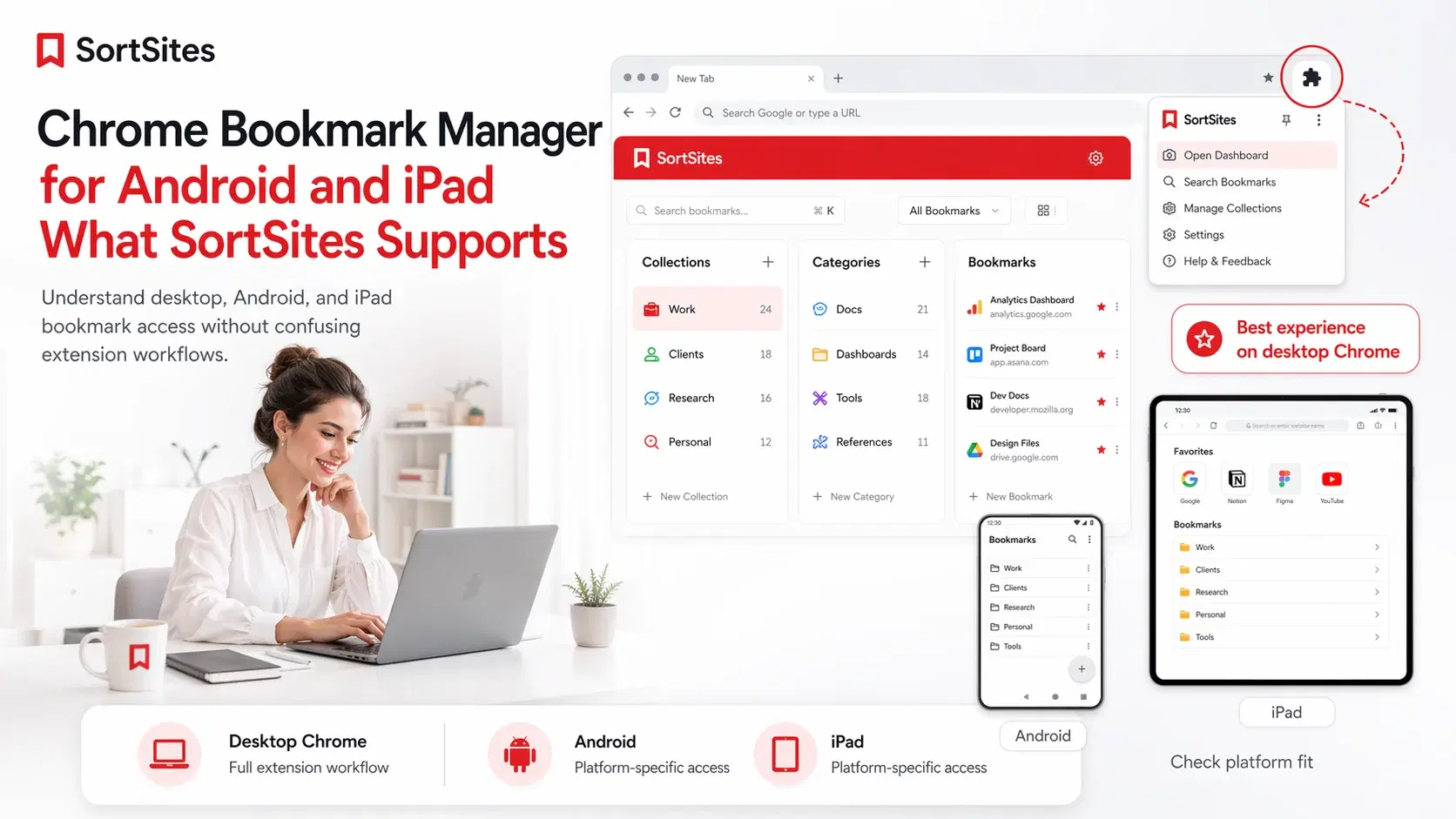
SortSites is a Chrome bookmark manager extension for users who want a better bookmark manager built around Collections, Categories, and Bookmarks instead of messy saved links.
This page helps you compare what matters when choosing the best chrome bookmark manager, especially if you are a project manager, web developer, or heavy Chrome user who needs faster retrieval across daily workflows.
For the complete product overview, use the main Chrome bookmark manager page as the broader guide to how SortSites works across New Tab access, extension usage, and bookmark organization.
Compare bookmark managers by retrieval, not just saving
The best bookmark manager for Chrome is not the one that only stores the most links. It is the one that helps you find the right link again when you are in the middle of work.
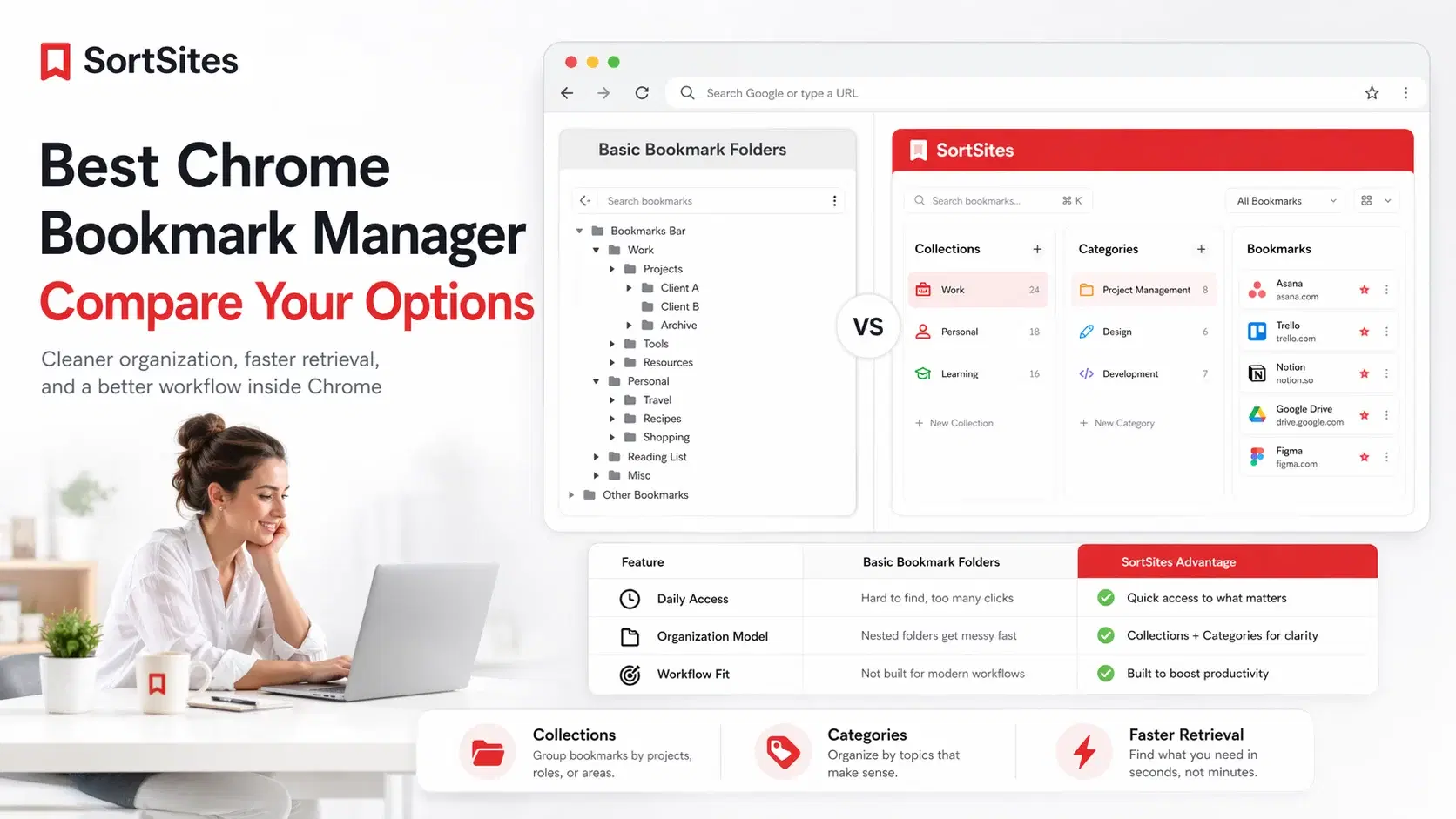
| Daily access | Usually depends on browser menus, bars, or folders | Uses a Chrome New Tab dashboard and extension popup access |
| Organization model | Folder-first structure | Collections, Categories, and Bookmarks |
| Workflow fit | Works for simple saving | Better fit for project workflows, research, tools, dashboards, and repeat access |
| Free usage | Depends on browser behavior | Free plan supports up to 5 Collections, 5 Categories per Collection, and 50 Bookmarks total |
| Growth path | No SortSites-style Pro upgrade path | Pro is $3 per month for unlimited collections, categories, and bookmarks |
Chrome extension documentation confirms that extensions can replace certain Chrome pages, including the New Tab page, which supports the product category where bookmark tools become part of daily browser access.
What makes SortSites a better bookmark manager for Chrome
SortSites is built for people who already know that normal bookmark saving is not enough. If you have links for clients, code references, project boards, design inspiration, internal tools, docs, and research, one long bookmark list becomes slow.

That is why SortSites fits searches like best bookmark manager chrome, best bookmarks manager, best bookmark app, and best bookmarks app when the real need is clean retrieval, not just another place to dump links.
SortSites vs Popular Chrome Bookmark Managers
| Bookmark manager | Best fit | What it does best | Where it may not fit | Choose this if |
|---|---|---|---|---|
| SortSites | Chrome users who want a clean New Tab bookmark manager organized around projects, workflows, tools, references, and recurring links. | Organizes saved links into Collections → Categories → Bookmarks so you can retrieve the right link faster during work. | Not meant to be a heavy research database, social reading app, or full productivity suite. | You want a focused Chrome bookmark manager that helps you organize the internet around how you work. |
| Chrome built-in bookmark manager | Users who only need basic bookmark saving, folders, and simple browser-level organization. | Saves pages, creates folders, sorts bookmarks, and keeps everything inside Chrome without installing another tool. | Can become slow and messy when bookmarks spread across many projects, clients, dashboards, tools, and references. | You only need simple folders and do not feel real pain around bookmark retrieval. |
| Raindrop.io | Users who want a broader all-in-one bookmark library for links, articles, PDFs, highlights, annotations, tags, and research material. | Helps collect, tag, search, and preserve a large library of saved web resources. | May feel broader than necessary if you mainly want Chrome bookmark access and simple workflow organization. | You want a powerful cross-resource saving system with tags, search, and research-style organization. |
| Toby | Users who struggle more with open tabs than saved bookmarks. | Helps save, group, and restore tab sessions into collections. | Not the cleanest fit if your main issue is permanent bookmark organization rather than tab management. | Your biggest problem is tab chaos, not bookmark organization. |
| Workona | Users who work across multiple projects and want tab spaces organized by project or context. | Organizes browser work into project-based workspaces and helps restore sessions. | May be more system than needed if you only want a simpler bookmark manager. | You want tab workspaces and project-based browser sessions more than simple bookmark organization. |
| start.me | Users who want a personal start page with bookmarks, widgets, notes, apps, feeds, and shareable pages. | Turns the browser start page into a customizable dashboard. | May feel too broad if you only want a focused Chrome bookmark hierarchy. | You want a customizable personal start page with bookmarks plus widgets, notes, feeds, and shared pages. |
Pick SortSites if your bookmarks support real work
SortSites is the stronger fit if your bookmarks are connected to projects, workflows, research, development tasks, or recurring tools. You are not just choosing a bookmark app. You are choosing the system you will use to move through the internet every day.
Start free with up to 5 Collections, 5 Categories per Collection, and 50 Bookmarks total. Upgrade to Pro for $3 per month when you want unlimited collections, categories, and bookmarks. SortSites only interrupts you for an upgrade when you try to create the 6th Collection, create the 6th Category inside a Collection, or add the 51st Bookmark.
Commonly asked questions
What is the best chrome bookmark manager for organized workflows?
The best option is the one that helps you retrieve links quickly in your real workflow. SortSites is built for Chrome users who want Collections, Categories, and Bookmarks instead of loose saved links.
Is SortSites the best free bookmark manager for Chrome if I am starting small?
SortSites is a strong free starting point if your usage fits within 5 Collections, 5 Categories per Collection, and 50 Bookmarks total.
What makes SortSites different from a basic bookmark manager?
SortSites is built around a New Tab dashboard, extension access, and the Collections to Categories to Bookmarks structure.
Try SortSites as your Chrome bookmark manager
Sign up to organize your bookmarks around collections, categories, and daily workflow access.