Bookmark Organizer Features for Chrome Workflows
A practical feature-fit guide for Chrome users deciding whether Sortsites is the right bookmark organizer for cleaner structure and faster link retrieval.
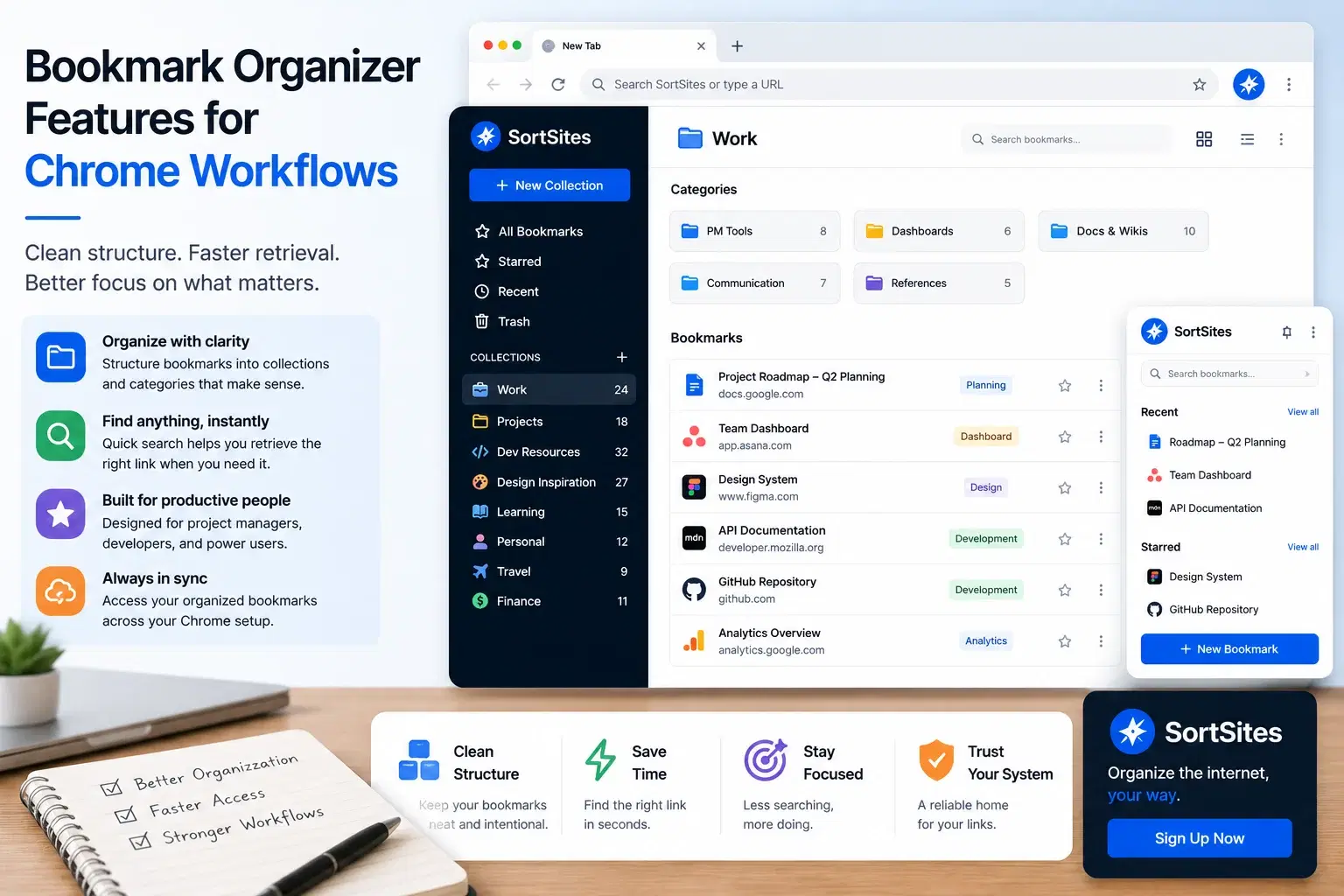
Sortsites helps you use a bookmark organizer for Chrome when your saved links need cleaner structure, easier management, and quicker retrieval during work.
Key takeaways
- Sortsites is a Chrome browser bookmark manager extension focused on bookmark organization.
- The strongest fit is for project managers and web developers who save many work-related links.
- If you are comparing bookmark management software, focus on whether it improves retrieval, not only whether it stores links.
- If you are considering a visual bookmarking tool, bookmark cloud, or online bookmark manager, choose based on where your real workflow happens.
The feature that matters most is retrieval
A bookmark manager is only useful if it helps you find the right link when you need it. Saving links is easy. Retrieving the right one during a project, client task, build, or research session is where most bookmark systems start to break.
For project managers, bookmarks often point to planning documents, dashboards, stakeholder references, and research. For web developers, they often point to documentation, tools, repositories, examples, and technical resources. When those links become hard to retrieve, work slows down.
That is why the best bookmark management software for your workflow should be judged by organization and access. If it cannot make your saved links easier to manage, it is not solving the real problem.
Chrome browser fit
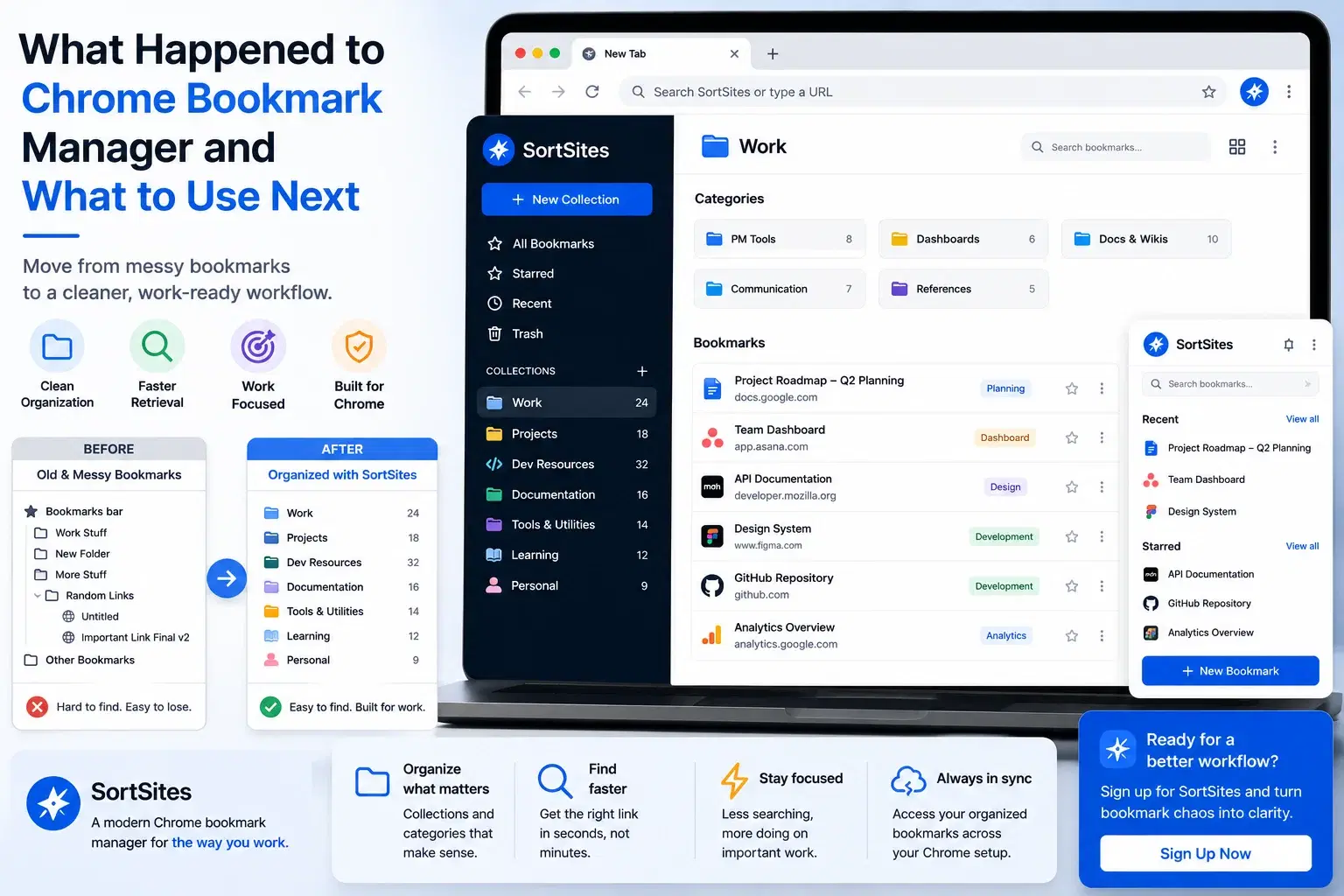
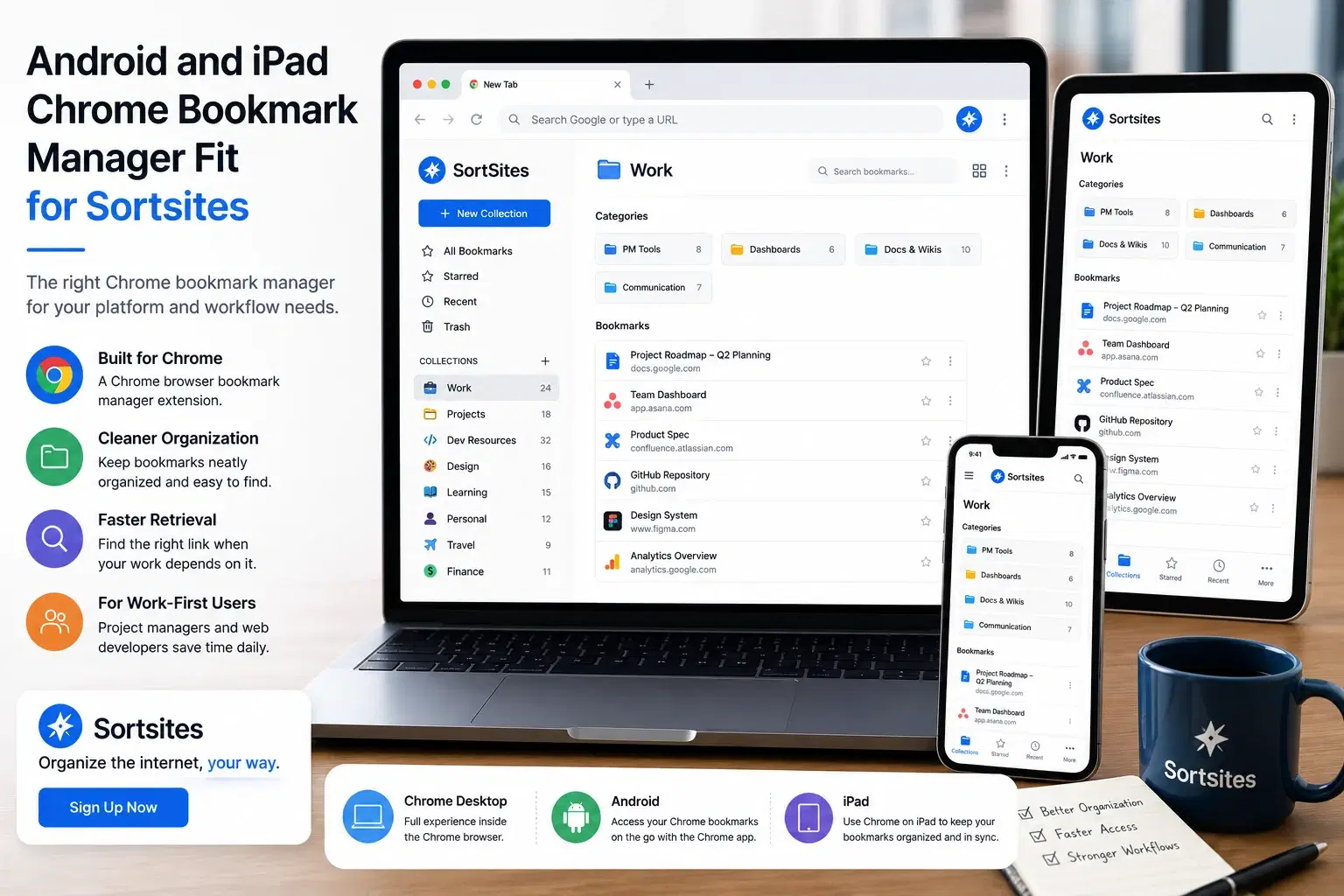
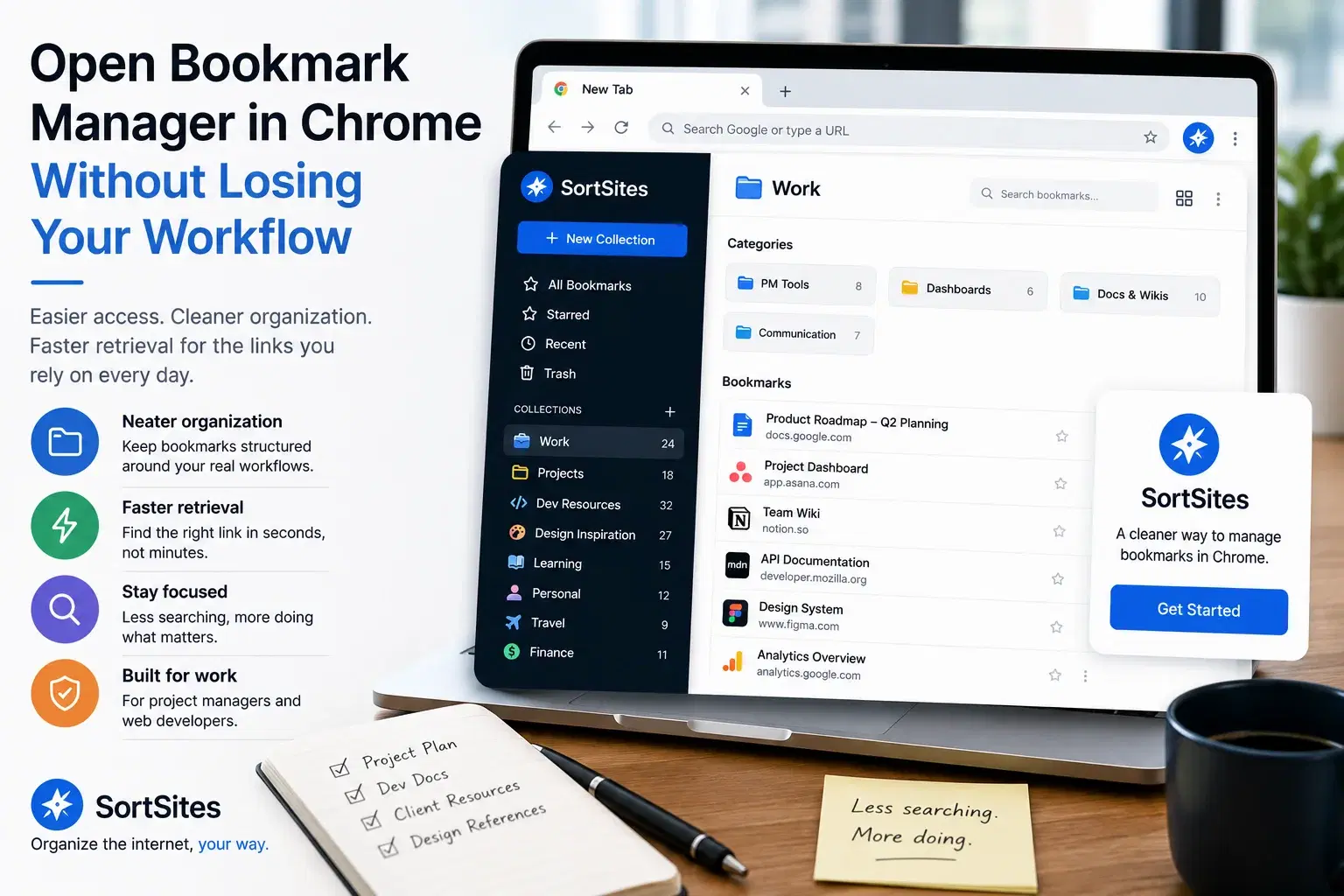
Sortsites is built as a Chrome browser bookmark manager extension, so it fits users who manage bookmarks inside Chrome.
Bookmark organization
The product is focused on helping you organize bookmarks more neatly instead of leaving saved links scattered.
Quick retrieval purpose
Sortsites addresses the core problem of finding saved links faster when your workflow depends on them.
Work-friendly use case
Project managers and web developers can use Sortsites to keep workflow-related bookmarks easier to manage.
How to compare bookmark organizer options
If you are comparing a bookmark organizer, visual bookmarking tool, bookmark cloud, or online bookmark manager, start with the job you need the tool to do. A broad tool may sound useful, but the right choice is the one that fits your actual browser workflow.
| What you need | How to evaluate the fit |
|---|---|
| Cleaner bookmark organization | Choose a tool that is focused on managing saved links, not only storing them. |
| Faster access during work | Look for a bookmark system that supports quick retrieval when you are switching between tasks. |
| Chrome-based workflow | Choose a Chrome bookmark manager extension when Chrome is where your bookmark workflow happens. |
| A simple bookmark organiser | Avoid overbuying into tools that solve problems you do not have. |
Where Sortsites fits best
Sortsites fits when your main problem is a lack of bookmark organization and quick retrieval inside the Chrome browser. It is especially useful when saved links are part of your working process instead of casual browsing.
The product is a practical fit for project managers and web developers who want a neat way to organize bookmarks and manage workflows. If your current bookmark setup makes you search, rethink folder names, or lose track of important resources, Sortsites is aligned with that pain.
- You use Chrome as an important part of your workday.
- You save links for projects, development, planning, research, or workflows.
- You want bookmark organization more than a broad productivity system.
- You need a cleaner way to retrieve bookmarks after saving them.
- You are ready to sign up for a Chrome bookmark manager extension.
When another type of bookmark tool may fit better
Sortsites may not be the best fit if your primary need is outside Chrome or if you are looking for capabilities not described in the product offer. If your bookmarks are already easy to manage, a dedicated bookmark organizer may not be urgent yet.
The decision should stay simple. Choose Sortsites when your current Chrome bookmark setup makes organization and retrieval harder than they should be. Look elsewhere only when your need is clearly outside that Chrome-based bookmark management workflow.
For the broader product overview and how Sortsites fits the full Chrome bookmark manager workflow, visit the main Sortsites Chrome bookmark manager page.
Feature and functionality questions
FAQs
Is Sortsites a bookmark organizer?
Yes. Sortsites is a Chrome browser bookmark manager extension for organizing bookmarks.
Is Sortsites bookmark management software?
Sortsites is a SaaS software product delivered as a Chrome bookmark manager extension.
Who is Sortsites best for?
Sortsites is best suited to project managers and web developers who use Chrome and need a neater way to organize bookmarks and manage workflows.
Should I choose Sortsites over a general online bookmark manager?
Choose Sortsites when your main need is Chrome-based bookmark organization and quick retrieval. If your need is outside that workflow, compare other options based on that requirement.
Use Sortsites as your Chrome bookmark organizer
Sign up for Sortsites when you need a cleaner way to organize Chrome bookmarks and retrieve the work links you rely on.