Can I show the bookmarks bar on Chrome Android?
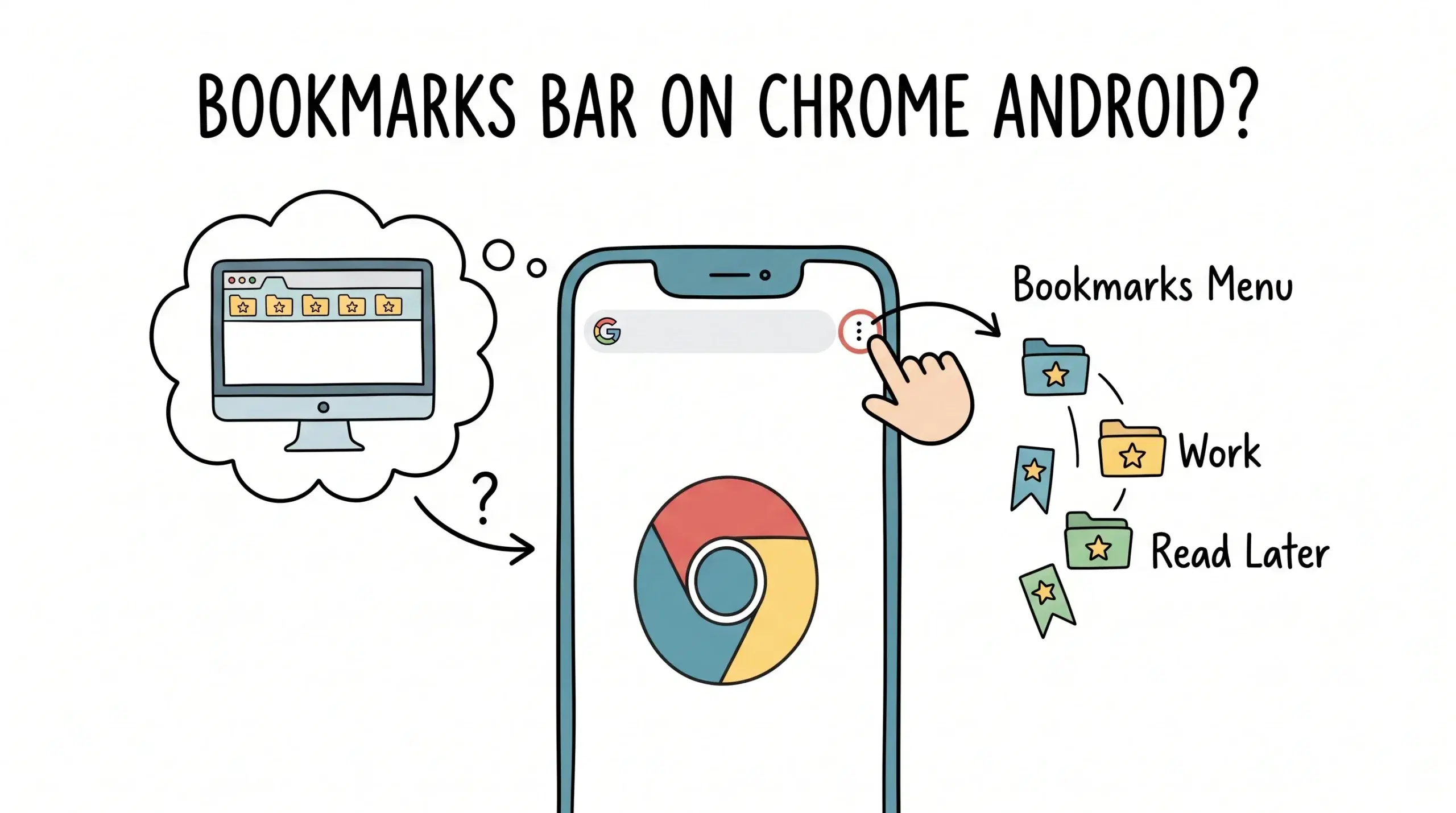
No, you cannot show the bookmarks bar on Chrome Android because the mobile version of Chrome does not support a persistent bookmarks bar like the desktop version.
Why the bookmarks bar is not available on Chrome Android
Chrome Android is designed for smaller screens and touch interaction, so it removes the bookmarks bar to save space and simplify navigation. Instead, bookmarks are accessed through the menu system or the bookmark manager view.
If you are trying to use a bookmark manager on Android Chrome and cannot find familiar desktop features, this platform specific guide explains how bookmarks behave across devices and what limitations to expect.
How to access bookmarks on Chrome Android
- Tap the three dot menu in Chrome
- Select Bookmarks to open your saved links
- Navigate folders or search bookmarks manually
This workflow replaces the bookmarks bar but adds friction, especially for users who rely on quick access during active browsing sessions.
For a broader understanding of how Chrome bookmark manager works across platforms and how to improve your workflow, explore the main bookmark management system overview.
Limitations of Android bookmark management
Without a bookmarks bar, users depend entirely on menus and folders, which slows down retrieval. This becomes a real issue for project managers and developers handling multiple resources across sessions.
Google Chrome mobile documentation confirms that bookmarks are accessed through the menu interface and synced via a Google account, not displayed persistently like on desktop.
Additionally, mobile UI constraints mean Chrome prioritizes content space over persistent navigation elements, which is why the bookmarks bar is intentionally excluded.
Material Design guidelines highlight that mobile interfaces prioritize minimal persistent UI elements to maximize usable screen space, reinforcing why features like bookmark bars are removed.
Practical workaround for faster access
Since you cannot enable a bookmarks bar on Chrome Android, the practical solution is to organize bookmarks in a way that reduces navigation steps. Group frequently used links, use clear naming, and rely on structured systems instead of flat lists.
A Chrome bookmark manager extension helps bridge the gap by creating a consistent organization system across desktop and mobile synced environments, even if the mobile interface itself remains simplified.
FAQ
Can I enable bookmarks bar in Chrome Android settings?
No, Chrome Android does not include any setting to enable a bookmarks bar.
Is there an alternative to bookmarks bar on mobile?
Yes, using organized folders and a structured bookmark manager system is the closest alternative.
Do bookmarks sync between desktop and Android Chrome?
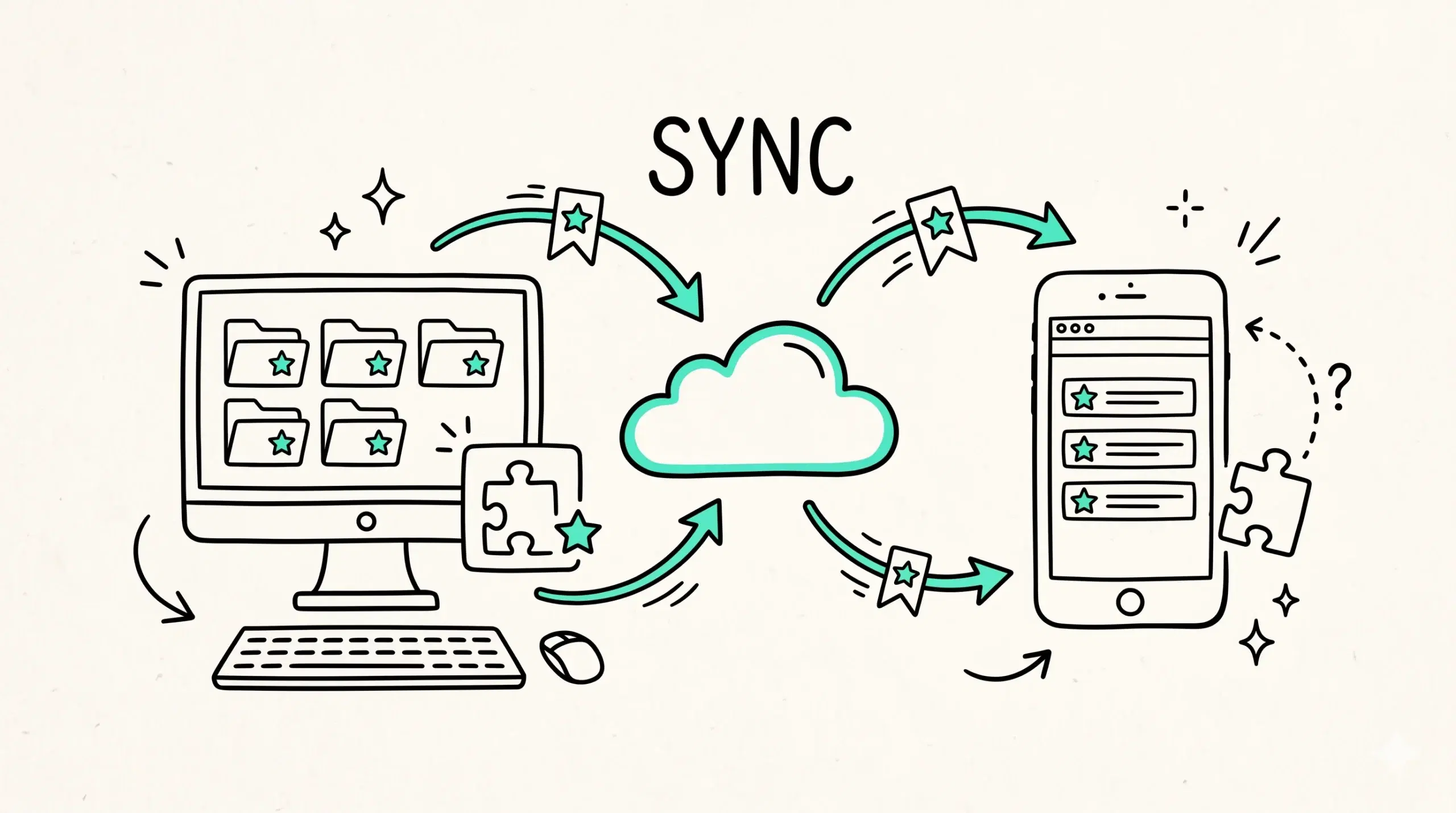
Yes, bookmarks sync through your Google account, allowing access across devices even though the interface differs.
Organize bookmarks across all devices
Improve how you manage bookmarks on both desktop and mobile with a structured system designed for real workflows.