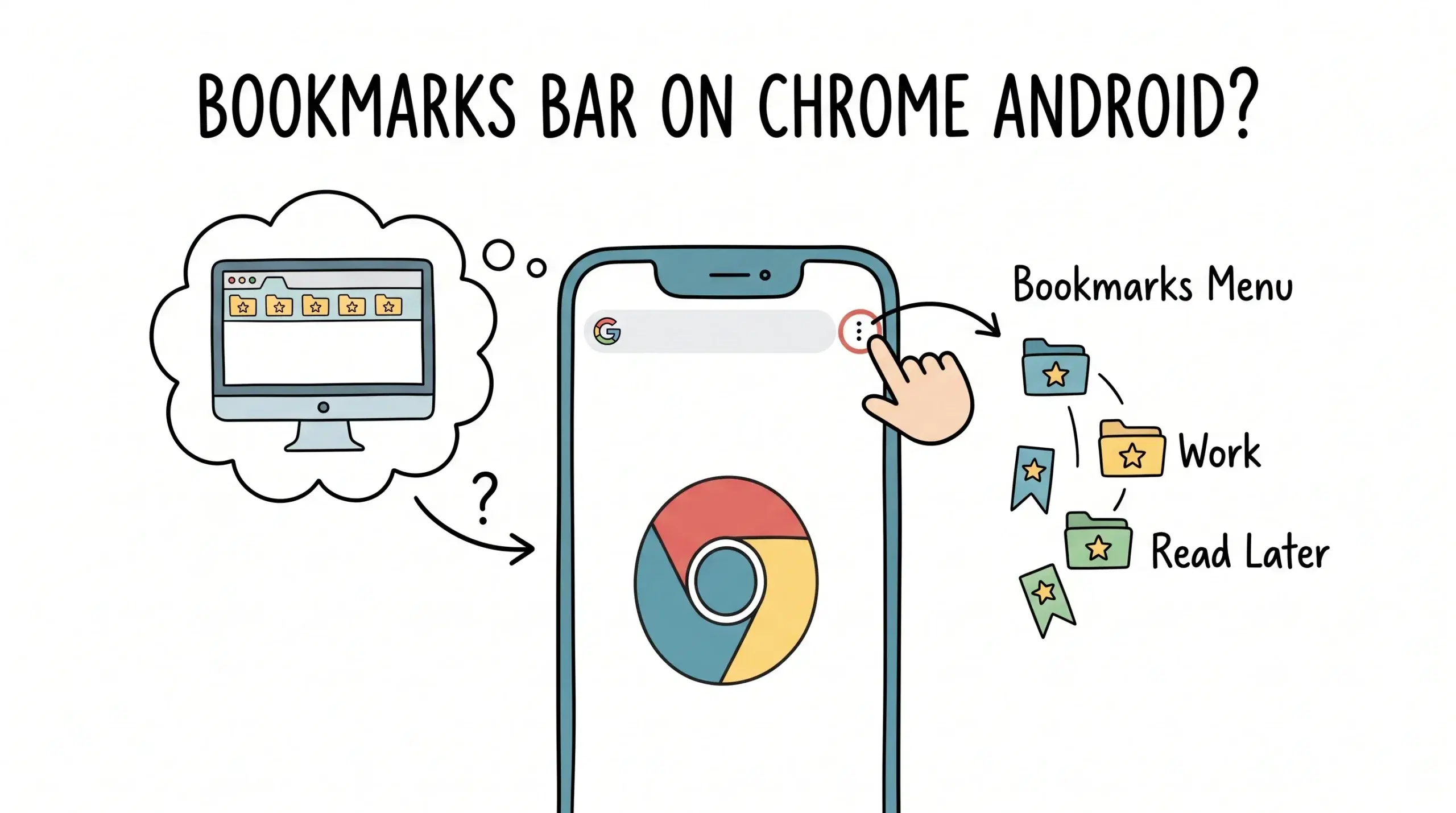
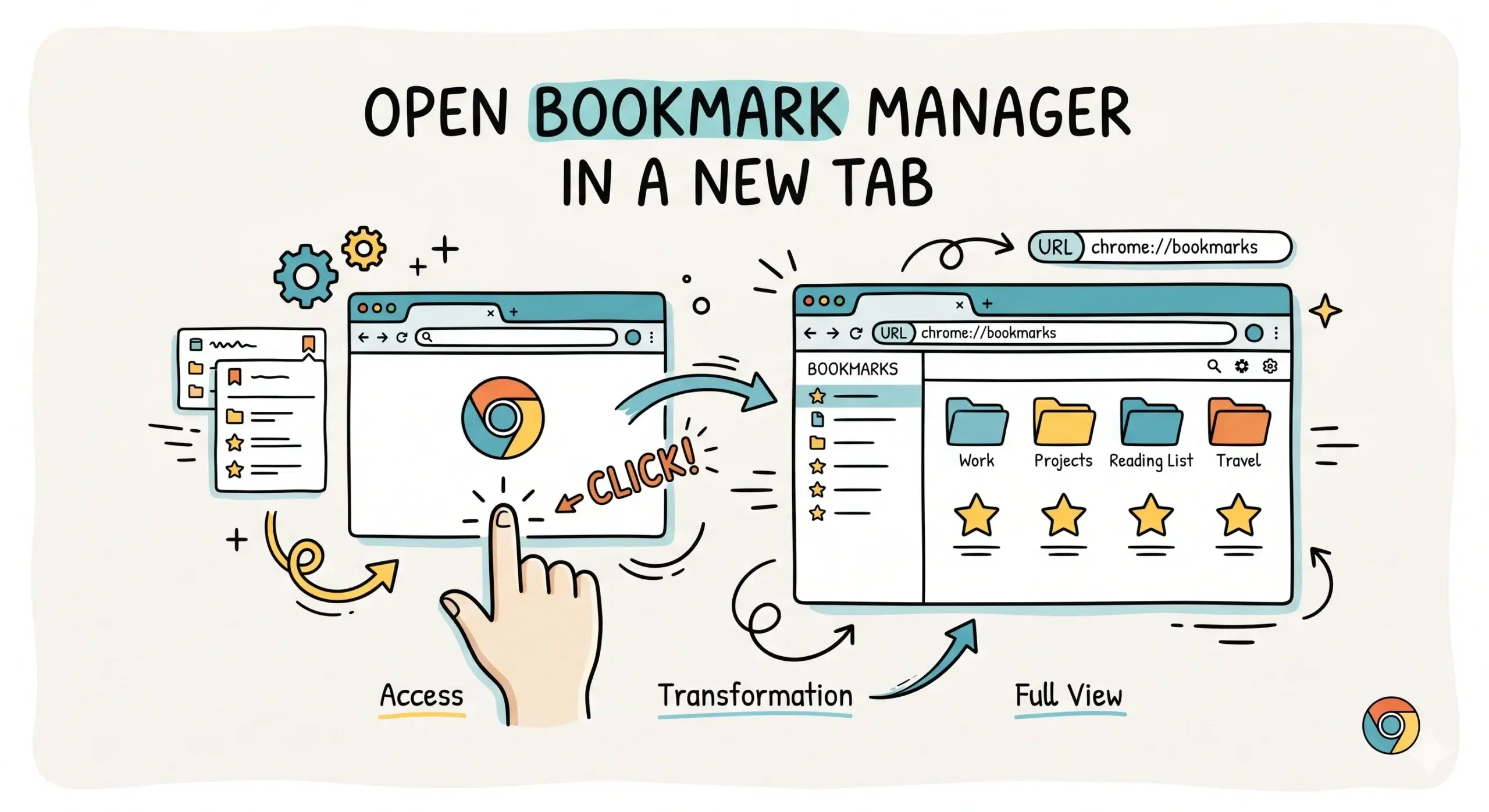
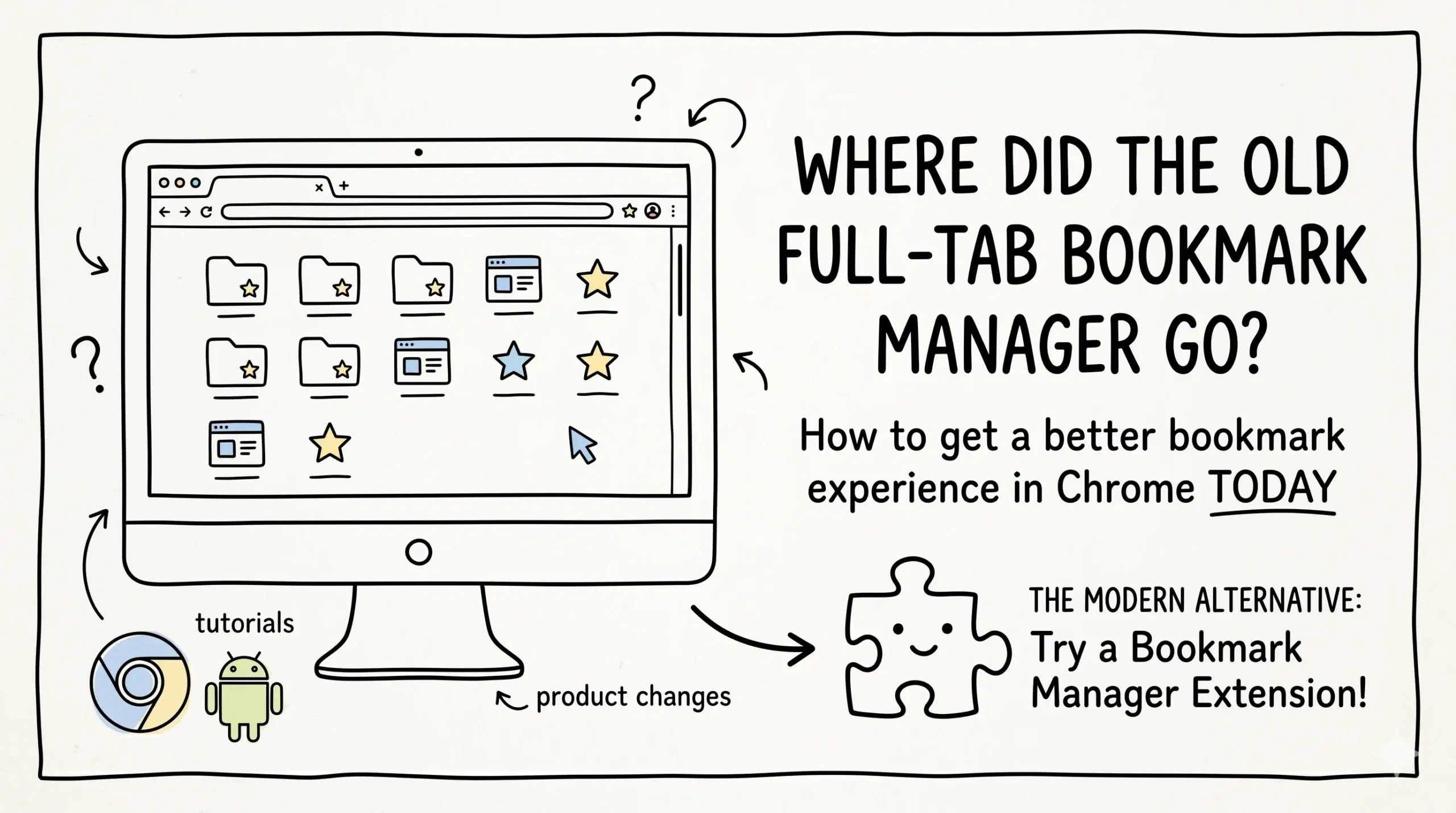
Can I sync third-party bookmark managers with my mobile browser?
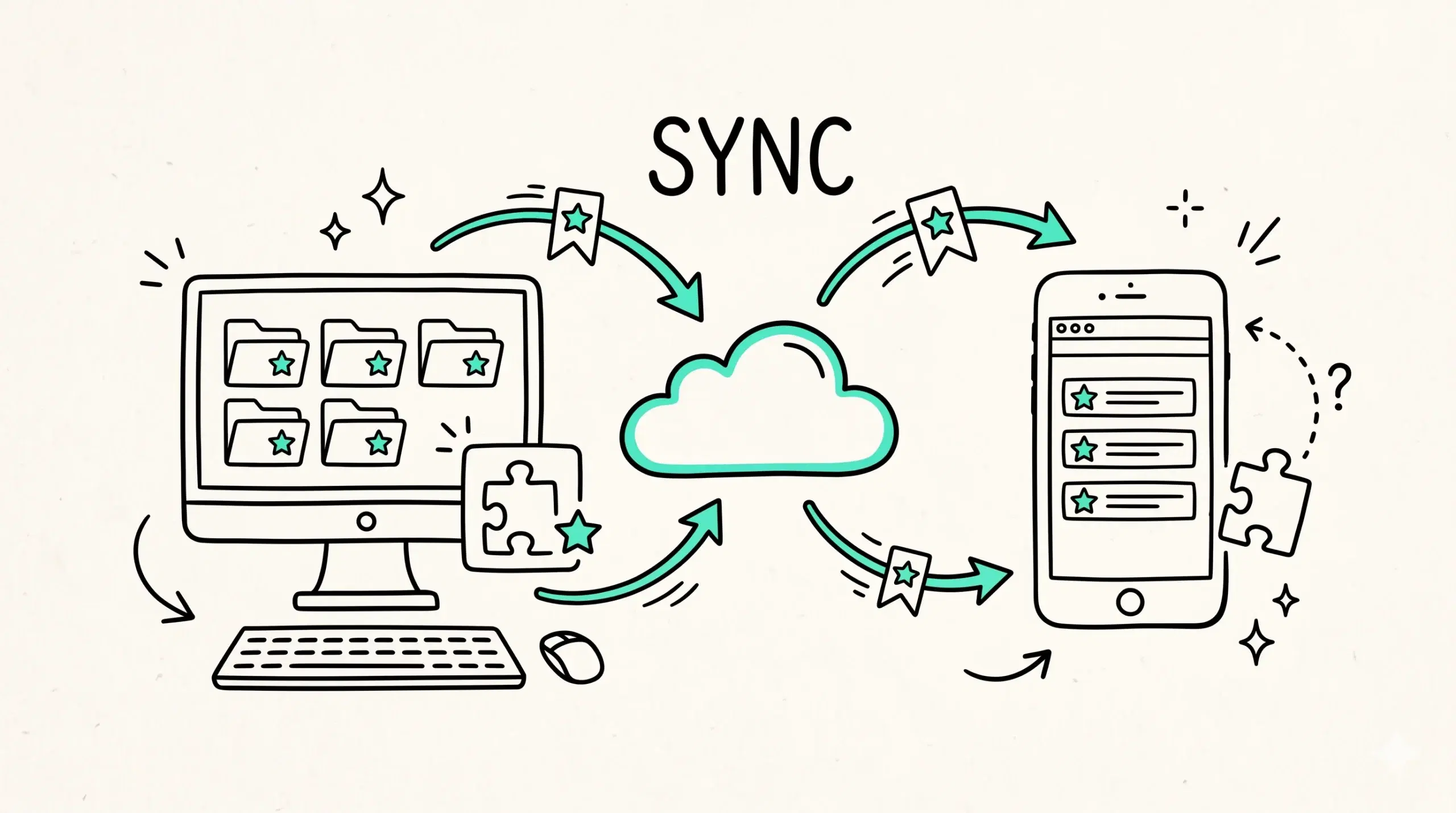
Yes, you can sync third party bookmark managers with your mobile browser, but not directly through extensions, because Chrome mobile does not support extensions and instead relies on browser level sync through your Google account.
How syncing actually works across devices
When you install a Chrome bookmark manager extension on desktop, it organizes bookmarks within your Chrome profile. Those bookmarks are then synced through your Google account and become accessible on mobile browsers, even though the extension itself does not run on mobile.
If you are setting up a chrome bookmark manager plugin and want to ensure proper access across devices, this extension installation and access guide explains exactly how syncing behaves and what to expect.
What you can and cannot sync
- Bookmarks created or reorganized through an extension will sync across devices
- Folder structure and saved URLs remain consistent between desktop and mobile
- Extension specific features such as tagging interfaces or advanced filters do not work on mobile
- Custom UI provided by bookmark manager extensions is not available on mobile browsers
This means the data syncs, but the experience does not fully carry over. You still access bookmarks through the default Chrome mobile interface.
To understand how this fits into a complete workflow, the broader chrome bookmark manager system shows how to structure bookmarks so they remain usable across both desktop and mobile environments.
Why extensions do not run on mobile Chrome
Chrome mobile does not support extensions due to performance, security, and interface constraints. This design keeps the browser lightweight and optimized for touch based use.
Google Chrome help documentation confirms that Chrome mobile focuses on core browsing features and does not support extension installation, which limits direct integration of third party bookmark tools.
Because of this limitation, the only reliable sync path is through Chrome native bookmark syncing tied to your account.
Chromium documentation also explains that bookmarks are part of the browser profile sync system, meaning all devices connected to the same account share the same bookmark data regardless of extension usage.
Practical example for real workflows
A developer might organize project links using a bookmark manager extension on desktop with structured folders and naming conventions. When switching to mobile, those same bookmarks appear in Chrome mobile, but navigation depends on folders instead of advanced search or tagging features.
FAQ
Can I install a bookmark manager extension directly on mobile Chrome?
No, Chrome mobile does not support extensions, so bookmark manager plugins only run on desktop.
Do bookmarks from extensions sync to mobile?
Yes, the bookmarks themselves sync through your Google account, but extension features do not.
What is the best way to manage bookmarks across devices?
Use a structured bookmark system on desktop with a reliable bookmark manager extension so the synced data remains usable on mobile.
Manage bookmarks across desktop and mobile
Build a structured bookmark system that works seamlessly across devices, even when mobile limitations apply.