How do I install a bookmark manager plugin in Chrome?
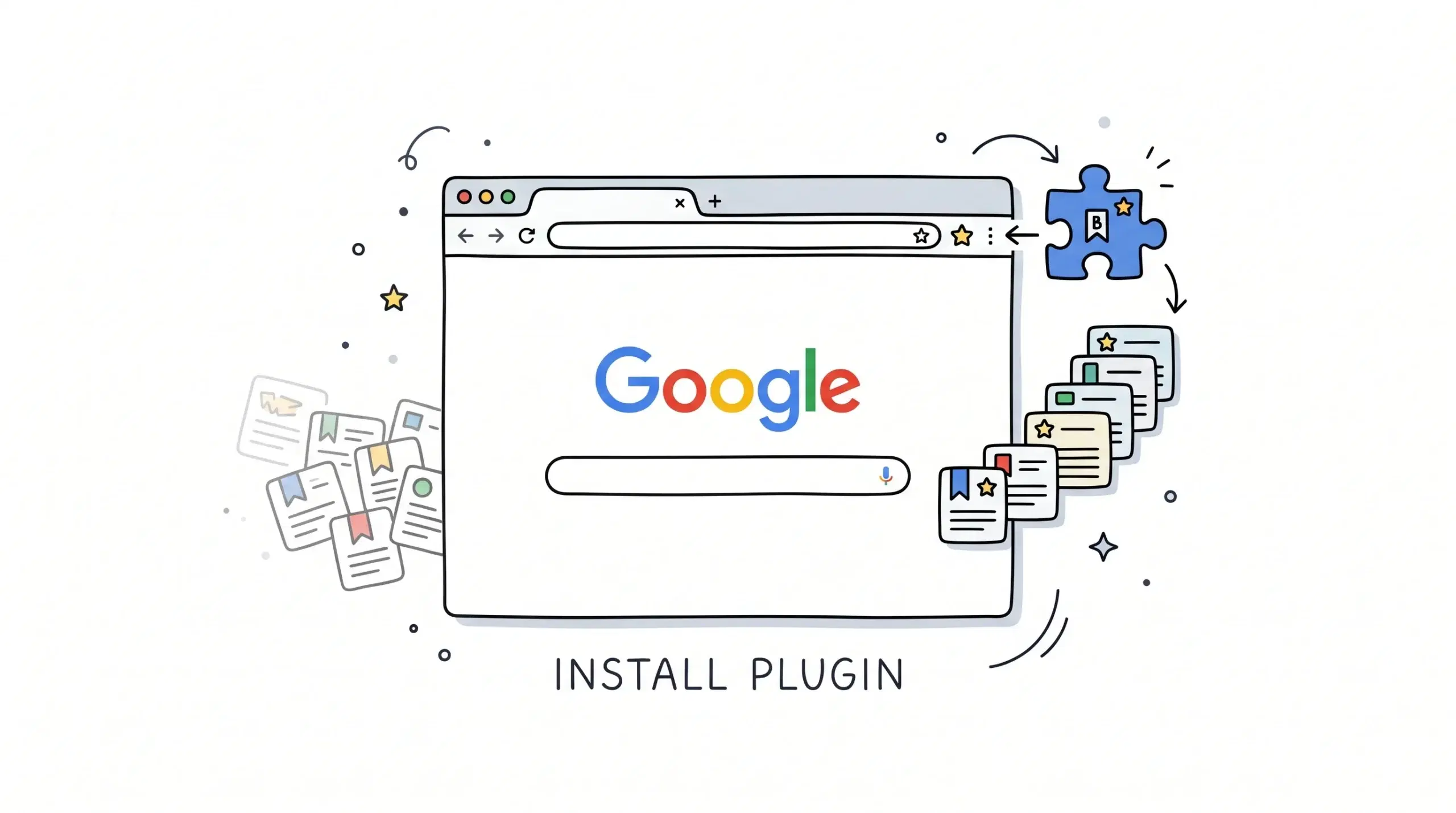
To install a bookmark manager plugin in Chrome, visit the Chrome Web Store, add the extension, approve the request, and pin it to the toolbar so you can manage bookmarks instantly. If you need faster retrieval and cleaner workflows, a dedicated Chrome bookmark manager extension is usually more effective than the default bookmark bar alone.
For the direct setup path, open the Extension Installation and Access guide for the Chrome bookmark manager extension and follow the latest install steps, permission prompts, and toolbar access instructions.
How to install in Chrome step by step
- Open Chrome on desktop.
- Go to the Chrome Web Store.
- Search for your bookmark manager extension.
- Select Add to Chrome.
- Review permissions and choose Add extension.
- After installation, click the Extensions icon and pin the tool.
- Sign in if the extension uses an account.
- Import or sort bookmarks to begin organizing.
For project managers and web developers handling many tabs, folders, and research links, this setup reduces time lost searching through cluttered bookmarks.
If you want a broader overview of features such as bookmark sorting, grouping, and workflow organization, review the main Chrome bookmark manager resource page before choosing your setup preferences.
Why use an extension instead of built-in bookmarks
Chrome includes a native bookmark manager, but dedicated tools often add faster search, duplicate cleanup, visual organization, and simpler bulk editing. That matters when your bookmark collection grows beyond a few folders.
Google documents that Chrome extensions can add features directly into the browser, which is why bookmark management tools can appear in the toolbar and browser menus after installation.
Google also explains that you can pin extensions to the Chrome toolbar, making one-click access practical for frequent bookmark organization tasks.
Can I install a bookmark manager plugin on mobile Chrome?
Most Chrome extensions are designed for desktop Chrome. Check the extension provider for device support.
Will my existing bookmarks stay in Chrome?
Yes. Most bookmark manager extensions work with your existing bookmarks or let you import them.
How long does setup take?
Usually less than five minutes, including install, pinning, and first-time organization.
Get your bookmarks organized faster
Install the Chrome bookmark manager extension and create a cleaner workflow for daily browsing.