Where do I find the Bookmark Manager menu?
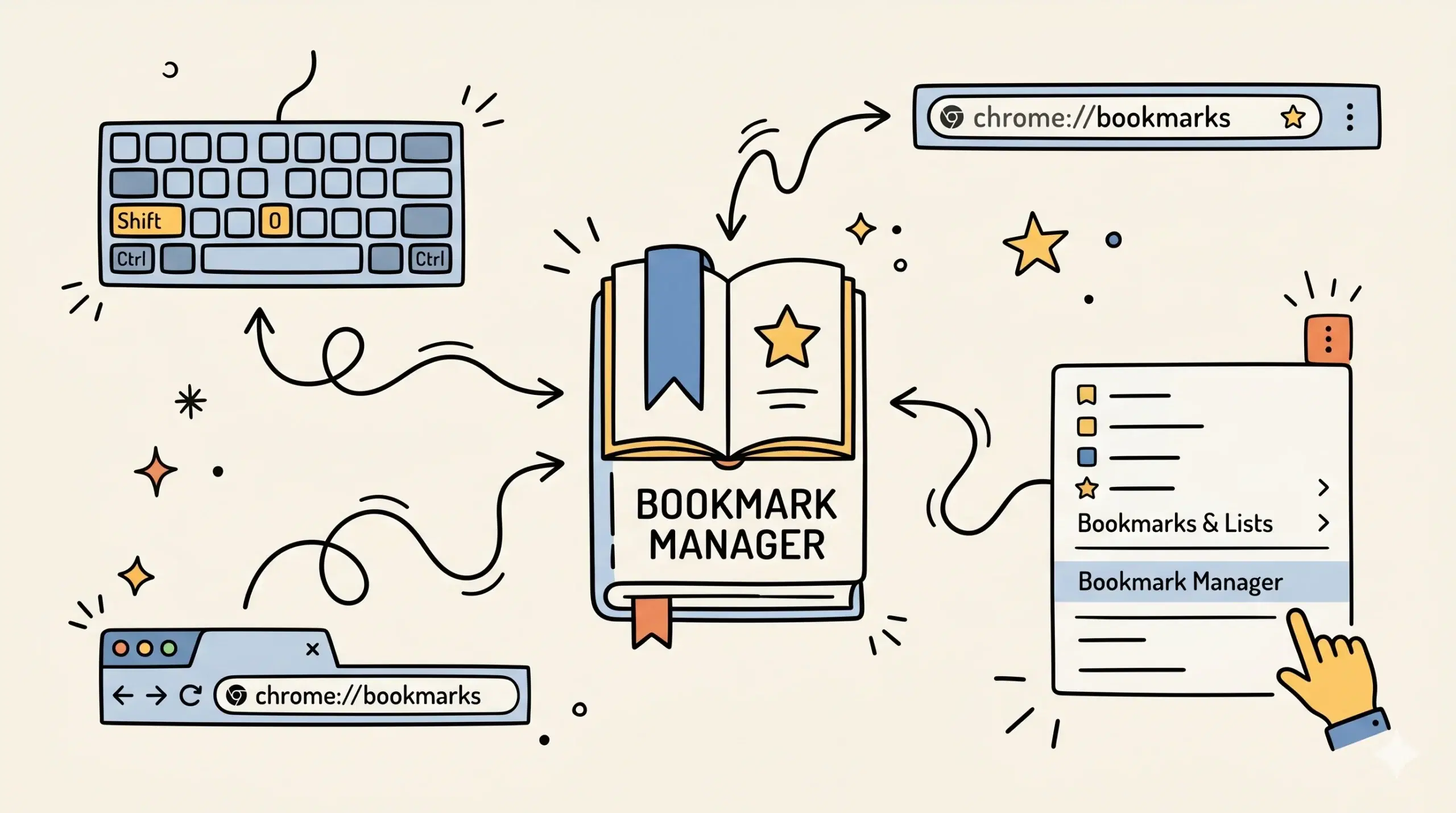
You can find the Bookmark Manager menu in Chrome by selecting the three-dot browser menu, opening Bookmarks and lists, then choosing Bookmark Manager. If you open bookmark manager in Chrome often, a Chrome bookmark manager extension can make access faster and organization easier.
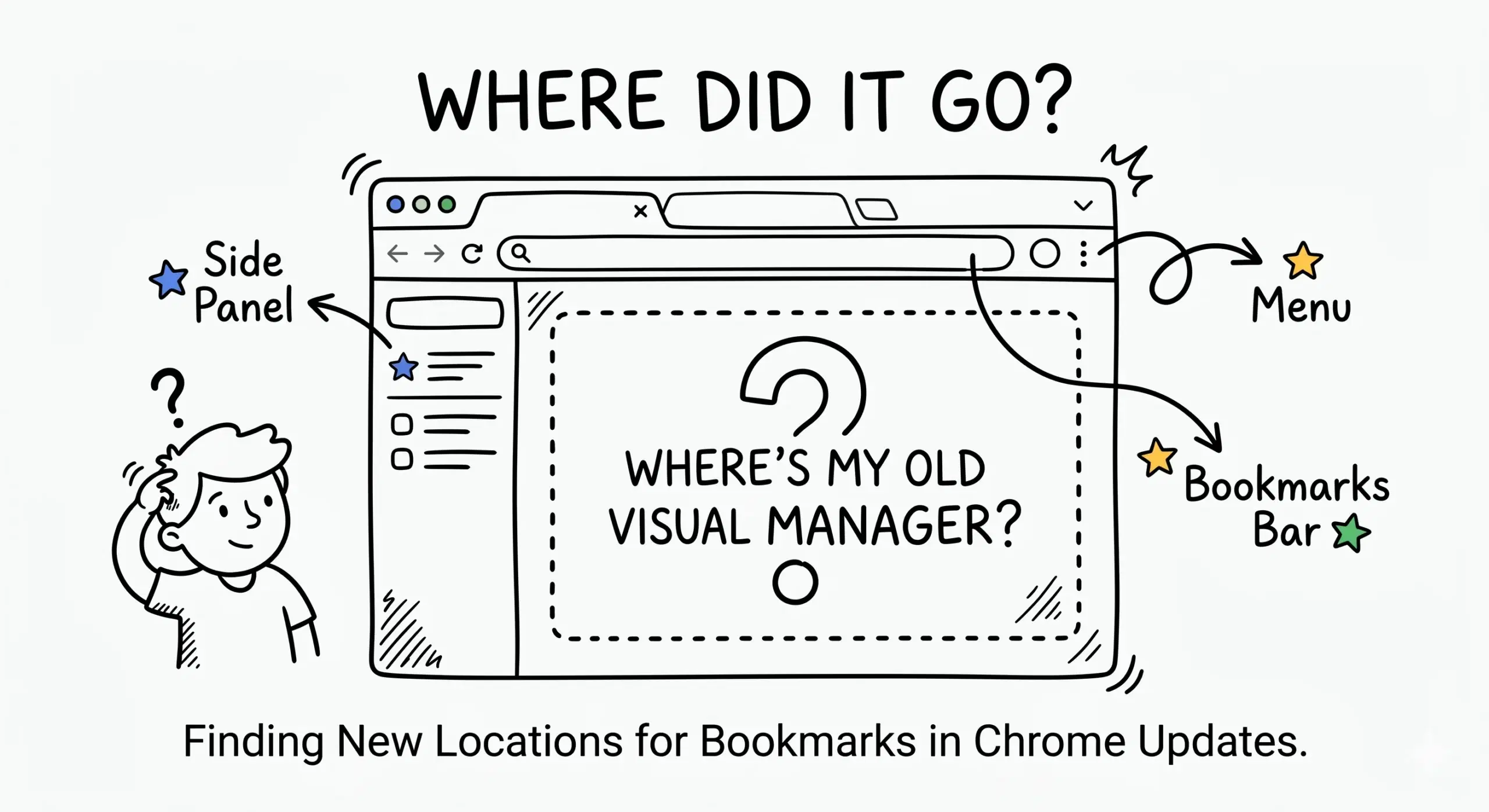
If you cannot find bookmark manager in Chrome or the menu layout looks different after an update, use the Access and Usage Problems page for direct troubleshooting steps and faster access options.
Fastest ways to open Bookmark Manager
- Use the three-dot Chrome menu, then Bookmarks and lists, then Bookmark Manager.
- Type chrome://bookmarks into the address bar.
- Use the keyboard shortcut Ctrl + Shift + O on Windows or ChromeOS.
- Use the keyboard shortcut Command + Option + B or available bookmark shortcut options on Mac depending on version.
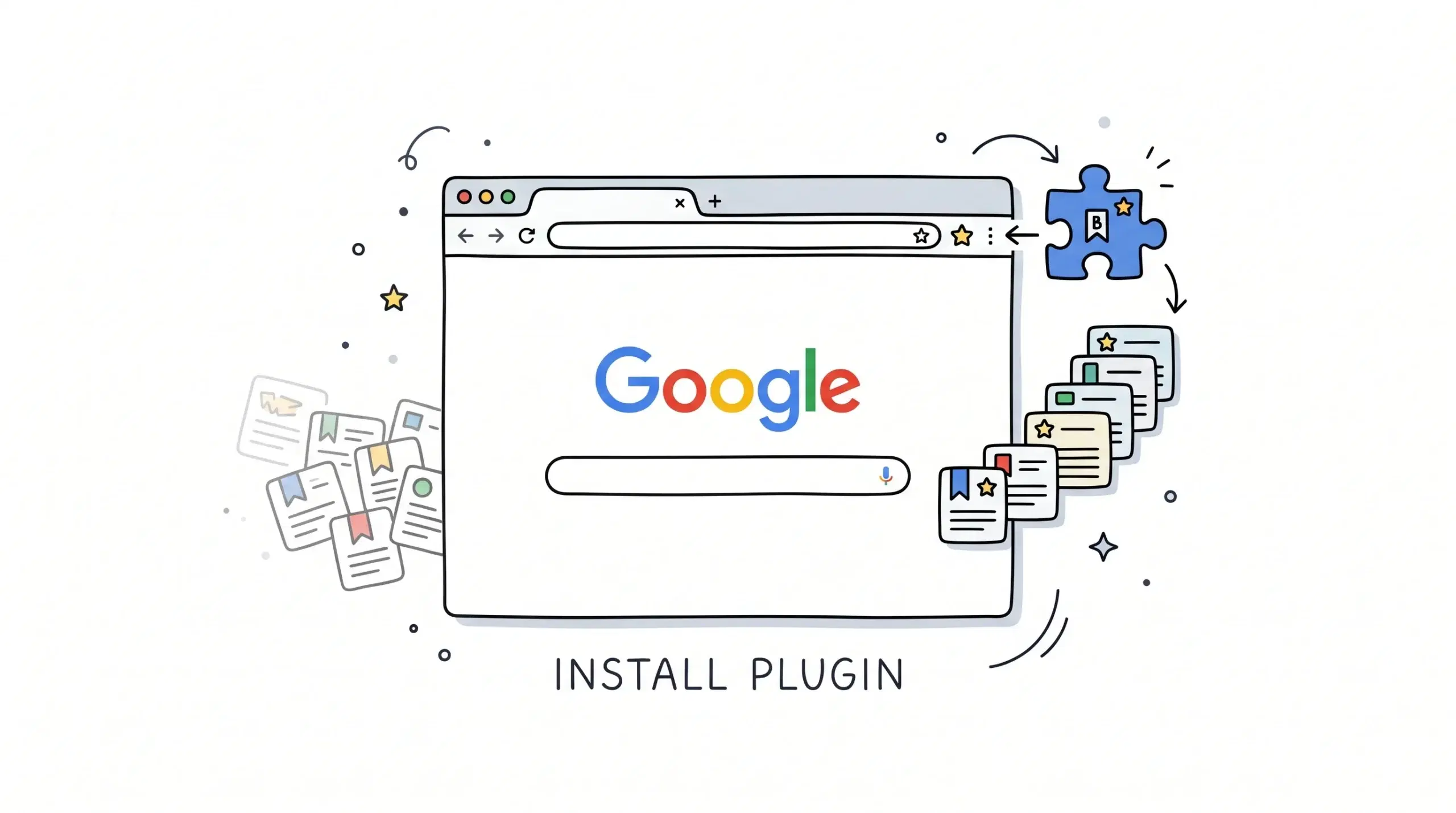
- Use a Chrome bookmark manager extension pinned to the toolbar for one-click access.
For broader bookmark organization ideas, cleanup methods, and feature comparisons, review the main Chrome bookmark manager page after you open the native menu.
Why people struggle to find it
Chrome menus can move slightly between versions, and many users rarely use the built-in manager until their saved links become hard to control. That is common for project managers and web developers managing research links, client resources, and documentation.
Google provides a direct bookmarks manager page inside Chrome at chrome://bookmarks, which can be faster than navigating menus when you need immediate access.
When to use an extension instead
If you open bookmarks daily, need quick search, or want cleaner folders, a Chrome bookmark manager extension often saves time compared with opening the built-in page each session.
Google explains that you can pin extensions to the Chrome toolbar, which is useful when turning bookmark access into a one-click workflow.
Why can I not find Bookmark Manager in Chrome?
Menu labels can vary by version. Use chrome://bookmarks in the address bar if the menu path changed.
Does Bookmark Manager delete bookmarks?
No. It is mainly the place where you view, move, rename, and organize saved bookmarks.
Is an extension better than the built-in manager?
For heavy users, extensions often add faster search, easier sorting, and quicker toolbar access.
Make bookmark access faster
Use a Chrome bookmark manager extension to open, sort, and retrieve bookmarks with less friction.