Where did the bookmark manager go in the new Chrome update?
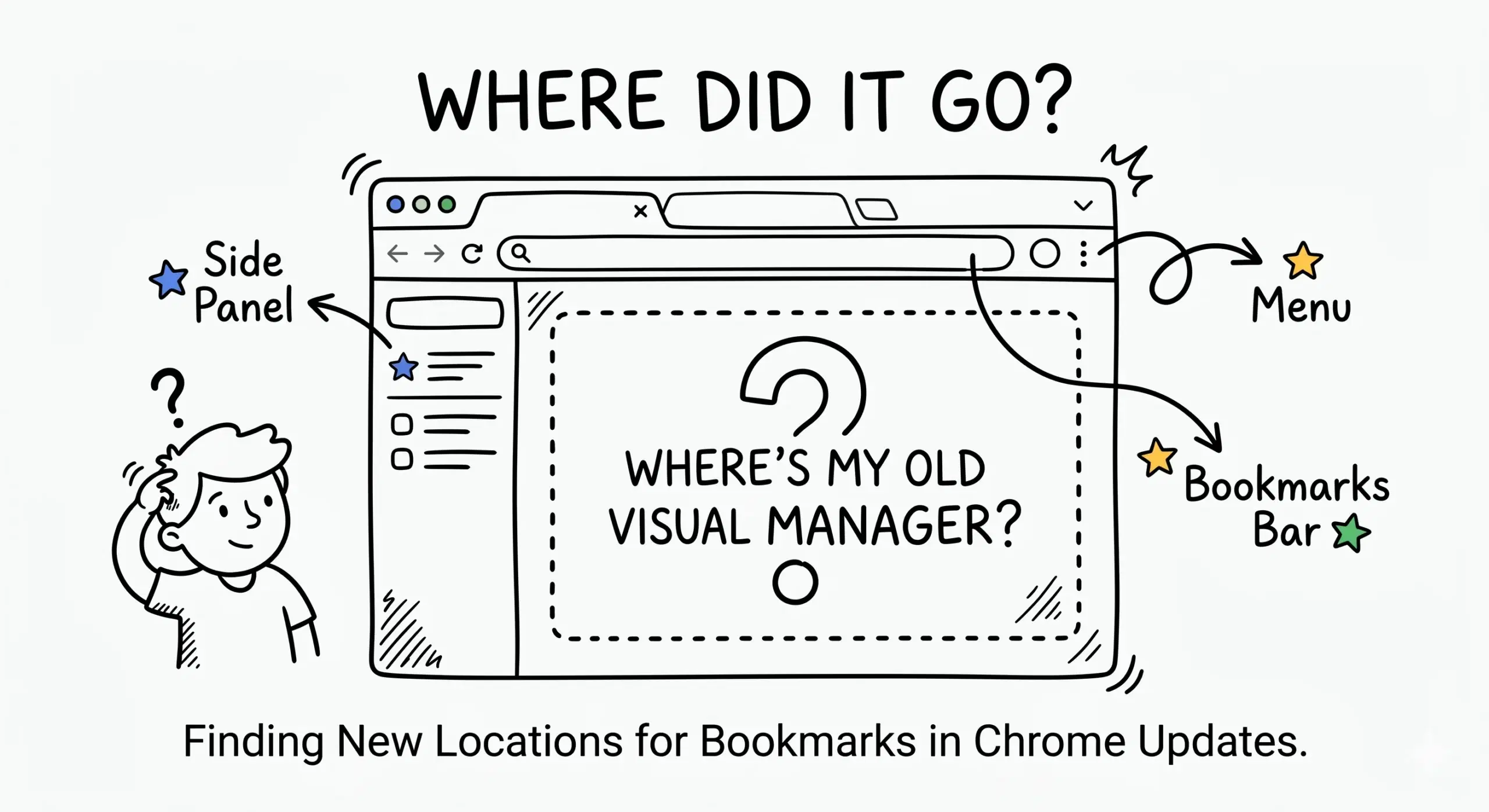
The bookmark manager in the new Chrome update did not disappear, but Google moved and simplified features that many users relied on in the older visual manager. If you are wondering what happened to bookmark manager in Chrome, the answer is that Chrome now emphasises the Bookmarks bar, side panel, and standard manager page instead of the older app-like experience.
If you miss the old workflow, this guide to Product Changes and Legacy explains what changed and how a Chrome bookmark manager extension can bring back cleaner organisation, faster sorting, and easier retrieval.
Where the new bookmark tools are now
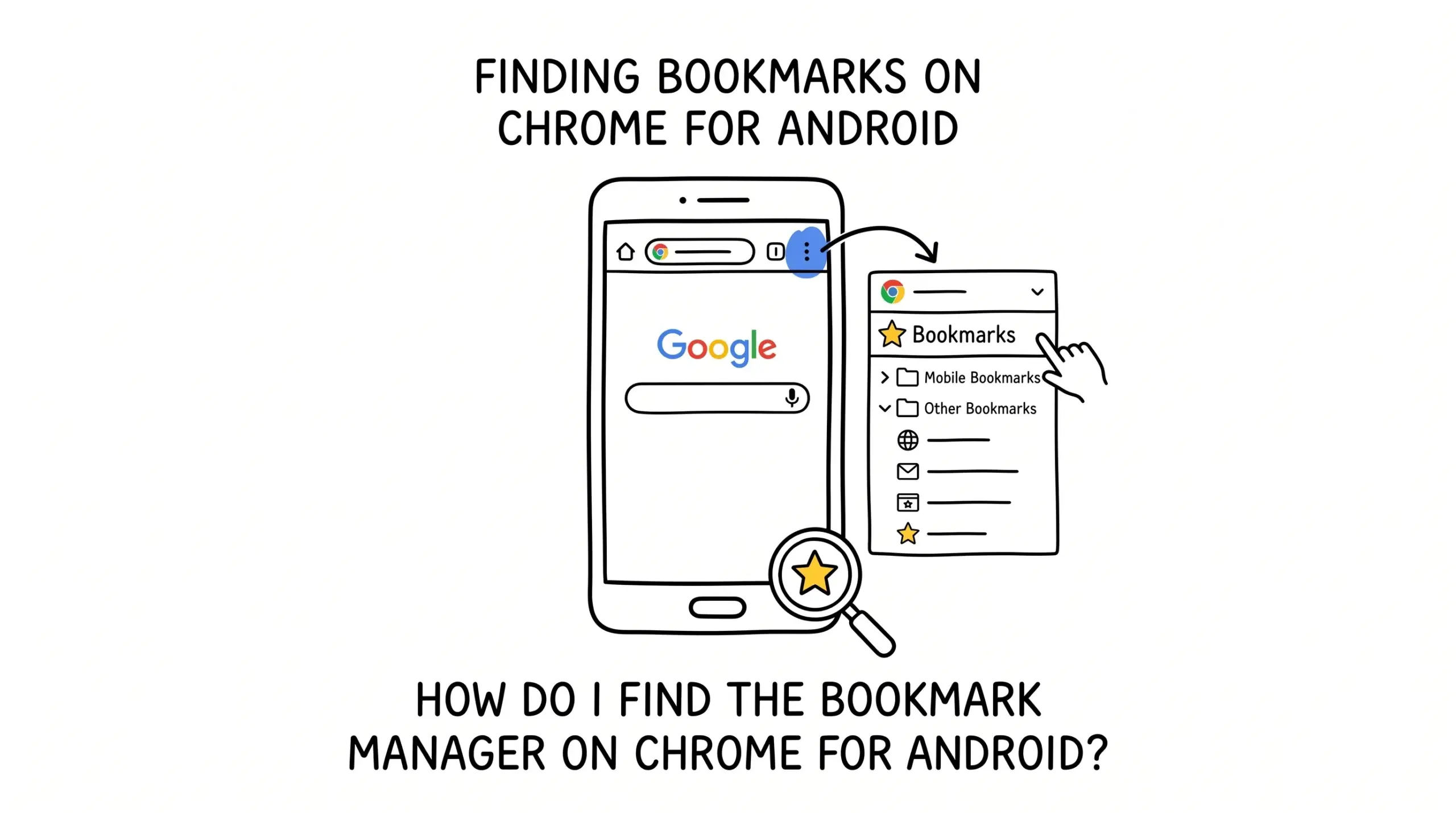
In current Chrome versions, bookmarks are mainly handled through the three-dot menu, the Bookmark Manager page, and the side panel. This works for casual users, but people managing large collections often find it slower than the old visual layout.
For a broader look at organising folders, duplicates, and workflows, see the main Chrome bookmark manager resource.
What changed from the old manager
- The older visual card-style manager was retired.
- Bulk sorting and scanning large bookmark sets became less intuitive.
- Nested folders still work, but navigation can feel slower.
- Power users often need extensions for better workflows.
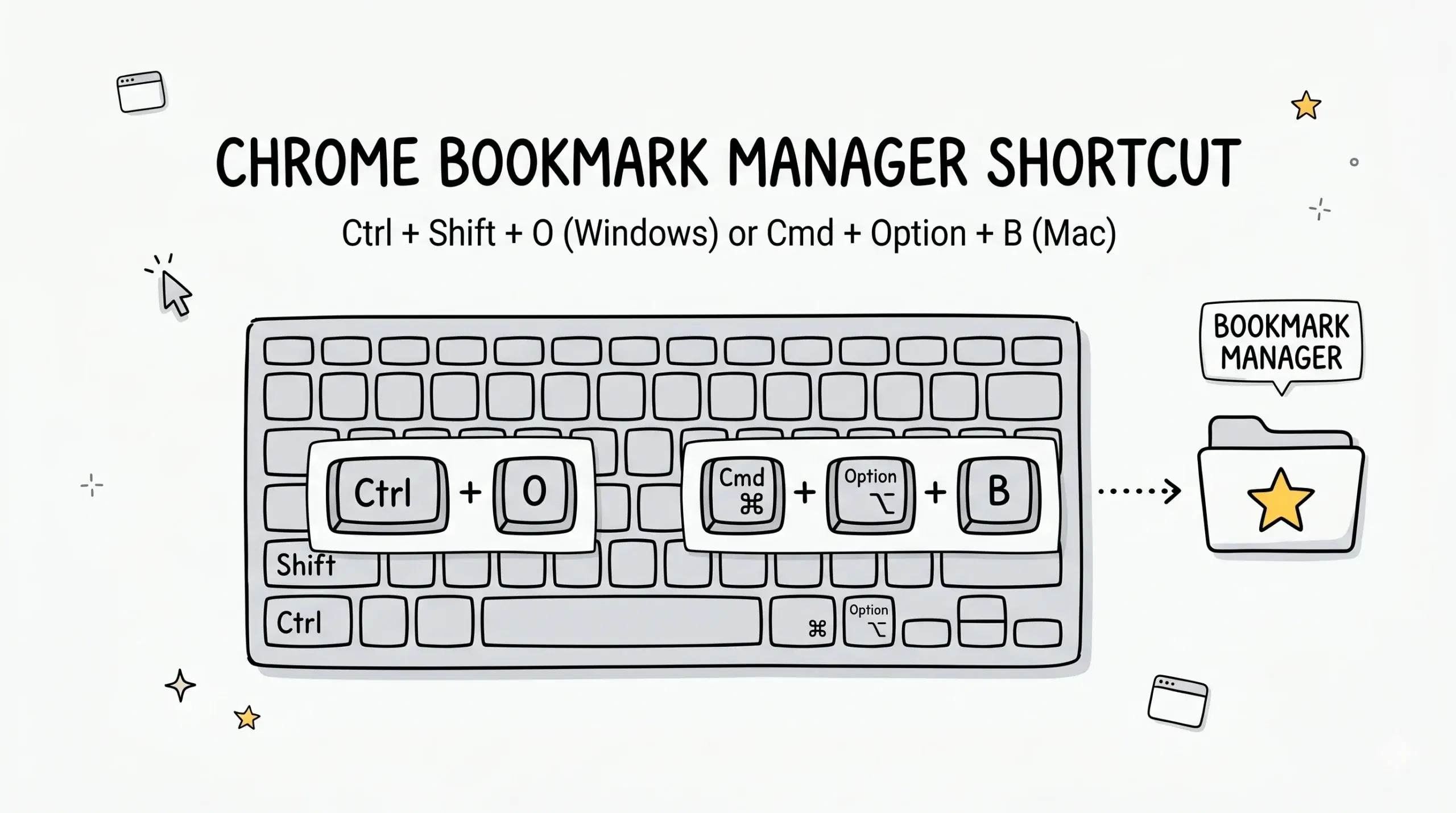
Google documents that you can open Bookmark Manager directly from Chrome settings and menus, confirming the feature still exists even though the interface changed.
Google also introduced a side panel for bookmarks and reading lists, showing the shift toward a compact sidebar model rather than the older full-page visual manager.
Best fix for users who miss the old experience
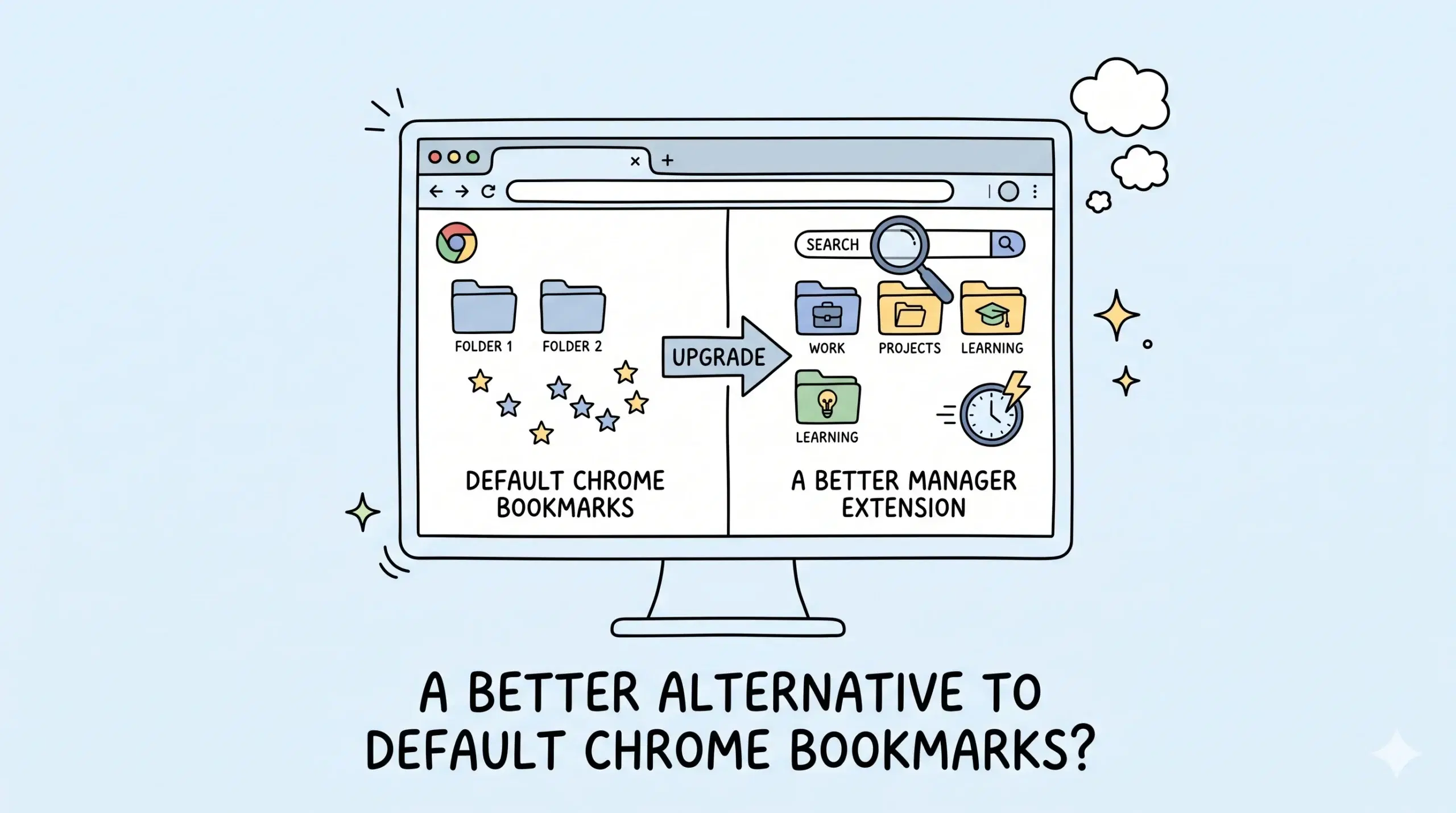
A Chrome bookmark manager extension is usually the fastest way to restore productivity. It can help project managers and web developers sort links, group resources by task, remove clutter, and find saved pages quickly. For example, a developer managing staging, production, and client links can keep each set organised without digging through multiple folders.
Did Chrome remove bookmarks?
No. Chrome still supports bookmarks, folders, syncing, and Bookmark Manager. The layout and access points changed.
Can I restore the old bookmark manager in Chrome?
The original legacy interface is no longer standard, but extensions can recreate many of the same organisational benefits.
Why use a bookmark manager extension?
Extensions often add faster search, cleaner folder handling, duplicate checks, and better workflows for heavy bookmark users.
Upgrade your Chrome bookmark workflow
Use a dedicated Chrome bookmark manager extension to organise links faster and work more efficiently.