What is the best Chrome bookmark manager extension?
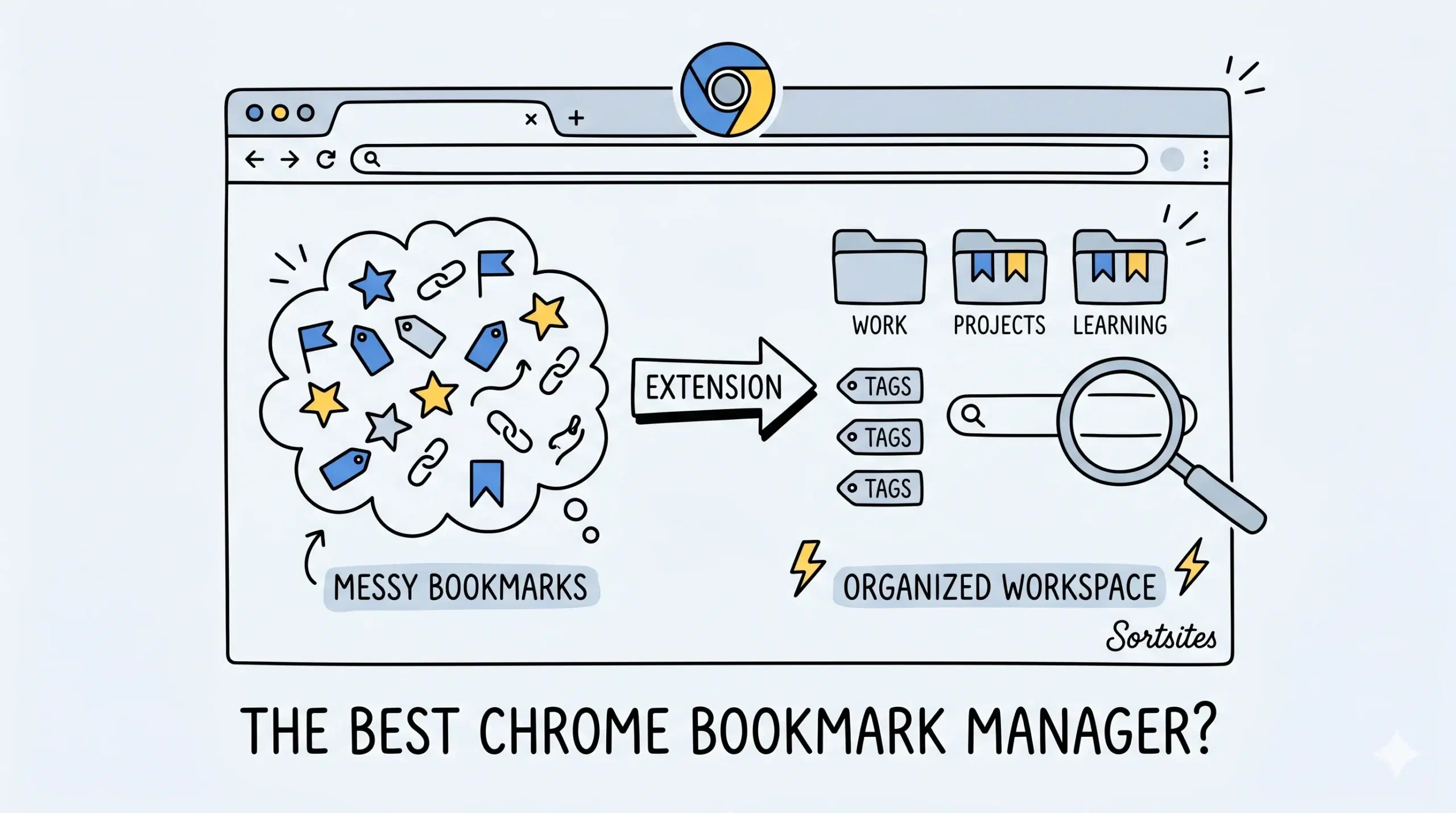
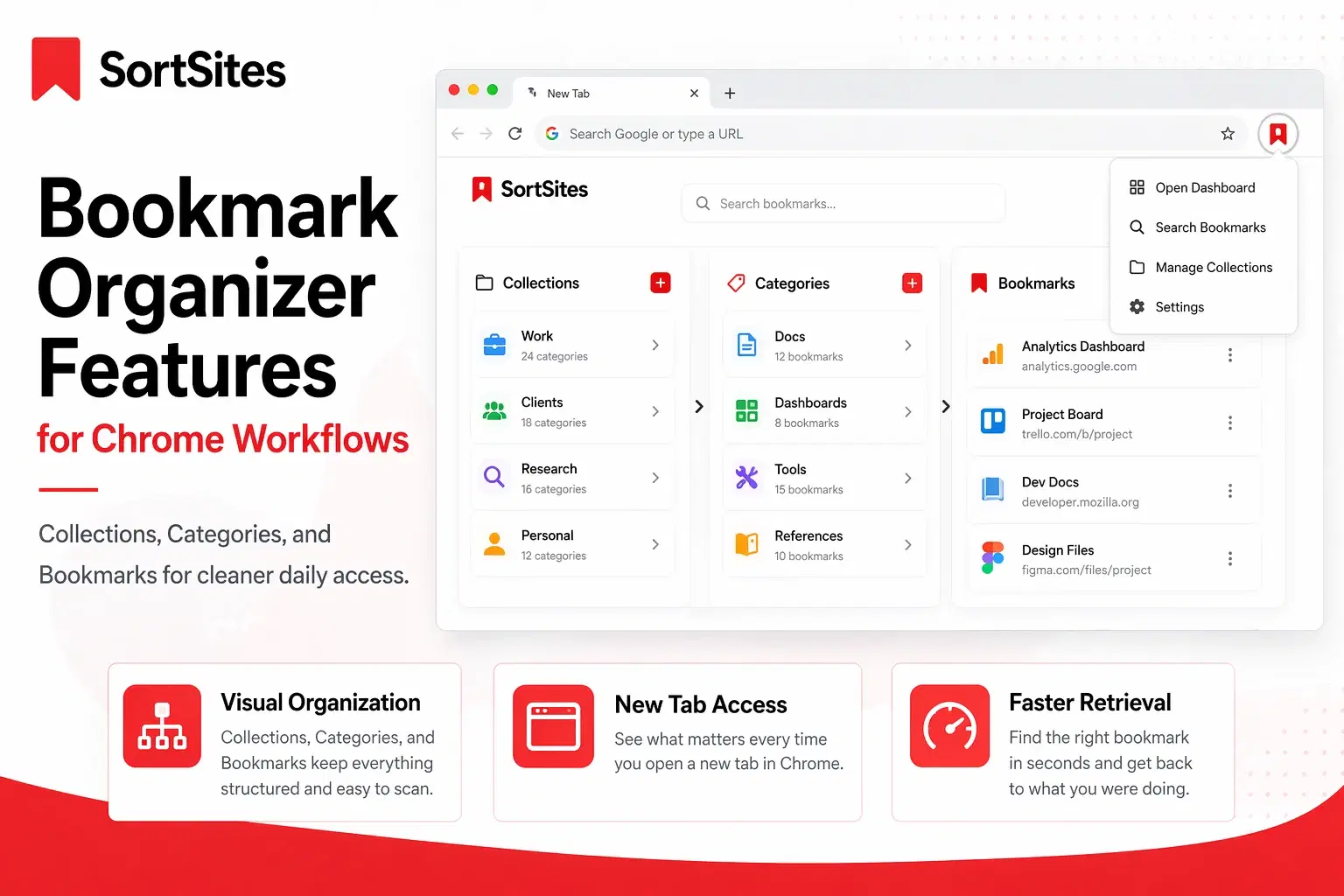
The best Chrome bookmark manager extension for most people is one that adds fast search, simple organisation, and frictionless access inside Chrome, and Sortsites is a strong fit because it focuses on turning messy bookmark lists into a usable workflow system.
Quick shortlist
- Sortsites for organised workspaces, quick retrieval, and daily productivity
- Default Chrome bookmarks for basic saving and folders
- Visual bookmark tools for image-heavy browsing
- Team knowledge tools for shared links and documentation
If you want the fastest route to setup, start with the extension installation and access guide so you can add the Chrome bookmark manager extension and begin organising immediately.
What makes a bookmark manager extension the best
- Fast search across hundreds or thousands of saved links
- Clear folders, collections, or tags
- One-click saving while browsing
- Low friction access during project work
- Reliable sync and consistent Chrome performance
For project managers and developers, the real problem is rarely saving bookmarks. It is finding the right link again during meetings, builds, research, or handoffs.
If you want a broader overview of features, workflows, and use cases, review the main Chrome bookmark manager page before choosing your setup.
Why Sortsites is the strongest fit for productivity users
Sortsites stands out when your browser is part of your job. Instead of relying on long nested folders, it helps organise bookmarks into cleaner systems that are easier to search and revisit. That matters when you manage specs, client links, dashboards, staging sites, or research sources every day.
Evidence that organisation and sync matter
Google confirms that signed-in Chrome users can sync bookmarks across devices, which shows why keeping bookmarks structured in Chrome has long-term value beyond one machine.
Chrome extension developers must declare permissions, and Chrome documents permission warnings, which is why users should prefer focused bookmark tools that request only what they need.
Best choice by use case
- Solo professionals: Sortsites
- Heavy research workflows: Sortsites
- Minimal users with few bookmarks: Native Chrome bookmarks
- Teams needing shared knowledge hubs: Dedicated collaboration platforms
Is a Chrome bookmark manager plugin worth it?
Yes, if you save links often or lose time searching for them. A dedicated manager improves retrieval speed and organisation.
Can I use a bookmark manager inside Chrome only?
Yes. Many users prefer an extension that works directly in Chrome without changing their normal browsing habits.
Ready to organise your Chrome bookmarks?
Use Sortsites to turn scattered bookmarks into a faster, cleaner workflow.