Best Chrome Bookmark Manager for Organized Workflows
Compare what matters when choosing a Chrome bookmark manager for cleaner organization, faster retrieval, and a workflow that suits project managers and web developers.
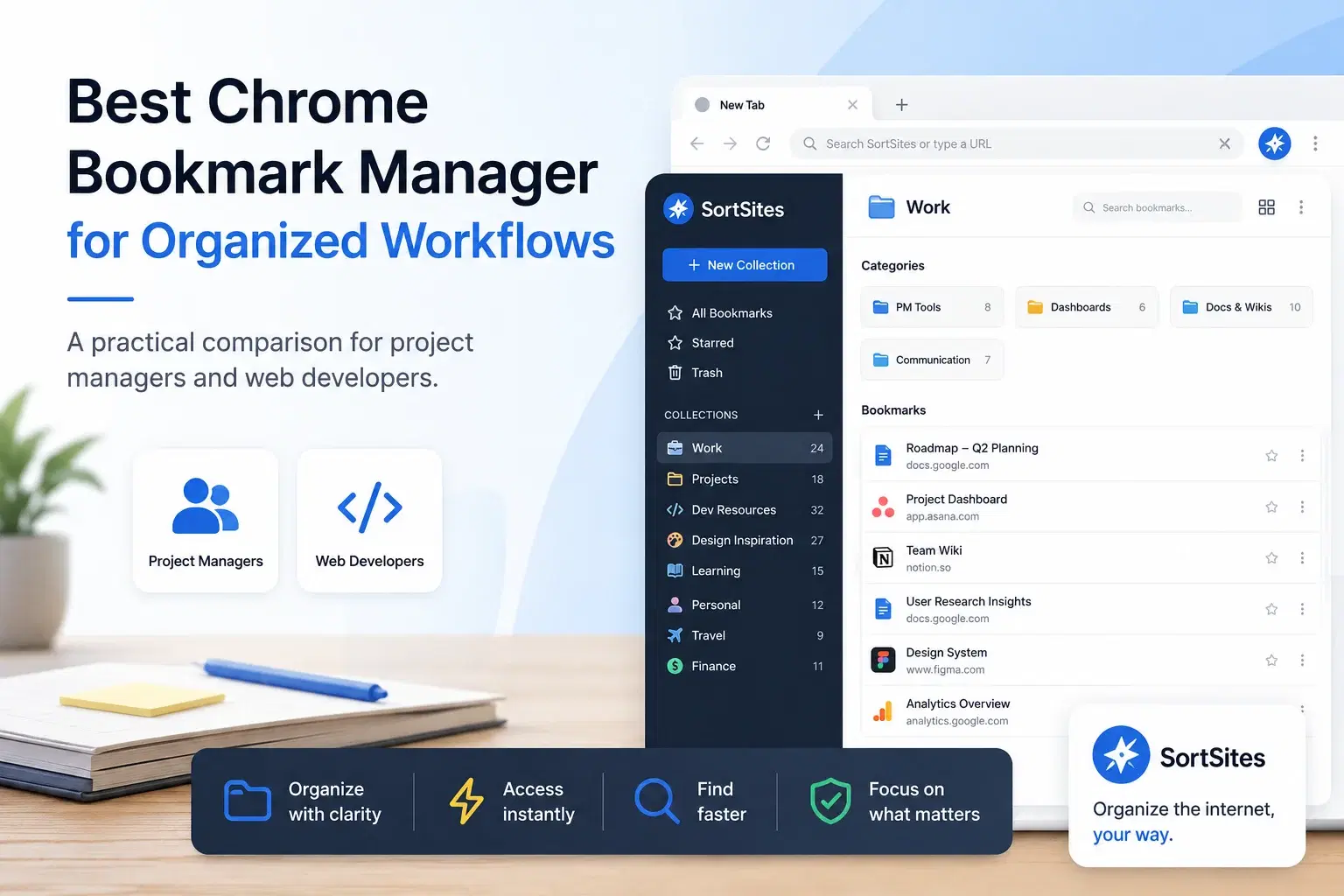
Sortsites helps you choose a better bookmark manager for Chrome when your saved links are starting to slow down your work instead of supporting it.
Key takeaways
- Choose a Chrome bookmark manager based on retrieval speed, not only saving convenience.
- For project managers and web developers, the best option is the one that keeps work links organized by real workflow context.
- Sortsites is built for people who need a neat way to organize bookmarks and manage browser-based work.
- Old best bookmark manager lists from 2017, 2018, 2019, 2021, or 2022 can be useful background, but your current choice should match how you work now.
| Option | Best for | Tradeoff |
|---|---|---|
| Sortsites Chrome bookmark manager extension | Project managers and web developers who want a neat bookmark organizer inside Chrome | Best fit when your main pain is bookmark organization and quick retrieval in the Chrome browser |
| Default browser bookmarks | Light saving of occasional links | Can become harder to manage as your saved links grow across projects and workflows |
| Generic bookmark apps | People who want a separate place to store links | May add another destination to manage outside the browser workflow |
| Manual folders and naming systems | Users who already maintain strict personal organization habits | Requires consistent upkeep and can break down when work changes quickly |
What makes the best Chrome bookmark manager worth choosing
The best Chrome bookmark manager is not simply the one with the longest feature list. It is the one that helps you find the right bookmark at the moment you need it.
That matters most when bookmarks are part of your daily work. A project manager may need quick access to plans, dashboards, research, tools, and stakeholder references. A web developer may need documentation, repositories, testing tools, design references, and client resources. When those links are scattered, every search adds friction.
A better bookmark manager should reduce that friction. It should help you keep useful websites organized, make retrieval easier, and support the way you already work in Chrome.
How Sortsites fits the comparison
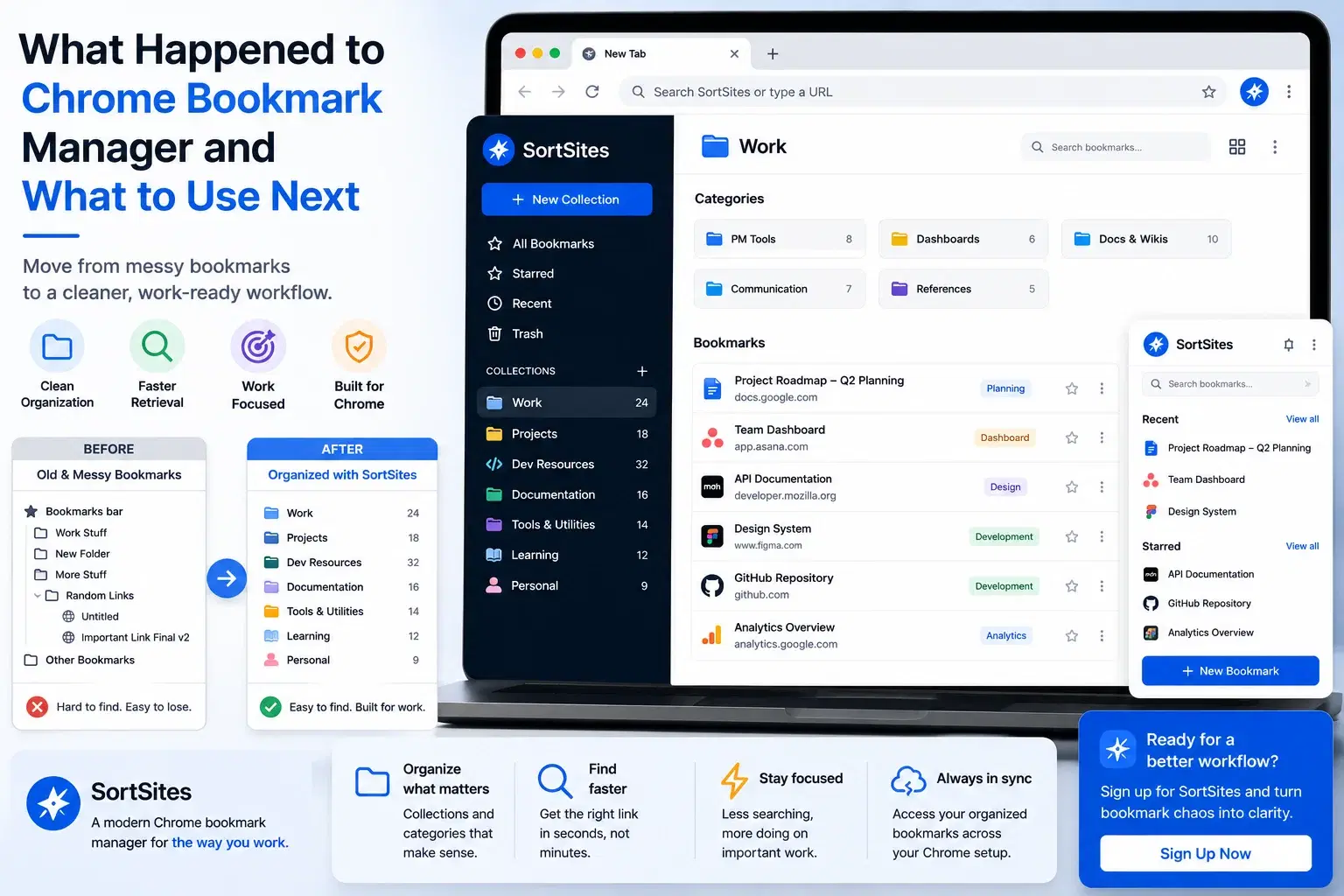
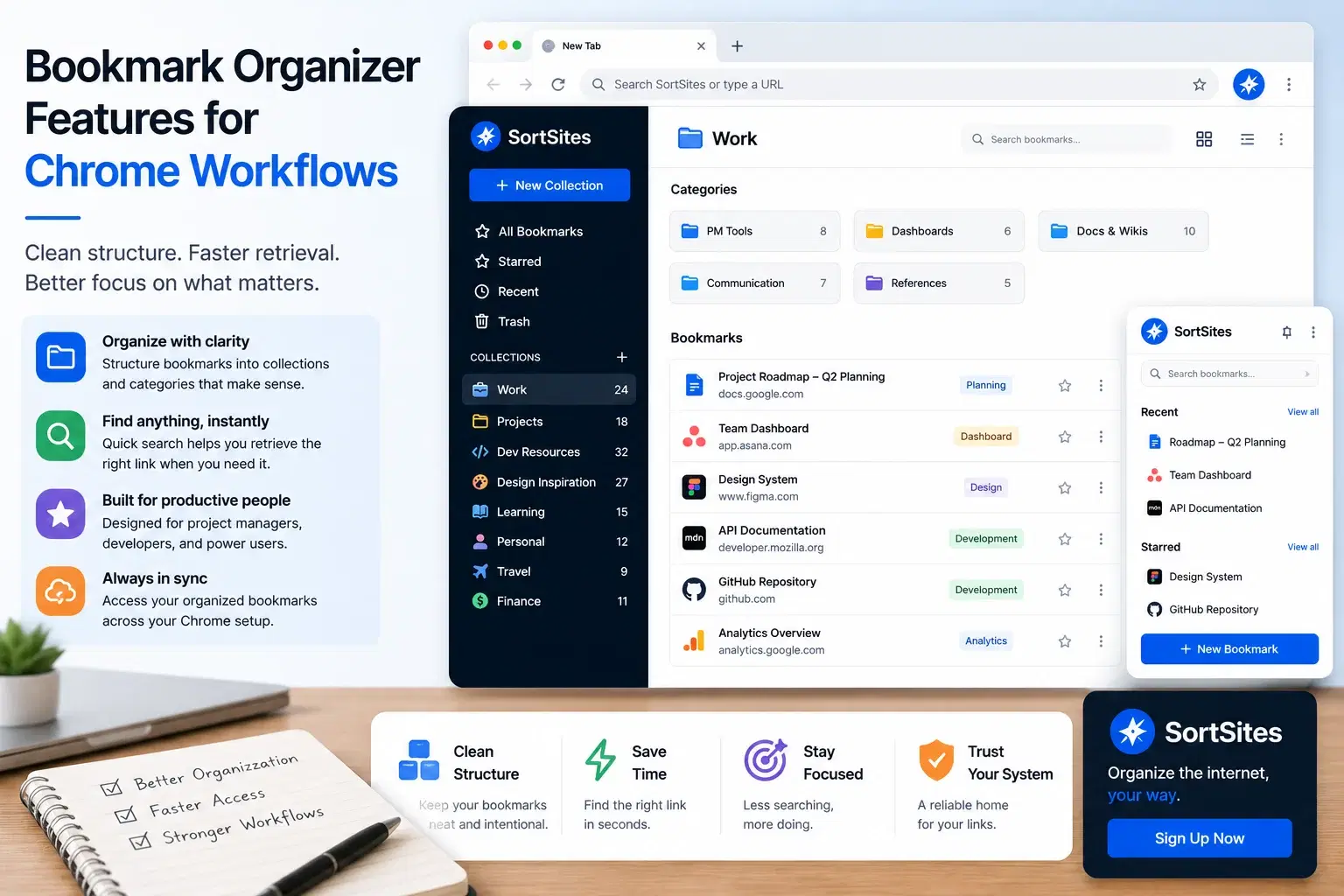
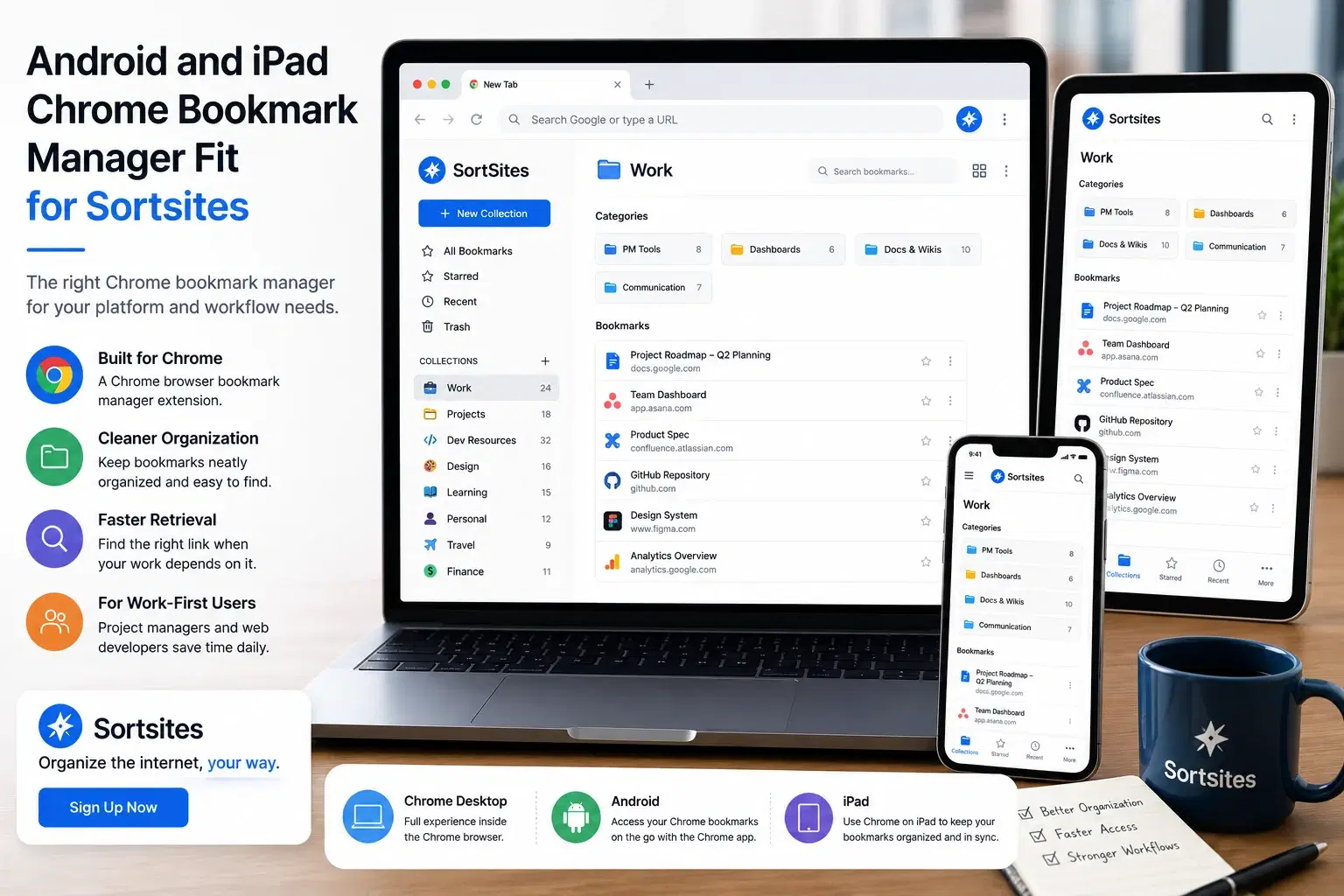
Sortsites is a Chrome browser bookmark manager extension for organizing bookmarks more neatly and making them easier to retrieve. It is a fit when your main problem is bookmark chaos, not when you are looking for a heavy system with unrelated workflow tools.
Built for Chrome users
Sortsites is made for people working inside the Chrome browser who want a bookmark organizer that supports their browsing workflow.
Focused on organization
The product is centered on bookmark organization, so the value is clear when your current setup feels messy or hard to retrieve from.
Useful for work-heavy browsing
Project managers and web developers can use a cleaner bookmark system to keep work links easier to manage across tasks and projects.
Simple decision path
If your main need is a neat way to organize bookmarks in Chrome, Sortsites is directly aligned with that problem.
How to evaluate bookmark manager reviews before you choose
Reviews and comparison lists are helpful, but the best bookmark app for someone else may not be the best bookmarks manager for your workflow. Focus on fit before popularity.
- Your bookmarks are difficult to retrieve quickly.
- You use Chrome as your main work browser.
- You save links for projects, research, development, planning, or workflow management.
- You want cleaner organization rather than another broad productivity tool.
- You are ready to sign up for a dedicated bookmark organizer instead of relying only on manual browser folders.
When Sortsites is the right choice, and when it is not
Choose Sortsites if you want a focused Chrome bookmark manager extension that helps you organize bookmarks and manage browser-based workflows more neatly. It is especially relevant if you are a project manager or web developer who saves many links and needs a cleaner retrieval system.
It may not be the right fit if you are not using Chrome, if you only save a few casual bookmarks, or if you need a product category beyond bookmark organization. In that case, a basic browser setup or a different kind of app may be enough.
For the broader product overview and how the Chrome bookmark manager fits into your workflow, visit the main Sortsites Chrome bookmark manager page.
Questions to ask before signing up
FAQs
Is Sortsites a Chrome bookmark manager?
Yes. Sortsites is a Chrome browser bookmark manager extension for organizing bookmarks.
Who is Sortsites best for?
Sortsites is best suited to project managers and web developers who use Chrome and want a neater way to organize bookmarks and manage workflows.
Is Sortsites mainly for quick retrieval?
Yes. The core problem it addresses is a lack of bookmark organization and quick retrieval.
Should I choose Sortsites over a generic bookmark app?
Choose Sortsites when your main need is a Chrome-based bookmark organizer. A generic bookmark app may be a better fit only if you want to manage links outside your Chrome workflow.
Organize your Chrome bookmarks with Sortsites
Sign up for a focused Chrome bookmark manager built to help you keep saved links neater and easier to retrieve.