Are Chrome bookmark extensions safe to use?
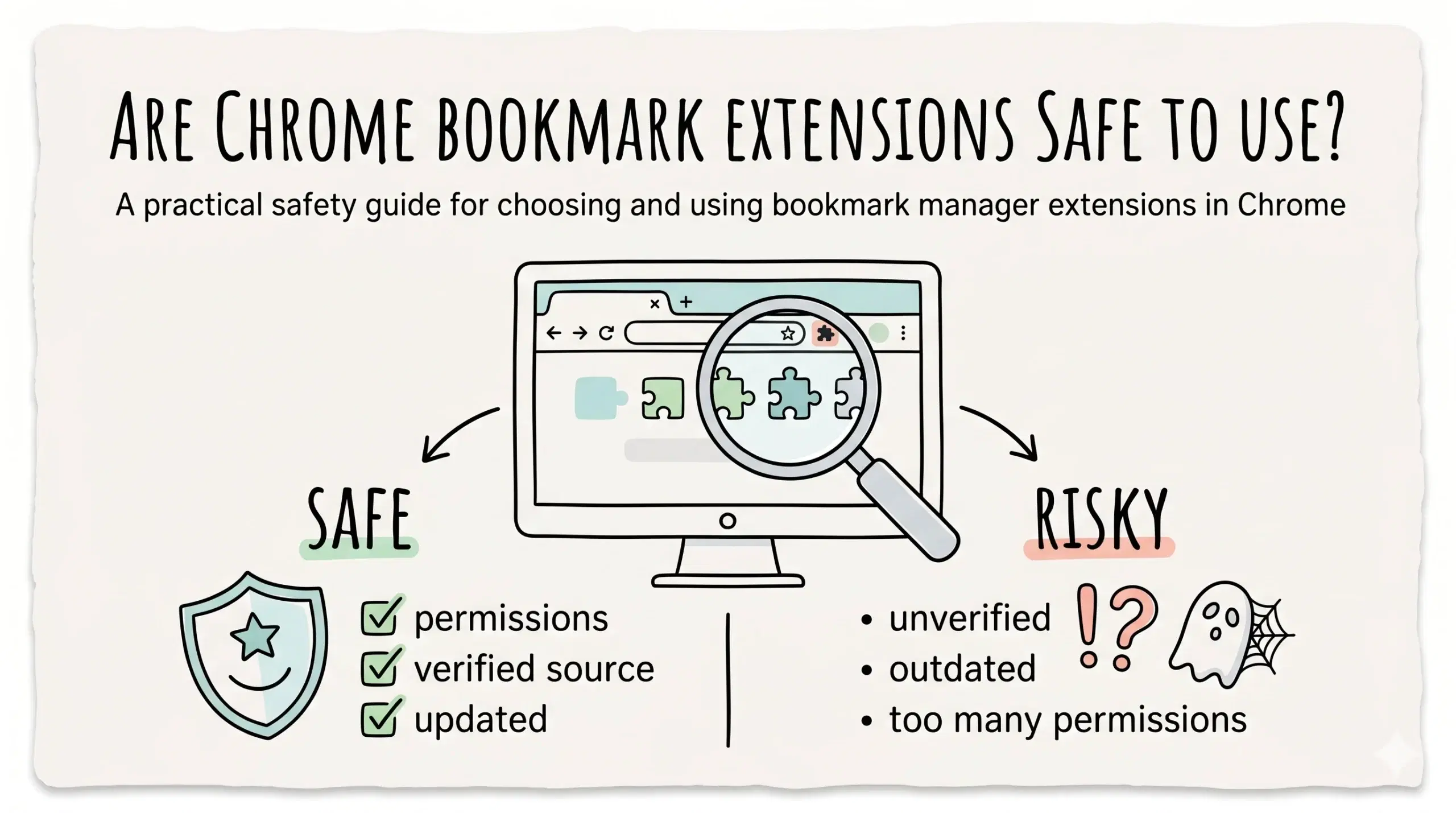
Chrome bookmark extensions are generally safe to use if they come from trusted developers, follow Chrome security policies, and request only necessary permissions, but unsafe or outdated extensions can pose privacy and security risks.
What determines whether a bookmark manager extension is safe
Not all bookmark manager chrome extensions are equal. Safety depends on how the extension is built, maintained, and what access it requires.
- Developer reputation and update frequency
- Permissions requested by the extension
- User reviews and install base
- Compliance with Chrome extension policies
- Transparency in data handling
A well built bookmark manager plugin focuses on organizing bookmarks without requesting unnecessary access to browsing data.
A secure extension installation process explains how to evaluate permissions, verify sources, and safely install a bookmark manager extension chrome users can trust.
Real risks to be aware of
While many extensions are safe, some risks exist if you install poorly maintained or malicious tools.
- Access to browsing activity if permissions are too broad
- Data collection without clear disclosure
- Extension abandonment leading to vulnerabilities
- Malicious updates introduced after installation
Chrome extensions can request access to read and change data on websites you visit, which is why reviewing permissions before installing is critical.
This level of access is powerful and useful for functionality, but it also means users must choose tools carefully.
Google enforces Chrome Web Store policies that require extensions to follow strict security and privacy standards, reducing but not eliminating risks.
How to choose a safe bookmark manager extension
To safely use a bookmark manager app or bookmarks app, focus on practical evaluation rather than assumptions.
- Install only from the Chrome Web Store
- Check last update date and developer activity
- Review permissions before installing
- Read recent user reviews carefully
- Avoid extensions with excessive or unrelated permissions
For project managers and developers, choosing a reliable bookmark app for chrome ensures both productivity and data safety.
A complete chrome bookmark manager system focuses on secure storage, structured organization, and consistent performance across workflows.
Best practice workflow for safe usage
Safety is not just about installation. It also depends on how you use and maintain your extensions.
- Keep extensions updated regularly
- Remove unused extensions
- Audit permissions periodically
- Use one reliable bookmark management software instead of many tools
Example scenario
A developer installs multiple bookmark manager extensions to test features. Over time, one stops updating and requests additional permissions. By removing it and switching to a maintained Google Chrome bookmark manager extension, they reduce risk and improve workflow stability.
Are all Chrome bookmark extensions safe?
No, safety depends on the developer, permissions, and maintenance of the extension.
How do I know if a bookmark manager extension is trustworthy?
Check permissions, reviews, update history, and whether it follows Chrome Web Store policies.
Is it safe to download a bookmark manager extension?
Yes, if downloaded from the Chrome Web Store and verified carefully before installation.
Use a safer bookmark management system
Organize your bookmarks with a secure and reliable Chrome bookmark manager extension designed for modern workflows.