Can I sync a third-party bookmark manager with Chrome on mobile?
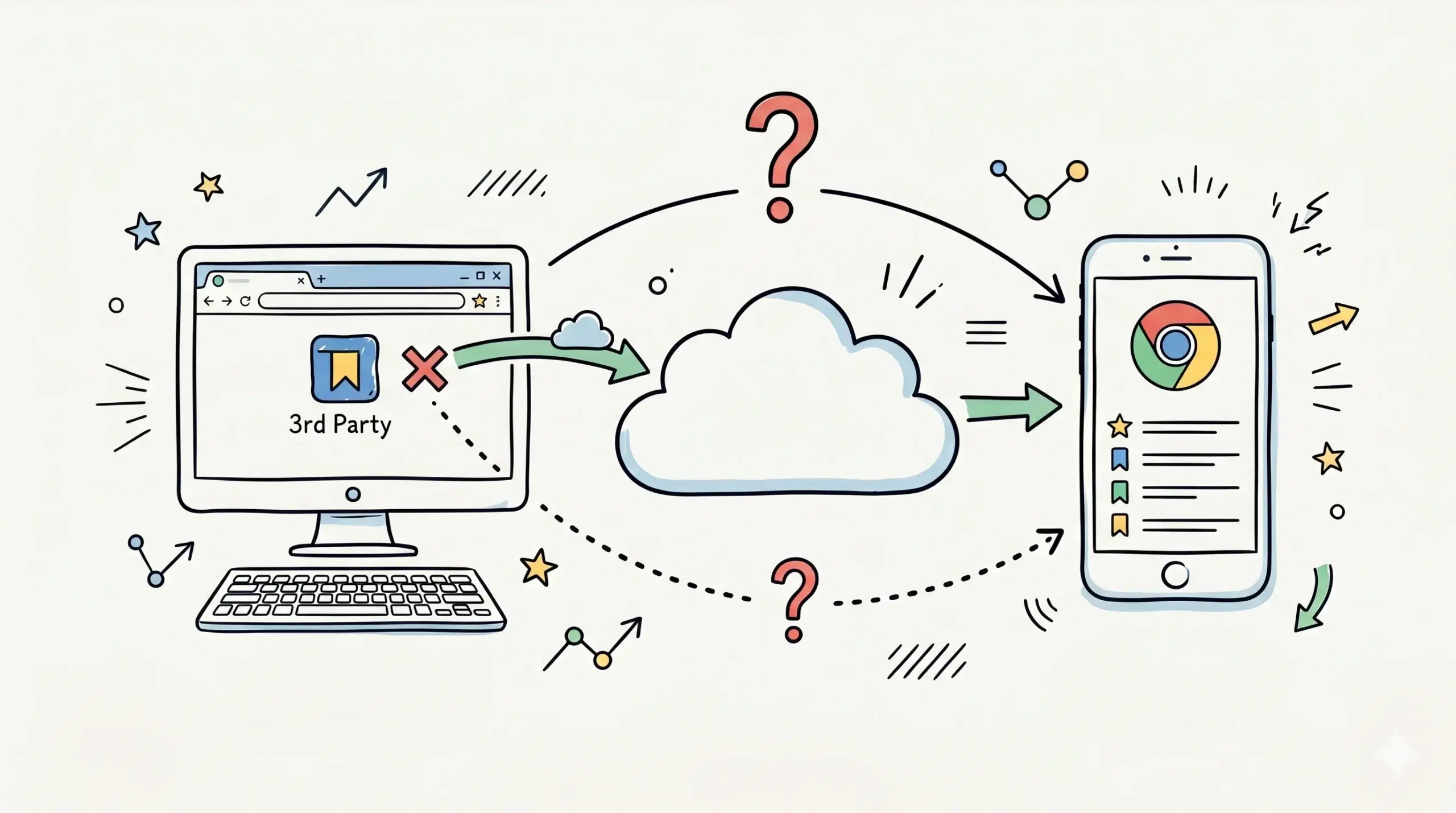
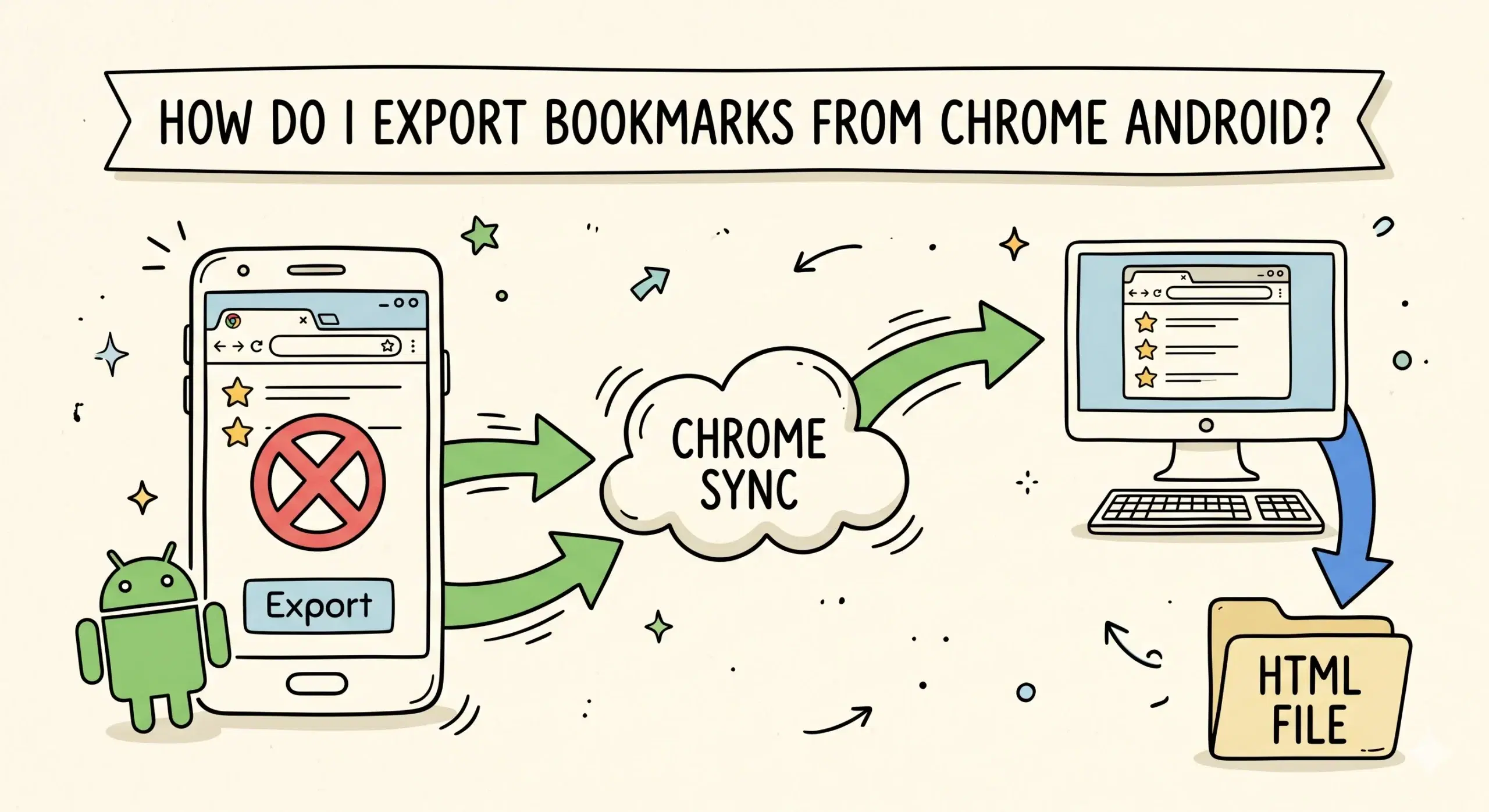
No, Chrome on mobile does not natively support direct syncing with third-party bookmark managers, but you can still achieve a similar result using extensions, cloud sync, and structured workflows that bridge desktop and mobile environments.
Why Chrome Mobile Does Not Support Direct Sync
Chrome mobile browsers do not allow extensions in the same way desktop Chrome does, which is the primary limitation. Most better bookmark manager Chrome tools rely on extensions to organize, tag, and sync bookmarks. Without extension support on mobile, direct integration becomes restricted.
If you are comparing options for a better bookmark manager Chrome setup, the most effective approach is to use a system that syncs through your Google account and complements Chrome rather than trying to replace its mobile behavior.
How Sync Actually Works Across Devices
Chrome sync relies on your Google account to keep bookmarks, history, and tabs aligned across devices. A third-party bookmark manager extension works on desktop, organizes bookmarks, and then stores them in Chrome or cloud storage that Chrome mobile can access indirectly.
A Chrome bookmark manager extension becomes the central control layer on desktop, while Chrome mobile acts as the access layer using synced bookmarks.
Best Practical Setup for Mobile Sync
- Use a Chrome bookmark manager extension on desktop to organize bookmarks
- Ensure bookmarks are saved within Chrome so Google sync can carry them
- Access those bookmarks on Chrome mobile through the synced account
- Use folders and naming conventions optimized for mobile navigation
For example, a project manager organizing client resources can structure bookmarks on desktop using tags and folders, and then quickly retrieve them on mobile during meetings without needing the extension itself.
What Makes a Better Bookmark Manager Chrome Compatible
The best bookmark manager for Chrome is not one that tries to replace Chrome mobile, but one that enhances desktop organization while remaining compatible with Chrome sync. Key features include structured folders, tagging systems, fast search, and seamless syncing behavior.
Google confirms that Chrome sync automatically saves bookmarks and makes them available across devices when signed into the same account, which is the foundation that third-party tools rely on.
Additionally, Chrome mobile does not currently support extensions, which explains why direct third-party bookmark manager syncing is not possible on mobile devices.
Recommended Approach
For most users including developers and project managers, the best approach is to use a Chrome bookmark manager extension as the primary system for organizing bookmarks, while relying on Chrome sync to make those bookmarks available on mobile. This creates a clean workflow without fighting platform limitations.
Can I install bookmark manager extensions on Chrome mobile?
No, Chrome mobile does not support extensions, which prevents direct use of most third-party bookmark managers.
Will my bookmarks still appear on mobile?
Yes, as long as your bookmarks are saved in Chrome and sync is enabled, they will appear on your mobile device.
What is the best workaround?
Use a Chrome bookmark manager extension on desktop and rely on Chrome sync to access organized bookmarks on mobile.
Organize Your Bookmarks Smarter
Start using a better bookmark manager Chrome setup that works seamlessly across desktop and mobile workflows.