Did Google remove the bookmark manager from the three-dot menu?
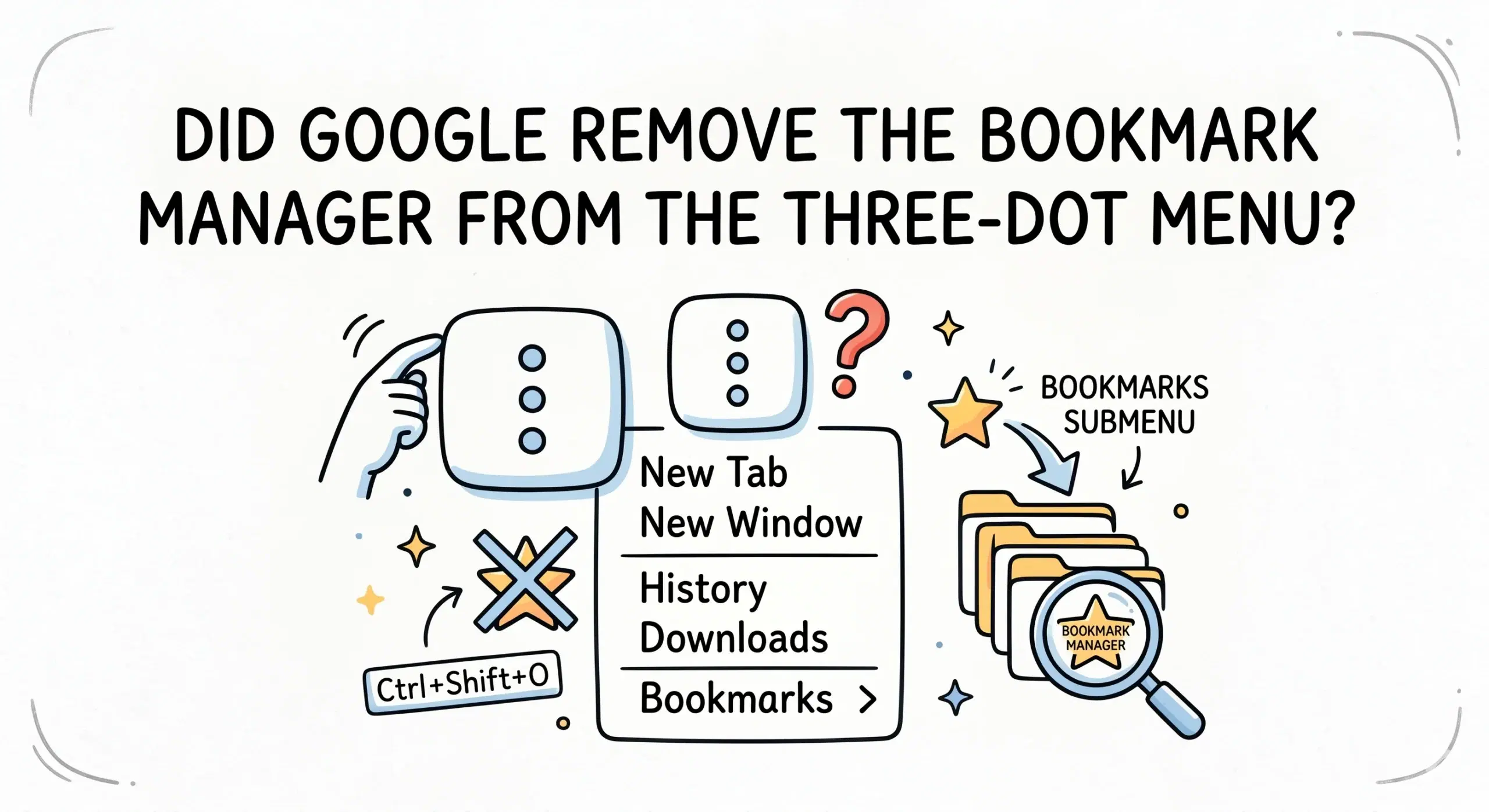
Google did not remove the bookmark manager from the three dot menu, but it reorganized Chrome so the option is less visible and now sits under the Bookmarks submenu or is accessed directly through shortcuts like chrome bookmarks. This shift is why many users feel it disappeared.
Where the bookmark manager went in Chrome
In earlier versions of Chrome, the bookmark manager was more directly accessible from the main menu. Over time, Google streamlined the interface, placing bookmarks under a nested menu to reduce clutter. Today, you access it through the three dot menu, then Bookmarks, then Bookmark manager, or by using a keyboard shortcut.
This change is part of a broader evolution in how Chrome handles bookmarks, which is why many users search for what happened to Chrome bookmark manager or how to restore old bookmark manager Chrome versions.
Why Chrome changed the bookmark manager access
Chrome has gradually shifted toward a cleaner interface and faster navigation patterns. Instead of exposing every feature at the top level, it relies more on shortcuts, search, and minimal menus. This helps reduce visual overload but makes some features feel hidden.
The official Chrome help documentation confirms that bookmarks are still fully supported and accessible through multiple paths including menus, keyboard shortcuts, and direct URLs.
Why users think it was removed
The confusion mainly comes from older versions of Chrome around 2017 and 2018 where the bookmark manager had a different layout and easier visibility. When the interface changed, users lost familiar entry points, leading to the impression that the feature was removed entirely.
Historical discussions around Chrome updates show that UI simplification often relocates features rather than removing them, which can disrupt user habits even when functionality remains intact.
Better way to access and manage bookmarks today
Relying only on the three dot menu is no longer the most efficient workflow. Keyboard shortcuts, direct URLs, and dedicated bookmark management software provide faster access and better organization. This is especially important for project managers and developers handling large sets of links.
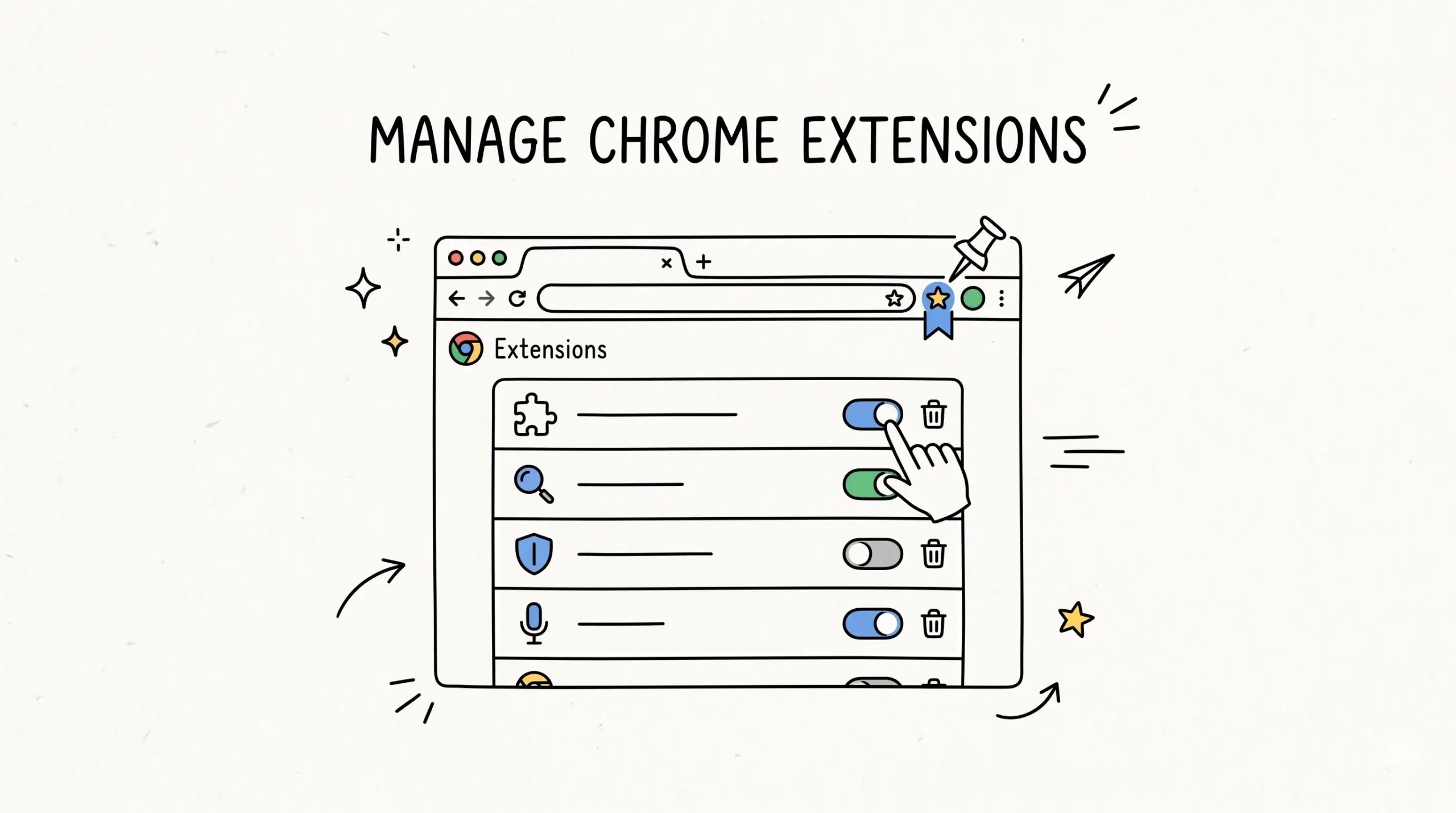
A Chrome bookmark manager extension solves both visibility and organization issues by offering structured folders, tagging, and visual layouts that go beyond the default Chrome experience.
Practical workflow example
A developer managing multiple staging environments and documentation links may find the default menu navigation slow. Instead, using a direct shortcut combined with a visual bookmarking tool allows instant access and better grouping by project or environment.
How do I open the bookmark manager quickly now
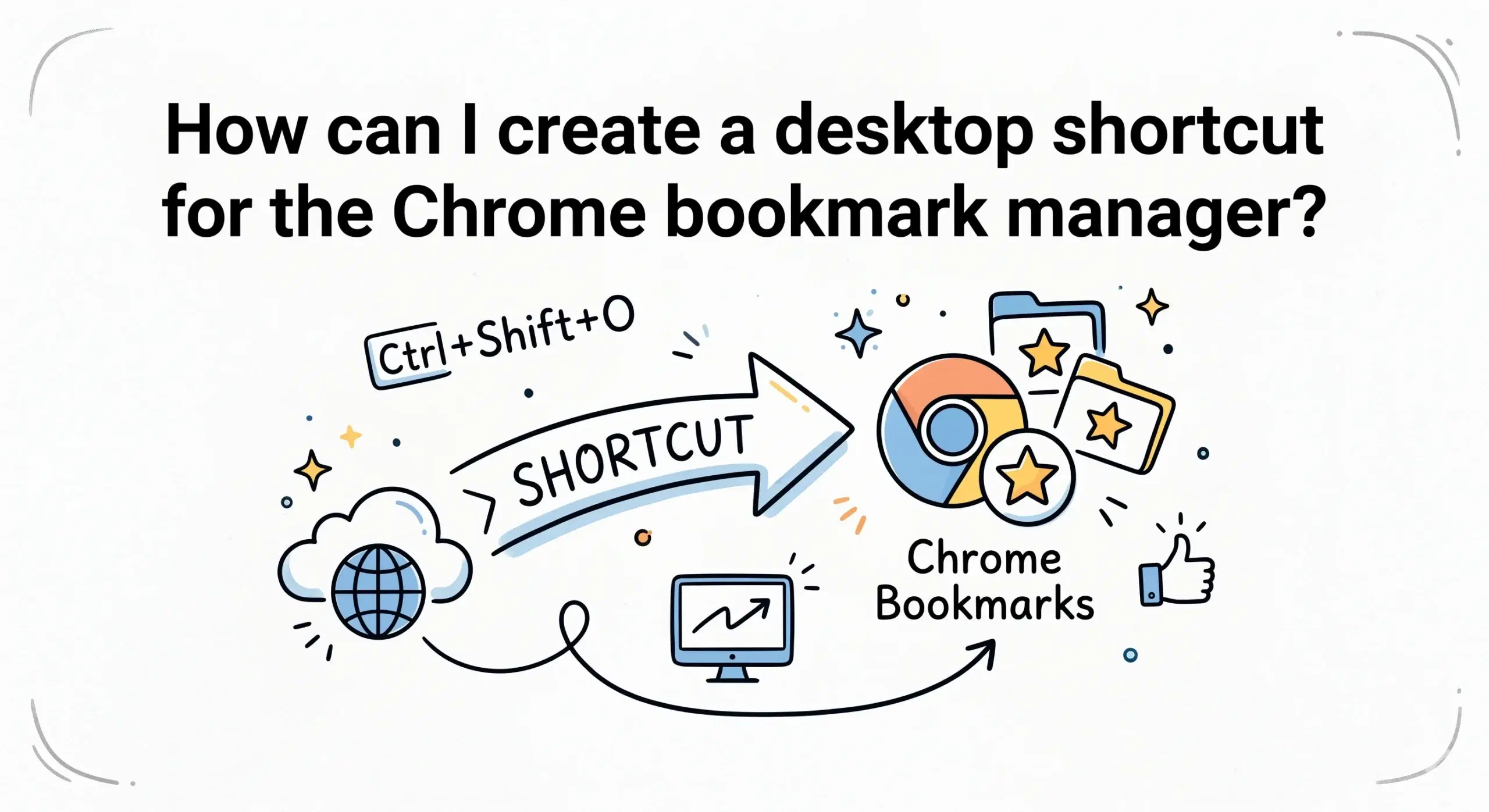
Use the keyboard shortcut Ctrl plus Shift plus O or type chrome bookmarks in the address bar.
Can I restore the old Chrome bookmark manager layout
No, Chrome no longer supports the old interface from earlier versions, but extensions can recreate similar or better functionality.
Why does Chrome keep changing bookmark access
Chrome focuses on simplifying the interface and encouraging faster navigation methods like shortcuts and search instead of menu heavy workflows.
Take control of your bookmarks again
Stop relying on hidden menus and organize your bookmarks with a powerful Chrome bookmark manager extension built for speed and clarity.