How do I sync my computer bookmarks to my Android phone?
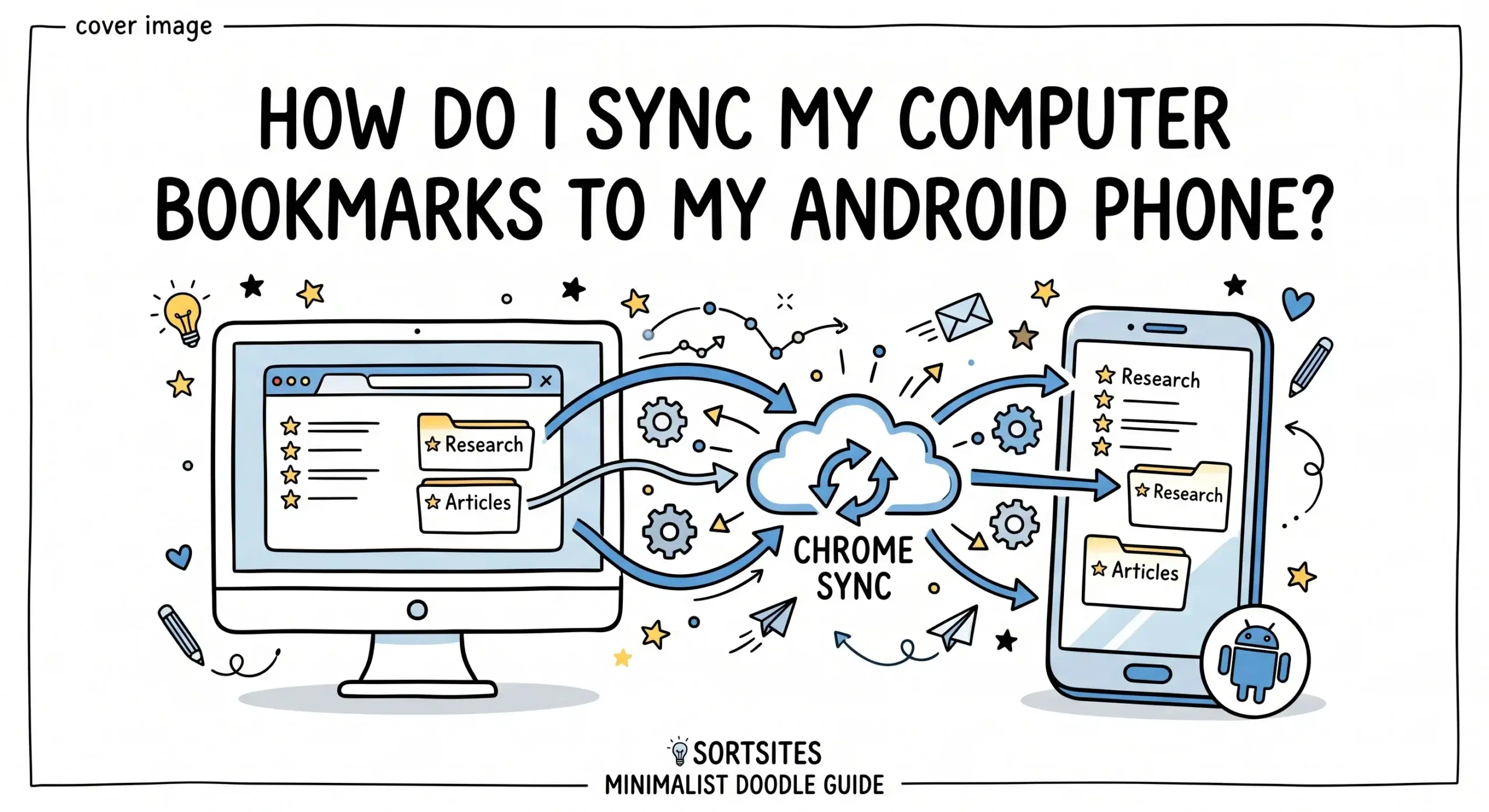
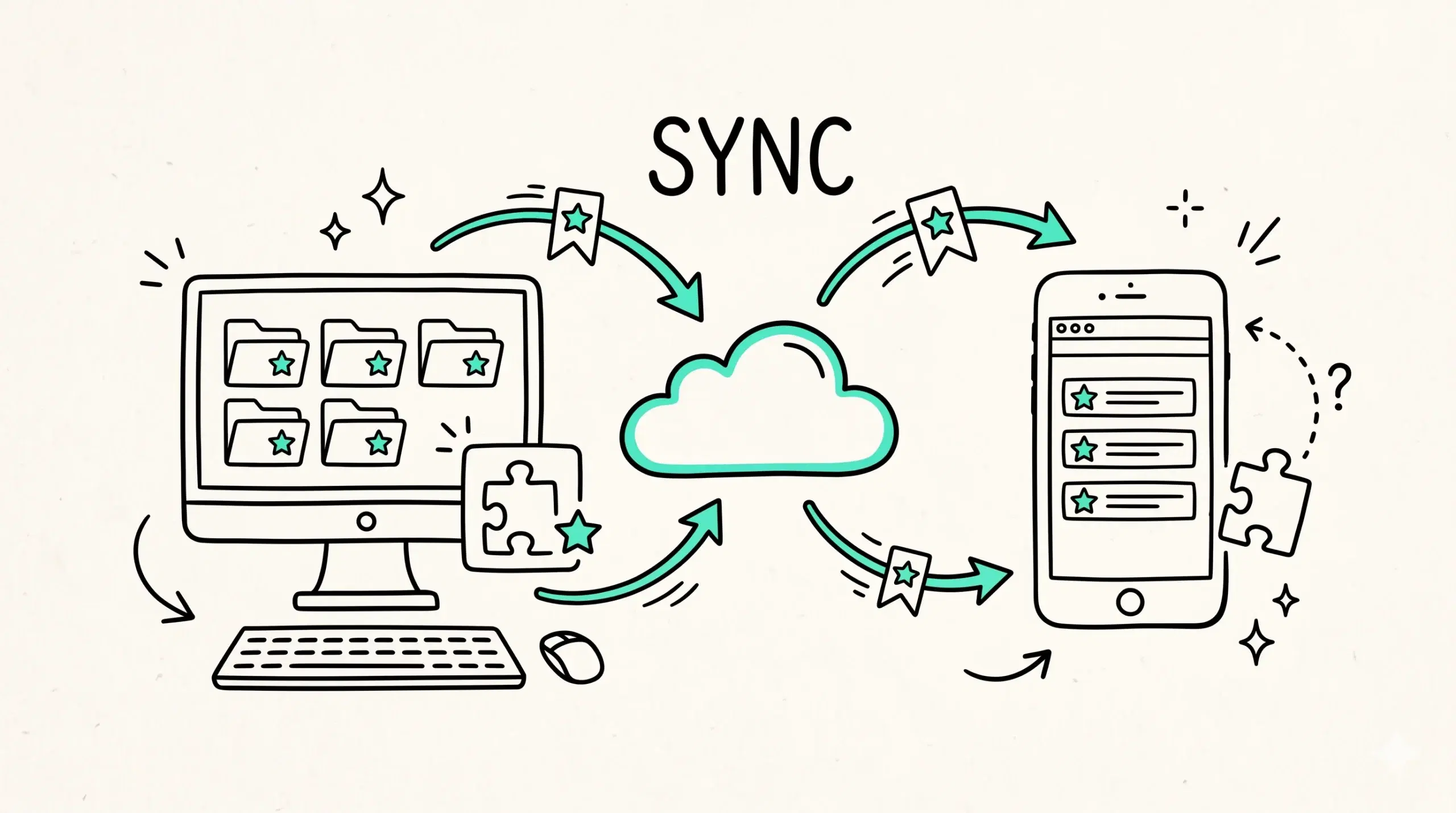
You can sync your computer bookmarks to your Android phone by signing into Chrome with the same Google account on both devices and enabling sync, which automatically keeps bookmarks updated across desktop and mobile.
Step by step process to sync bookmarks
Chrome sync works in the background once it is properly configured. Follow these steps to ensure your bookmarks appear on your Android device.
- Open Chrome on your computer and sign in with your Google account
- Go to Chrome settings and enable sync
- Make sure bookmarks are selected in sync options
- Open Chrome on your Android phone and sign in with the same account
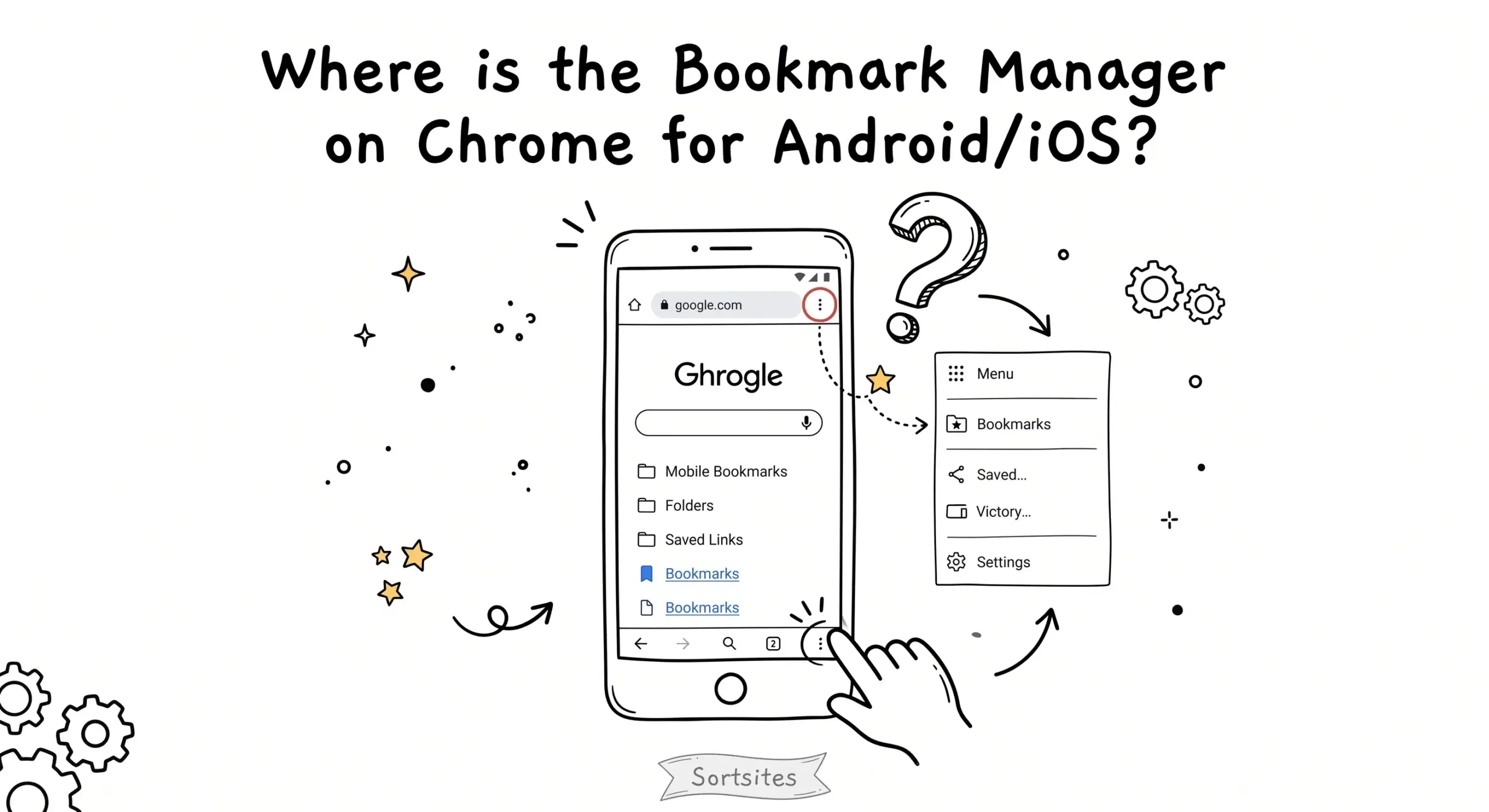
- Tap the menu and open Bookmarks to access synced data
If you face issues where bookmarks are not syncing or appearing correctly, this platform specific guide explains how to troubleshoot Android Chrome bookmark manager problems and improve consistency.
What actually syncs and what does not
While Chrome sync transfers bookmarks, folders, and structure, it does not always preserve advanced organization workflows or visual layouts created on desktop extensions. On Android, bookmarks are displayed in a simplified list format.
For example, a project manager organizing resources into multiple categorized folders on desktop will see the same folders on Android, but without the visual grouping or quick editing tools.
Google explains that Chrome sync uses your Google account to keep bookmarks consistent across devices, but the interface and management capabilities vary by platform.
Why using a bookmark manager improves cross device workflows
A Chrome bookmark manager extension adds structure and clarity on desktop, which then carries over through sync to mobile. Even though Android shows a simplified view, the underlying organization remains intact, making retrieval faster.
To understand how a Chrome bookmark manager helps organize bookmarks more effectively before syncing them to Android, explore this complete Chrome bookmark manager guide.
Research shows that consistent information structures across devices improve task efficiency, which is why organizing bookmarks on desktop before syncing leads to better mobile usability.
Why are my bookmarks not showing on Android
This usually happens when sync is disabled, you are signed into a different account, or bookmarks are not selected in sync settings.
Do bookmark folders sync to Android
Yes, folder structure is preserved, but the interface is simplified compared to desktop.
Can I manage bookmarks fully on Android
Basic editing is possible, but advanced organization is better handled on desktop using a bookmark manager extension.
Organize once and sync everywhere
Use a structured Chrome bookmark manager to create a clean system on desktop and access it seamlessly on Android.