Which bookmark manager for Chrome has the best visual layout?
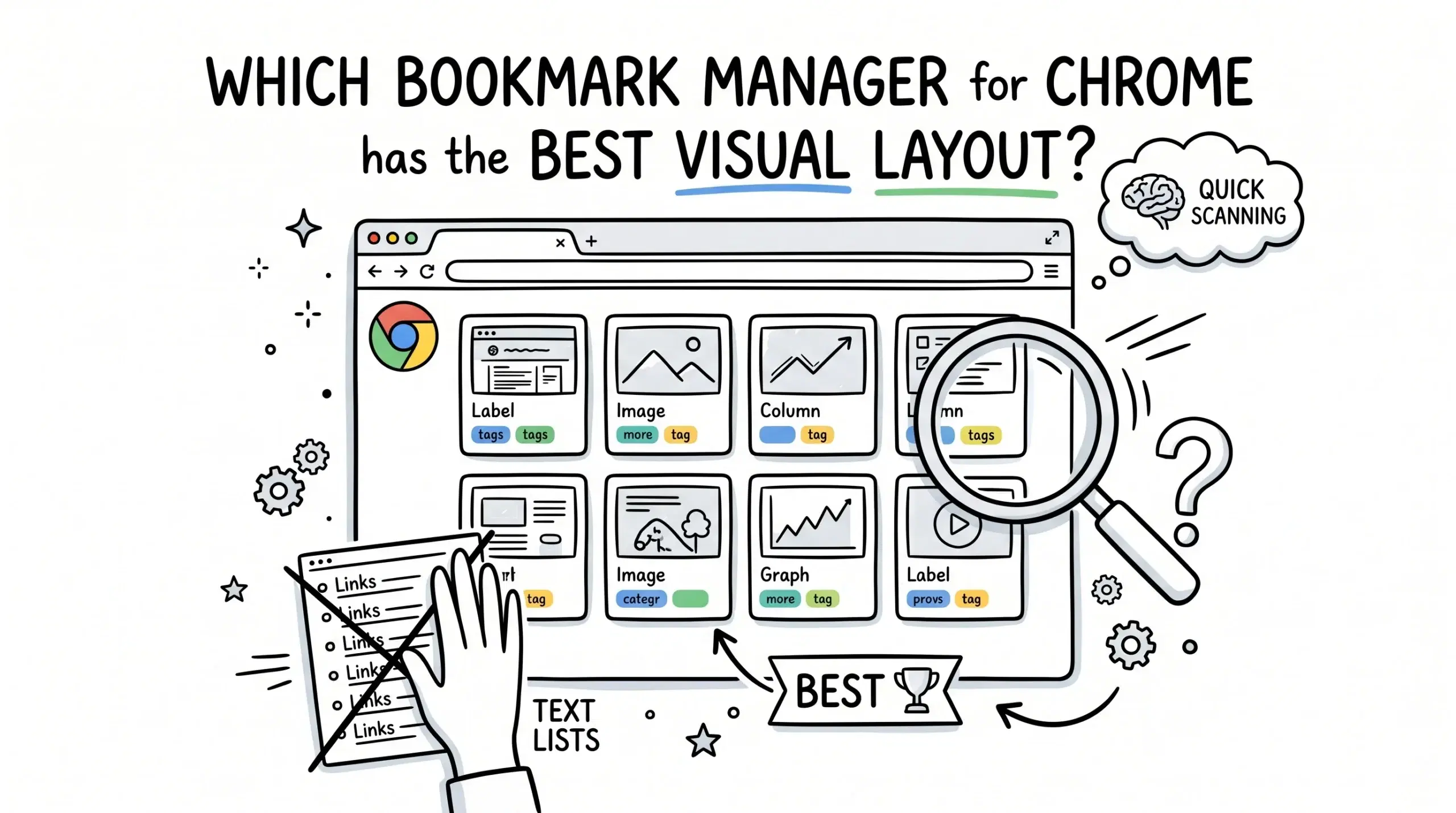
The bookmark manager for Chrome with the best visual layout is one that prioritizes grid-based previews, intuitive grouping, and fast visual scanning, and modern tools like the Sortsites Chrome bookmark manager extension stand out by combining all three into a clean, workflow-focused interface.
What makes a bookmark manager visually effective
A better bookmark manager for Chrome is not just about storing links. Visual layout directly impacts how quickly users can find and reuse resources. For project managers and developers handling dozens or hundreds of links, the interface must reduce cognitive load and support rapid recognition instead of memory recall.
- Grid or card-based layouts with thumbnails
- Clear folder hierarchy with minimal nesting
- Color coding or tagging for quick categorization
- Fast search with visual previews
- Consistent spacing and layout for scanning
If you are comparing options, the most relevant place to evaluate how visual layouts differ across tools is this detailed comparison of Chrome bookmark managers, where layout structure and usability are broken down clearly.
Shortlist of visually strong bookmark managers
Here is a practical shortlist of bookmark manager styles commonly used in Chrome, focusing specifically on visual layout quality.
- Sortsites Chrome bookmark manager extension which uses a structured visual grid with workflow-focused organization
- Traditional Chrome bookmark manager which relies on a text-based tree layout
- Visual tab managers which focus on thumbnails but often lack deep organization
- Dashboard-style tools which combine bookmarks with widgets but can become cluttered
Why Sortsites stands out for visual layout
Sortsites is designed specifically for users who need both visual clarity and structured organization. Instead of forcing users into long nested lists, it presents bookmarks in a clean visual format that supports quick scanning and grouping. This is especially useful for managing research, client resources, or development tools where speed matters.
For a broader understanding of how Chrome bookmark managers work and how visual layouts fit into the overall system, explore the main Chrome bookmark manager guide which explains structure, usage, and workflow integration.
Visual layout comparison factors that matter
When evaluating the best bookmark manager visually, focus on how easily you can locate, recognize, and reuse links. A visually strong interface reduces friction across repeated tasks.
- Recognition over recall where users identify links visually instead of remembering names
- Consistency in layout so items are predictable and easy to scan
- Density control so the interface does not feel cluttered
- Speed of interaction including drag and drop and quick edits
Research shows that users rely heavily on recognition rather than recall when interacting with interfaces, which is why visual layouts significantly improve usability in tools like bookmark managers.
Studies on visual hierarchy demonstrate that well-structured layouts help users process information faster, which directly applies to how bookmark grids and visual grouping improve navigation speed.
Final recommendation based on use case
If your priority is a clean, visual-first workflow with fast retrieval, Sortsites is the strongest fit among current Chrome bookmark manager options. It balances visual layout with structured organization, which most alternatives fail to combine effectively. Traditional managers are functional but not visually optimized, while purely visual tools often lack depth.
What is the main benefit of a visual bookmark manager
It allows faster recognition and retrieval of links by using visual cues like thumbnails and layout instead of relying on memory.
Is the default Chrome bookmark manager enough
It works for basic use but lacks advanced visual organization, making it less efficient for large collections or workflow-heavy users.
Who benefits most from a visual bookmark manager
Project managers, developers, and researchers who manage many resources and need quick access during daily workflows.
Upgrade your bookmark workflow
Switch to a visually optimized Chrome bookmark manager that helps you organize, scan, and retrieve links faster.