Why did my bookmark manager extension stop working?
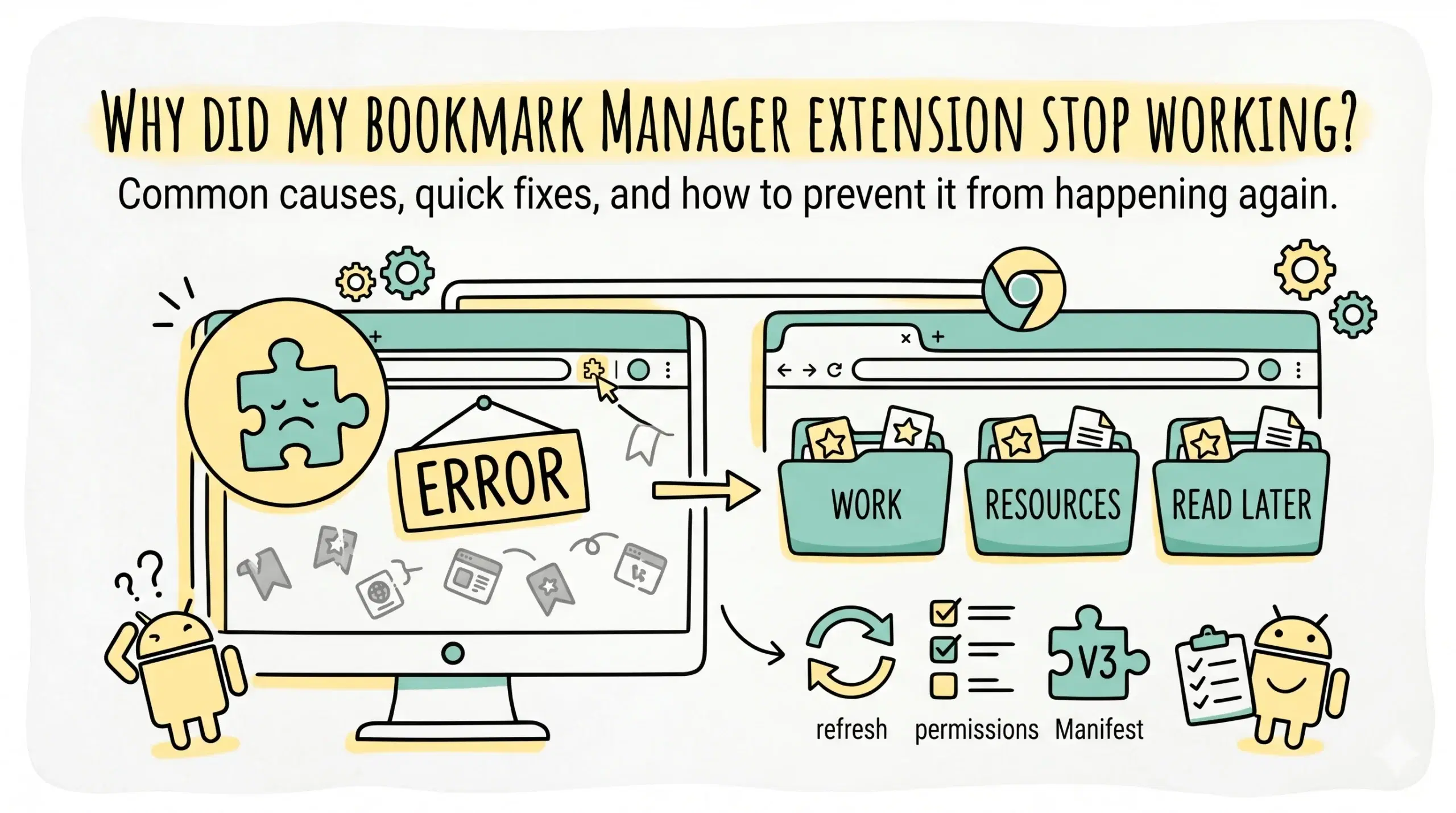
A bookmark manager extension usually stops working in Chrome due to browser updates, extension deprecation, permission changes, or conflicts with other extensions, especially after major Chrome platform changes.
Most common reasons your extension stopped working
If you are wondering what happened to bookmark manager in Chrome, the issue often comes down to how Chrome evolves its extension ecosystem and security model.
- Chrome updates that break older extension APIs
- Extension no longer maintained by the developer
- Permission changes that disable functionality
- Conflicts with other installed extensions
- Corrupted browser profile or sync issues
These problems are more common than they appear, especially for users relying on older bookmark tools built before recent Chrome changes.
Understanding product changes and legacy behavior helps explain why older bookmark tools fail and how modern bookmark management software is designed to remain compatible with Chrome updates.
Chrome changes that impacted bookmark manager extensions
Chrome has gradually shifted its extension framework, which has affected how bookmark tools function.
Google introduced Manifest V3 to improve security and performance, which deprecated older extension methods used by many bookmark manager tools.
This change means extensions built on older architectures may stop working or lose key features unless updated.
Chrome has also updated its built in bookmark system over time, replacing older bookmark manager interfaces with newer versions that removed some advanced capabilities users relied on.
How to fix a broken bookmark manager extension
Before replacing your tool, try these quick fixes.
- Update Chrome to the latest version
- Disable and re enable the extension
- Check extension permissions in Chrome settings
- Remove conflicting extensions
- Reinstall the extension cleanly
If the extension still does not work, it is likely outdated or incompatible with current Chrome standards.
Better long term approach for bookmark management
Instead of relying on legacy tools, use a bookmark organizer built for current Chrome environments. Modern solutions focus on compatibility, structured organization, and cross device consistency.
A modern chrome bookmark manager provides a more reliable system with features like structured folders, faster retrieval, and compatibility with ongoing Chrome updates.
Example scenario
A developer using an old bookmark manager from 2017 notices it no longer loads after a Chrome update. After checking, they find the extension is no longer supported under current Chrome policies. Switching to a maintained Chrome bookmark manager extension restores functionality and improves organization.
Why did my Chrome bookmark manager disappear?
Chrome updates or extension deprecation may remove or disable older bookmark tools, especially if they are not maintained.
Can I restore the old Chrome bookmark manager?
Older bookmark manager versions are no longer supported in modern Chrome versions, so restoration is not reliable.
How do I prevent this issue in the future?
Use actively maintained bookmark management tools that align with Chrome updates and modern extension standards.
Switch to a reliable bookmark system
Avoid broken extensions and manage your bookmarks with a system built for modern Chrome.